 In Stock
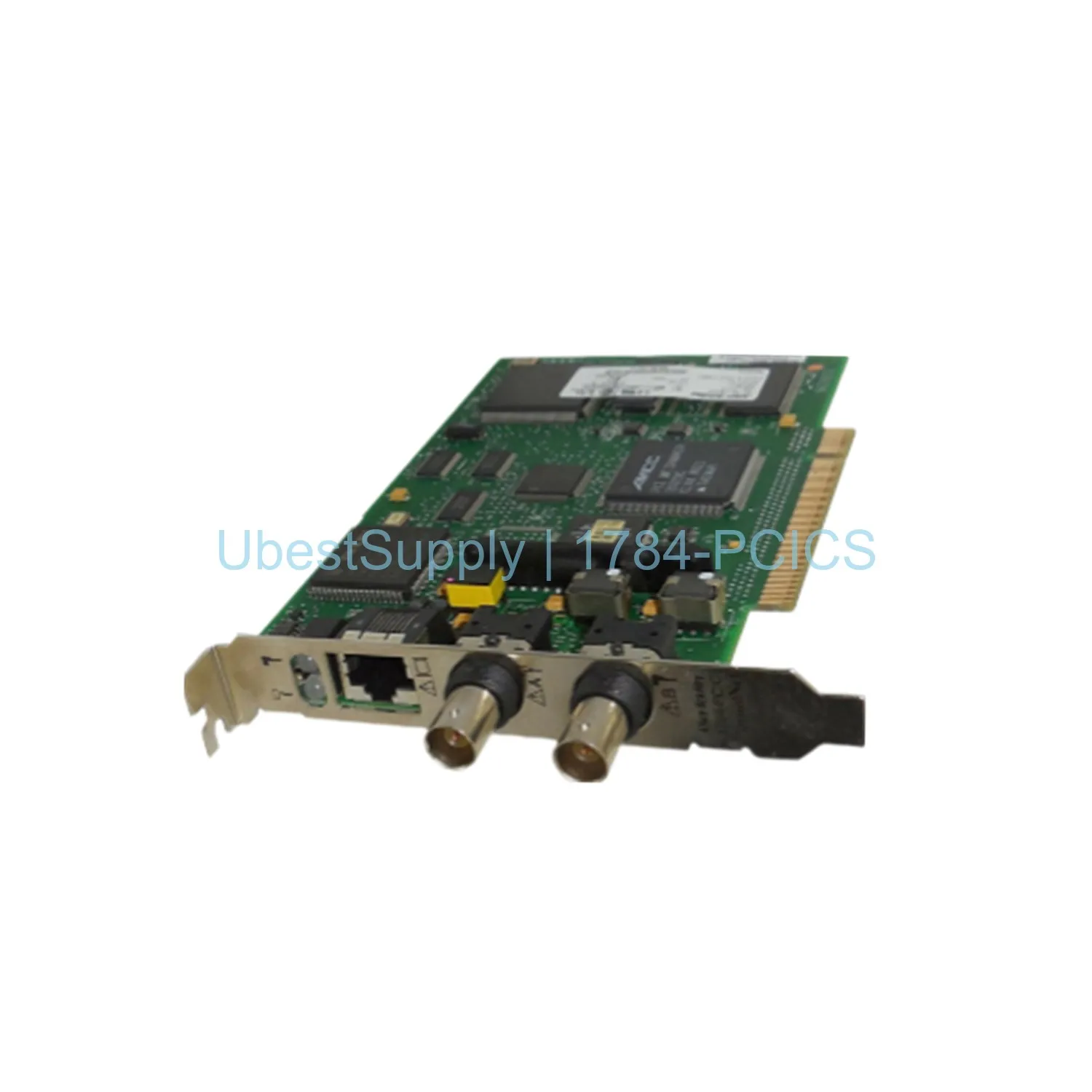
 ControlNet PCI Card Allen-Bradley 1784-PCICS
1784-PCICS
The 1784-PCICS is a ControlNet PCI card from Allen-Bradley. It supports PCI-X,...

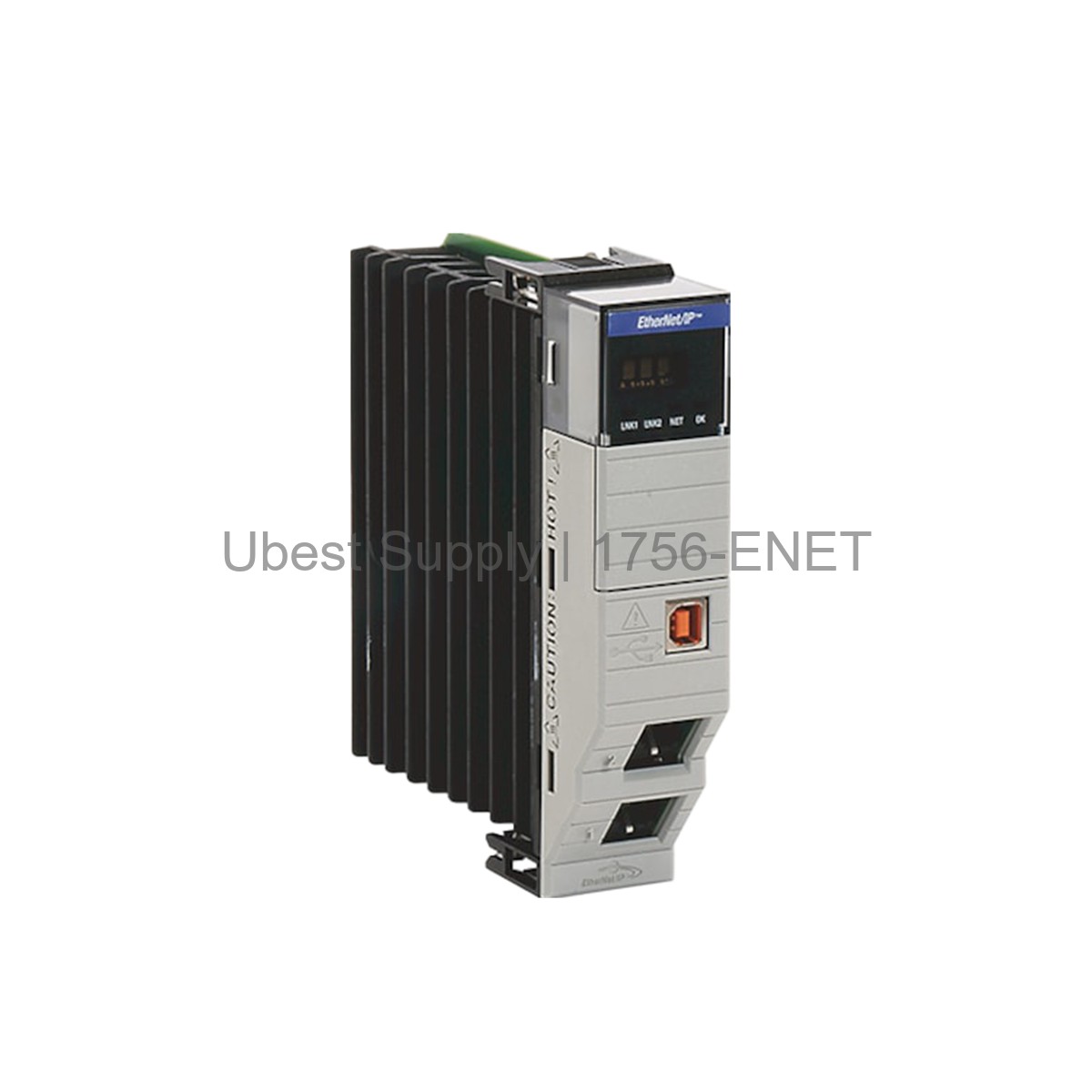
The Allen-Bradley 1756-ENET is a ControlLogix EtherNet/IP Bridge Module. It uses a twisted pair connection. This module supports 10 Mbps data transfer speed. It operates in half-duplex mode. The module fits into any slot of a ControlLogix chassis. It works with Series A and B chassis. This includes models 1756-A4, -A7, -A10, and -A13. It needs a compatible power supply like the 1756-PA72 or 1756-PB72. The backplane current draw is 350 mA at 24 Volts DC. It also draws 900 milliamps at 5.1 Volts DC. Maximum power dissipation is 13.3 Watts. The operating temperature range is 0 to 60 Celsius. This module is now discontinued by the manufacturer.
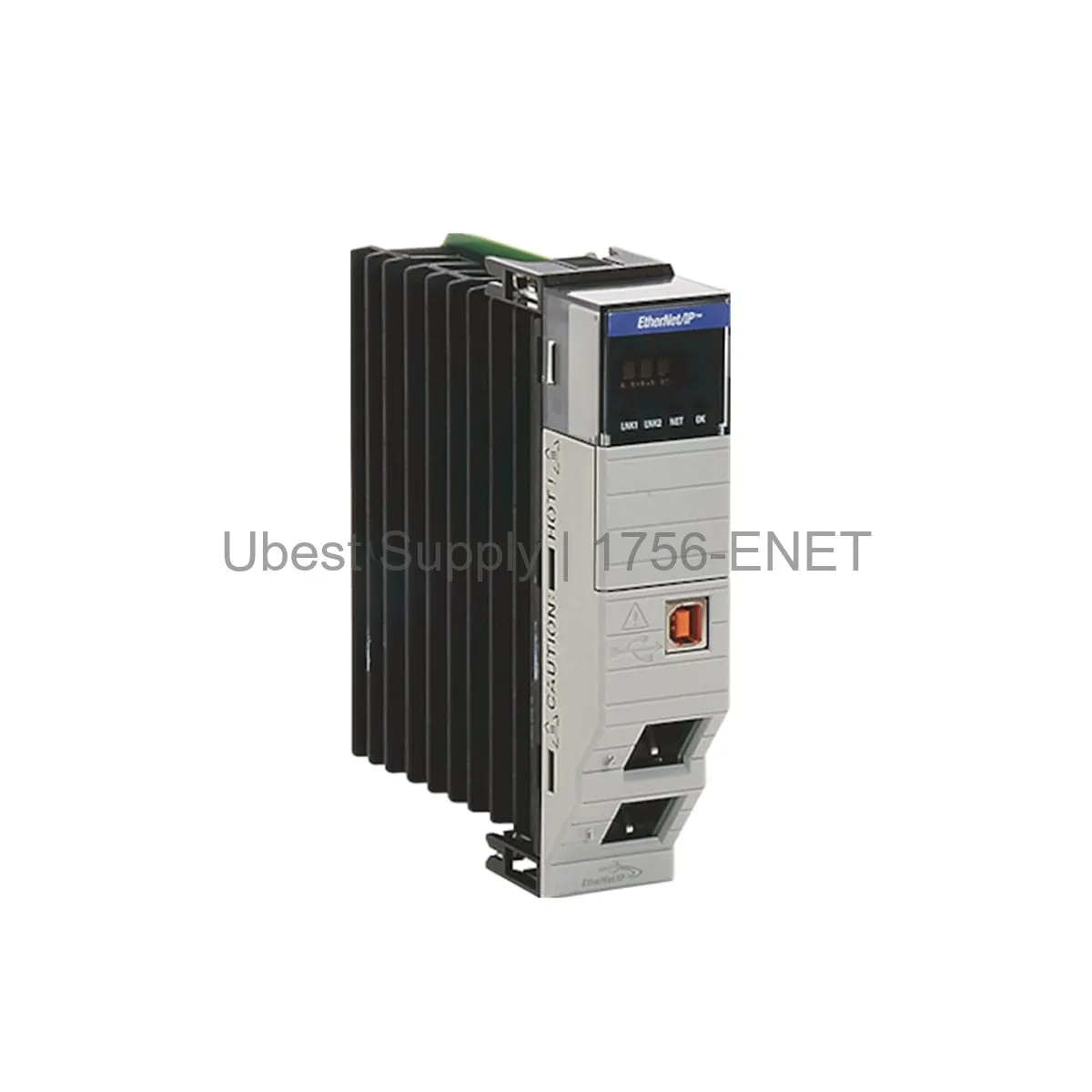
This module is perfect for industrial automation networks. Use it to connect ControlLogix controllers to an EtherNet/IP network. It works well for real-time I/O data control. The module can act as a scanner or an adapter. It supports optimized messaging and Common Industrial Protocol (CIP). Common applications include factory floor control and process automation. It is suitable for linear network topologies. The module provides reliable data exchange between devices. It is a key component for distributed control systems.
The module has one 10-BaseT Ethernet interface. It also has one AUI Ethernet port. The data transfer speed is 10 Mbps. It supports half-duplex communication. The backplane current consumption is 350 mA at 24 Volts DC. It draws 900 milliamps at 5.1 Volts DC. The maximum power dissipation is 13.3 Watts. The operating temperature range is 32-140 Fahrenheit. The enclosure type is open. The module has three LEDs: TXD, RXD, and OK. It is a 1-slot module. The product lifecycle status is discontinued. The UPC is 10612598139436.
Install the 1756-ENET module into any available slot in the chassis. Ensure the chassis power is off before installation. Slide the module into the guided rails. Secure it firmly in place. Connect the Ethernet cable to the 10-BaseT port. Use a twisted pair cable for best performance. For network connection, use the AUI port if needed. Power on the chassis and check the OK LED. A steady green light indicates normal operation. The TXD and RXD LEDs show data activity. Keep the module free from dust and moisture. Ensure proper ventilation for cooling. Do not block the air flow around the module.
Each package includes one Allen-Bradley 1756-ENET module. It does not include cables or power supplies. The module is shipped in an anti-static bag. It comes with a quick reference guide. No additional software is included. The package is designed for safe transport. Shipping is available via FedEx, UPS, or DHL.
| Part Number | 1756-ENET |
| Condition | In Stock |
| Stock Status | In Stock (Ready to Ship) |
| Weight | 0.5 kg |
| Warranty | 12 Month |
Shipping Port: Xiamen
We ship worldwide via DHL, FedEx, UPS, TNT, and EMS. In-stock items are dispatched within 24 hours of payment confirmation. Tracking number will be provided after shipment.
Secure payment processing. Contact us for corporate account and bulk order pricing.
All products come with a 1-year warranty against manufacturing defects. We guarantee 100% new and original products sourced directly from authorized manufacturers.
In Stock  In Stock
  In Stock
  In Stock
  In Stock
  In Stock
  In Stock
  In Stock
 Stay informed with the latest industry insights, product announcements, and technical articles.