 In Stock
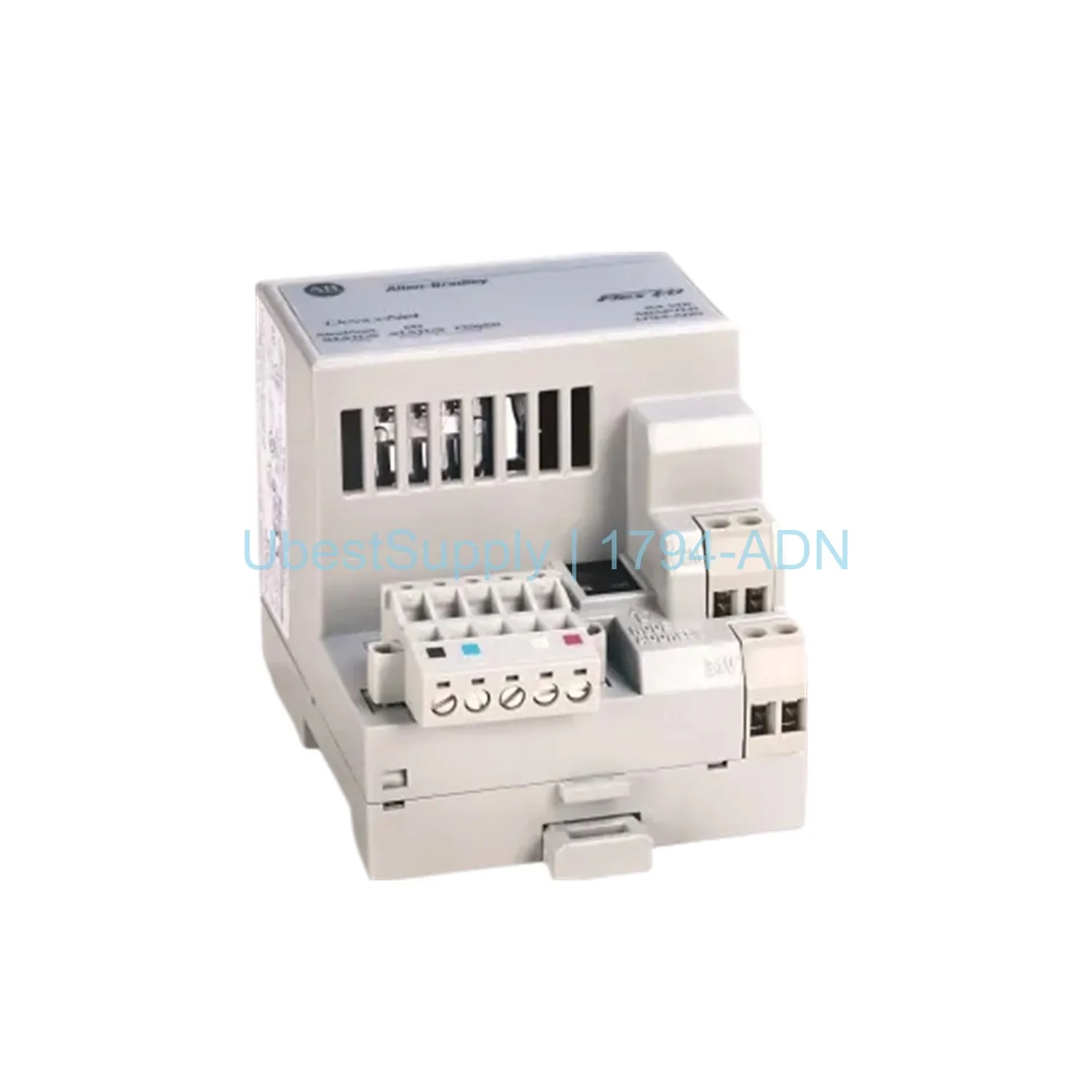
 Allen-Bradley 1794-ADN DeviceNet Adapter
1794-ADN
The 1794-ADN DeviceNet adapter connects Flex I/O racks to DeviceNet networks. It...

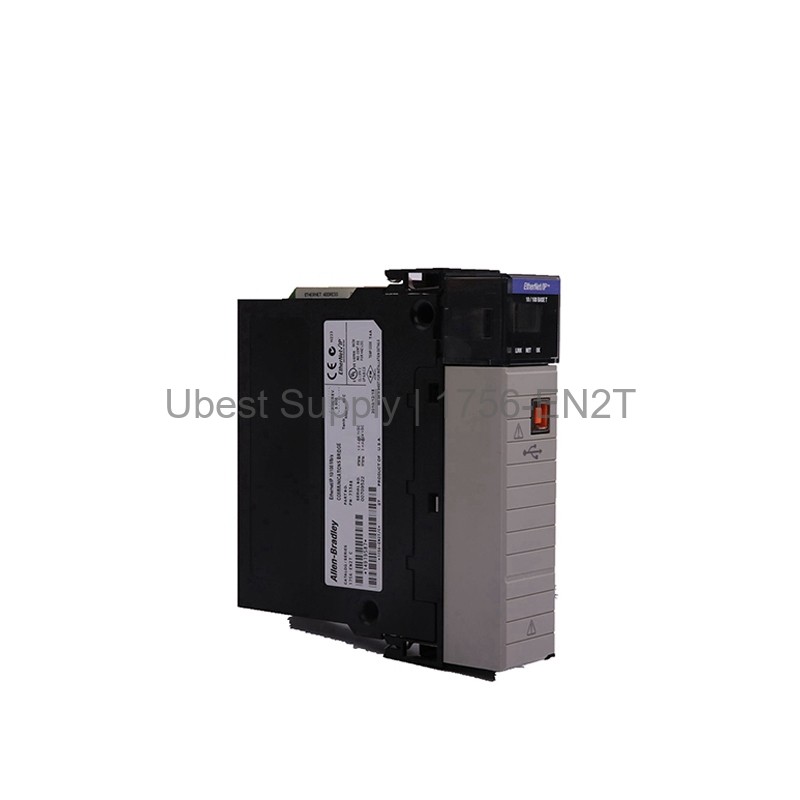
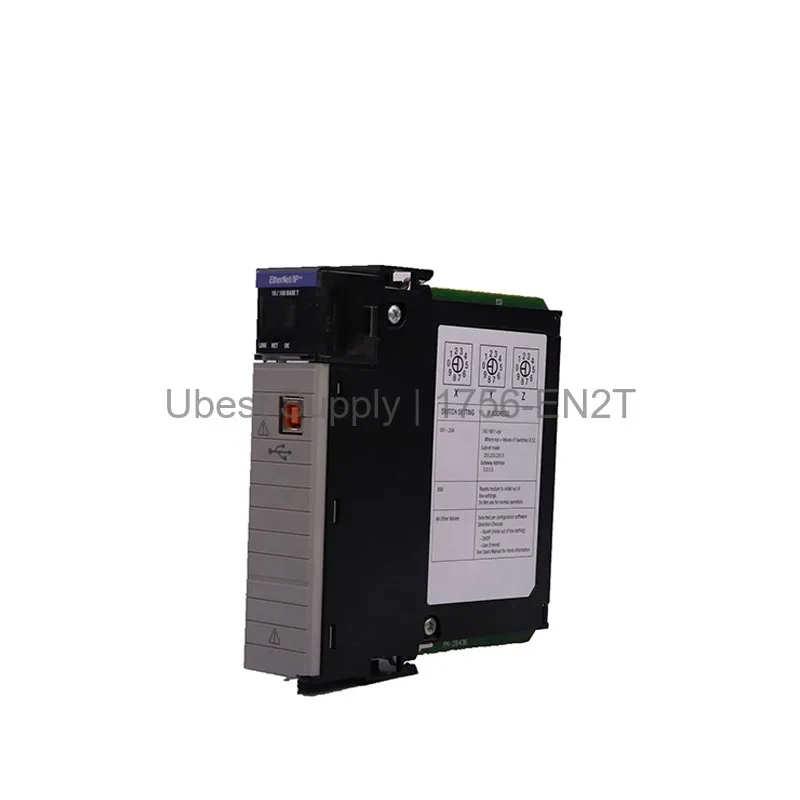
The Allen-Bradley 1756-EN2T is a ControlLogix EtherNet/IP bridge module. It operates at 10/100 Mbps. This module supports 128 TCP/IP connections. It also supports 256 Logix connections. The device handles high data rates. It offers an I/O packet rate of 10,000 p/s. The HMI/MSG packet rate reaches 3,200 p/s. This module includes SNMP support. It fits any slot in a ControlLogix chassis. The 1756-EN2T uses a single RJ45 port. It also has one USB 1.1 port. The module draws 1 Amp of current. Its power dissipation is 6.2 Watts. Thermal dissipation measures 21.28 BTU per hour. This bridge ensures robust network communication.
This module works in many industrial settings. Use it for factory automation systems. It connects PLCs to remote I/O racks. It supports motion control with up to 8 axes. Use it for device-level ring networks. It also supports parallel redundancy protocols. The 1756-EN2T works well in large ControlLogix systems. It integrates with HMI and SCADA systems. It handles high-speed data exchange. This module is ideal for manufacturing plants. It also suits process control environments.
The 1756-EN2T has an insulation voltage of 30 Volts. It operates from 0 to 60 degrees Celsius. The module is 1 slot wide. It uses unshielded RJ45 Cat5 cables. The module location is any chassis slot. It works with 1756-A4, A7, A10, A13, and A17 chassis. It also works with 1756-PA72, PA75, PB72, PB75, PC75, and PH75 power supplies. The module supports electronic keying. It supports 128 CIP unconnected messages on backplane. It also supports 128 on Ethernet. The communication rate is 10/100 Mbps.
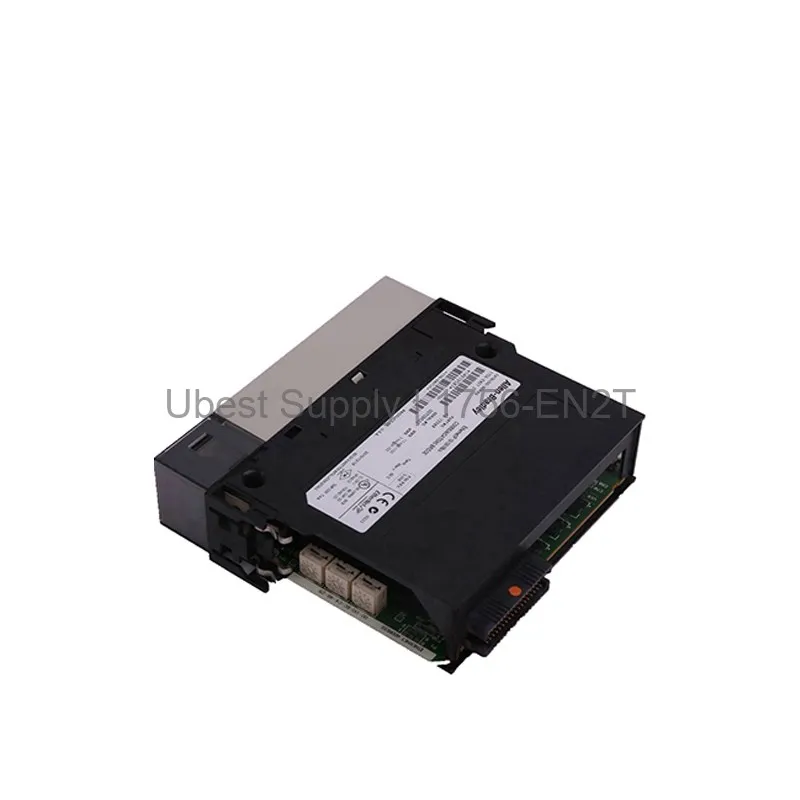
Install the module in any ControlLogix slot. Ensure the chassis power is off. Slide the module into the slot. Secure it with the locking mechanism. Connect the RJ45 cable to the port. Use a Category 5 twisted-pair cable. Do not use shielded cables unless specified. Configure the module using RSLogix 5000 software. Set the IP address and subnet mask. Test the connection with a ping command. Regularly check the LED indicators. Clean the ports with dry air. Replace the module if errors persist.
Each shipment includes one 1756-EN2T module. It includes a quick start guide. No cables are included. Shipping is via FedEx, UPS, or DHL. The package is securely boxed. It includes anti-static protection.
| Part Number | 1756-EN2T |
| Condition | In Stock |
| Stock Status | In Stock (Ready to Ship) |
| Weight | 0.45 kg |
| Warranty | 12 Month |
Shipping Port: Xiamen
We ship worldwide via DHL, FedEx, UPS, TNT, and EMS. In-stock items are dispatched within 24 hours of payment confirmation. Tracking number will be provided after shipment.
Secure payment processing. Contact us for corporate account and bulk order pricing.
All products come with a 1-year warranty against manufacturing defects. We guarantee 100% new and original products sourced directly from authorized manufacturers.
In Stock 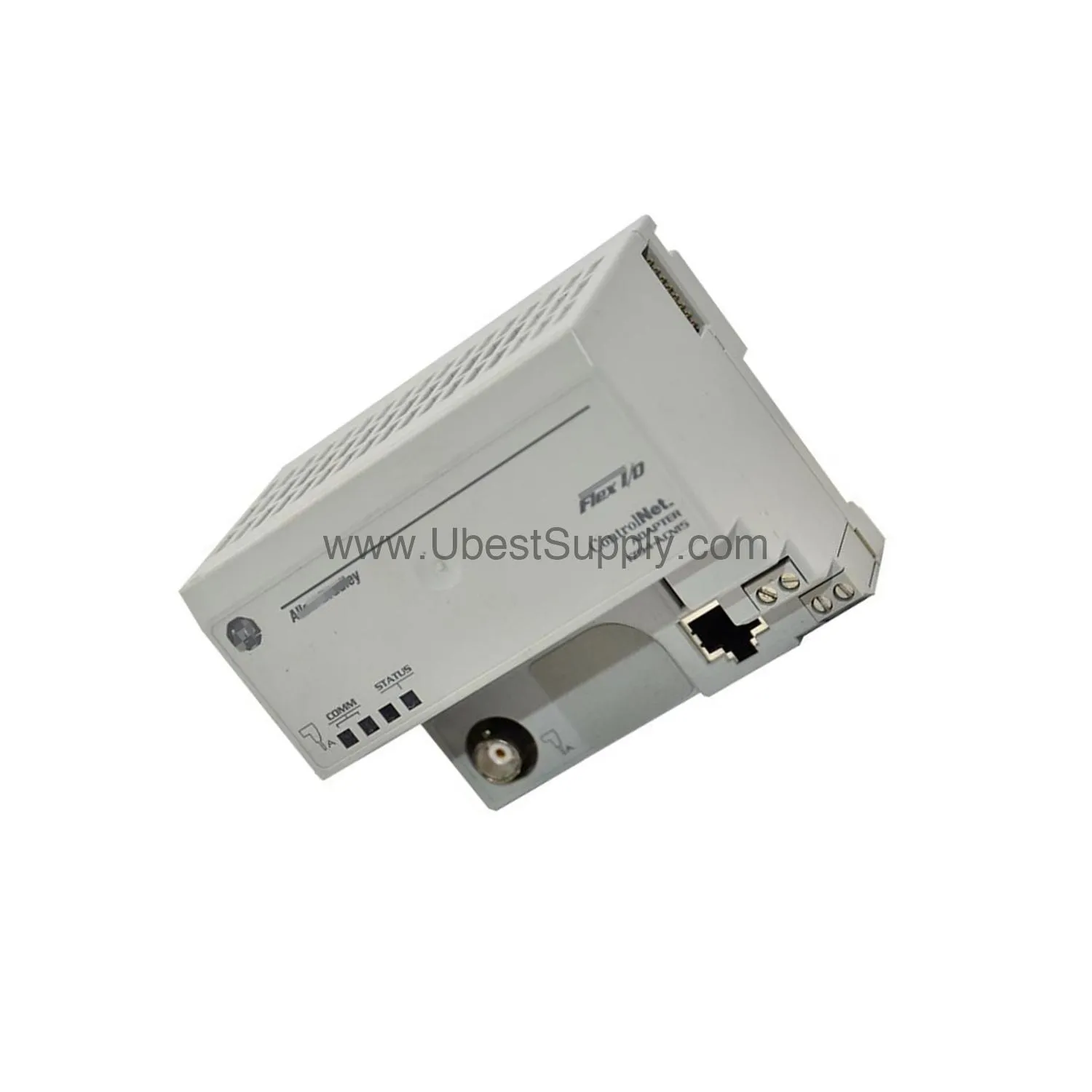 In Stock
  In Stock
  In Stock
  In Stock
  In Stock
  In Stock
  In Stock
 Stay informed with the latest industry insights, product announcements, and technical articles.