 In Stock
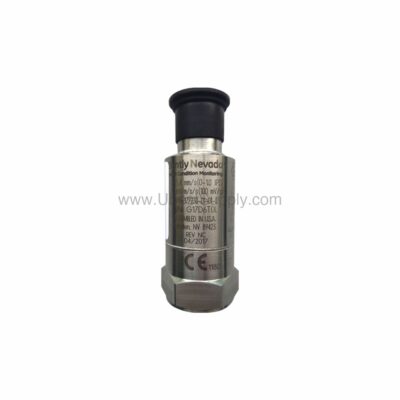
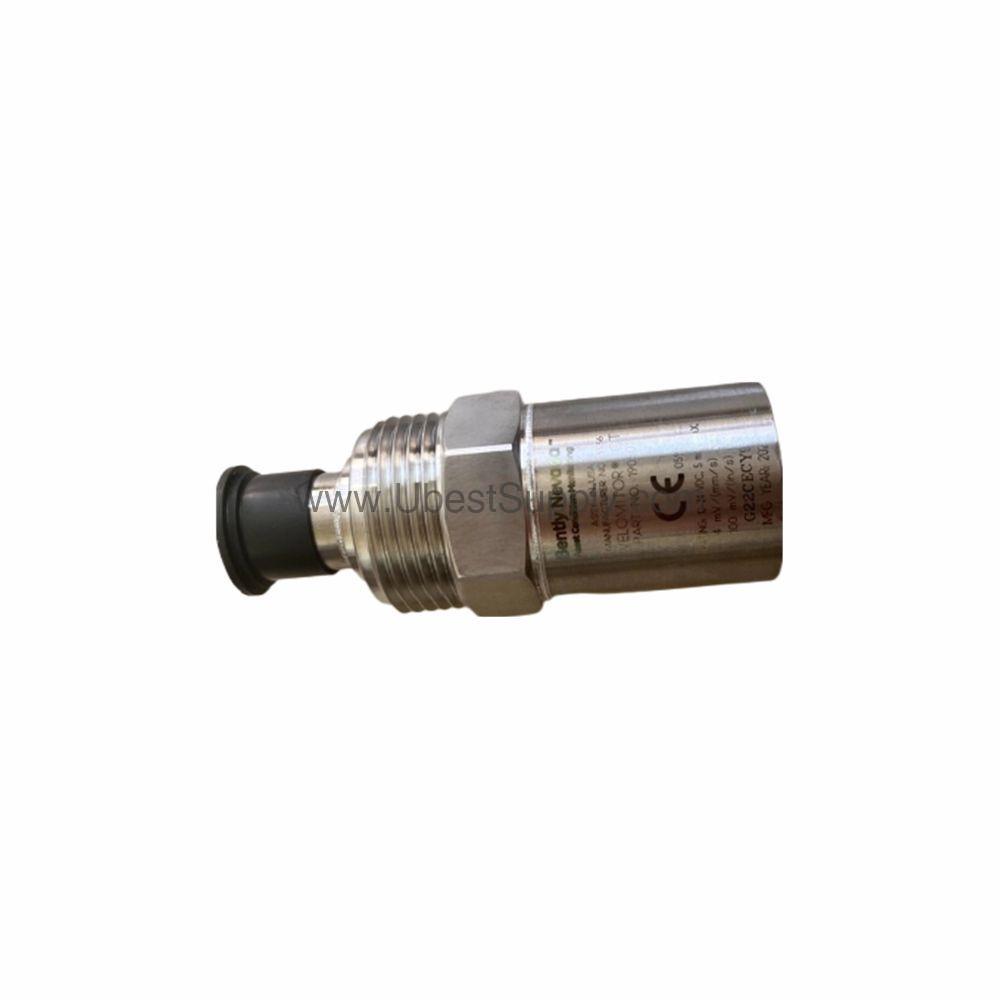
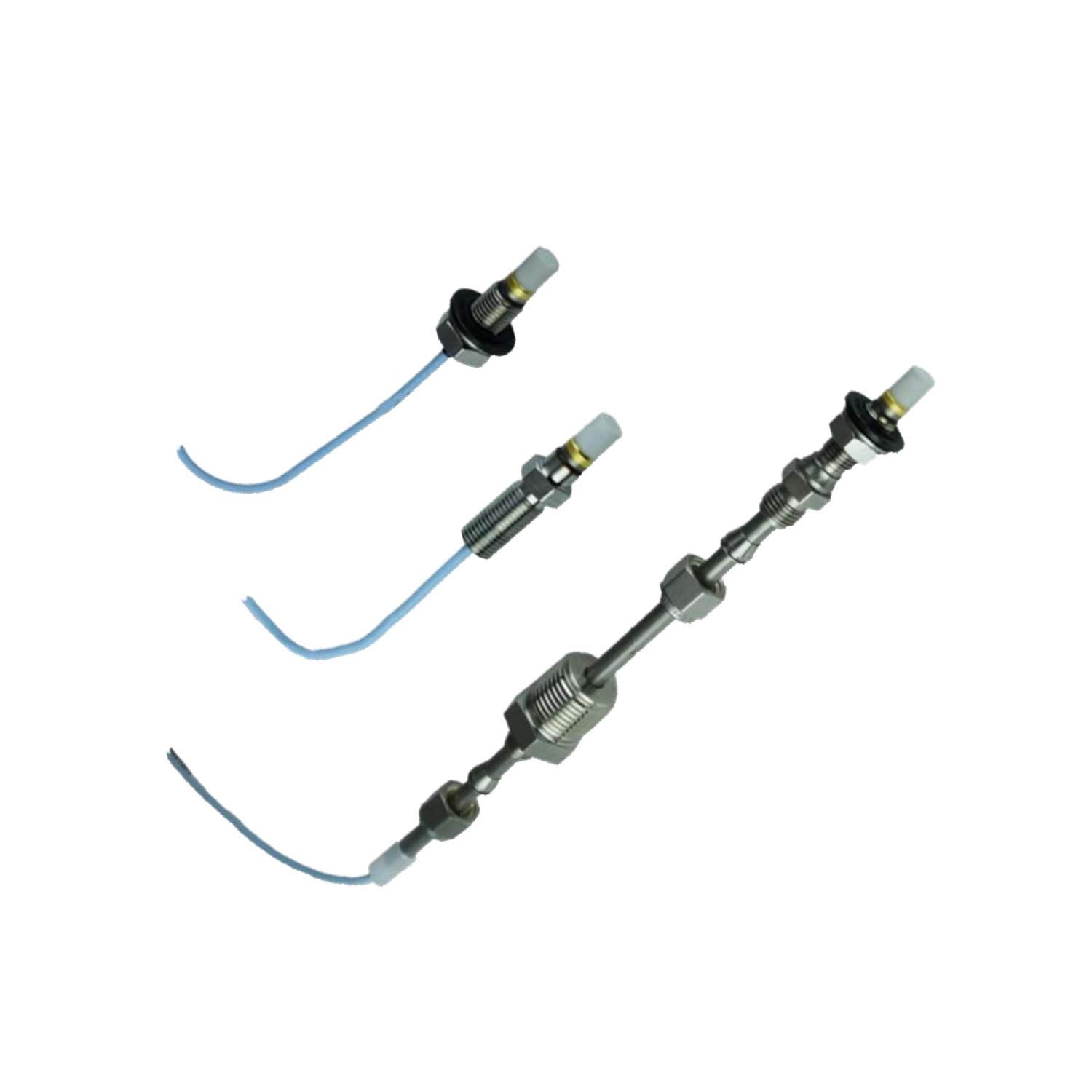
 177230-00-02-05 | Bently Nevada 0-12.7 mm/s Seismic Transmitter
177230-00-02-05
The Bently Nevada 177230-00-02-05 seismic transmitter delivers 4-20 mA output for reliable...

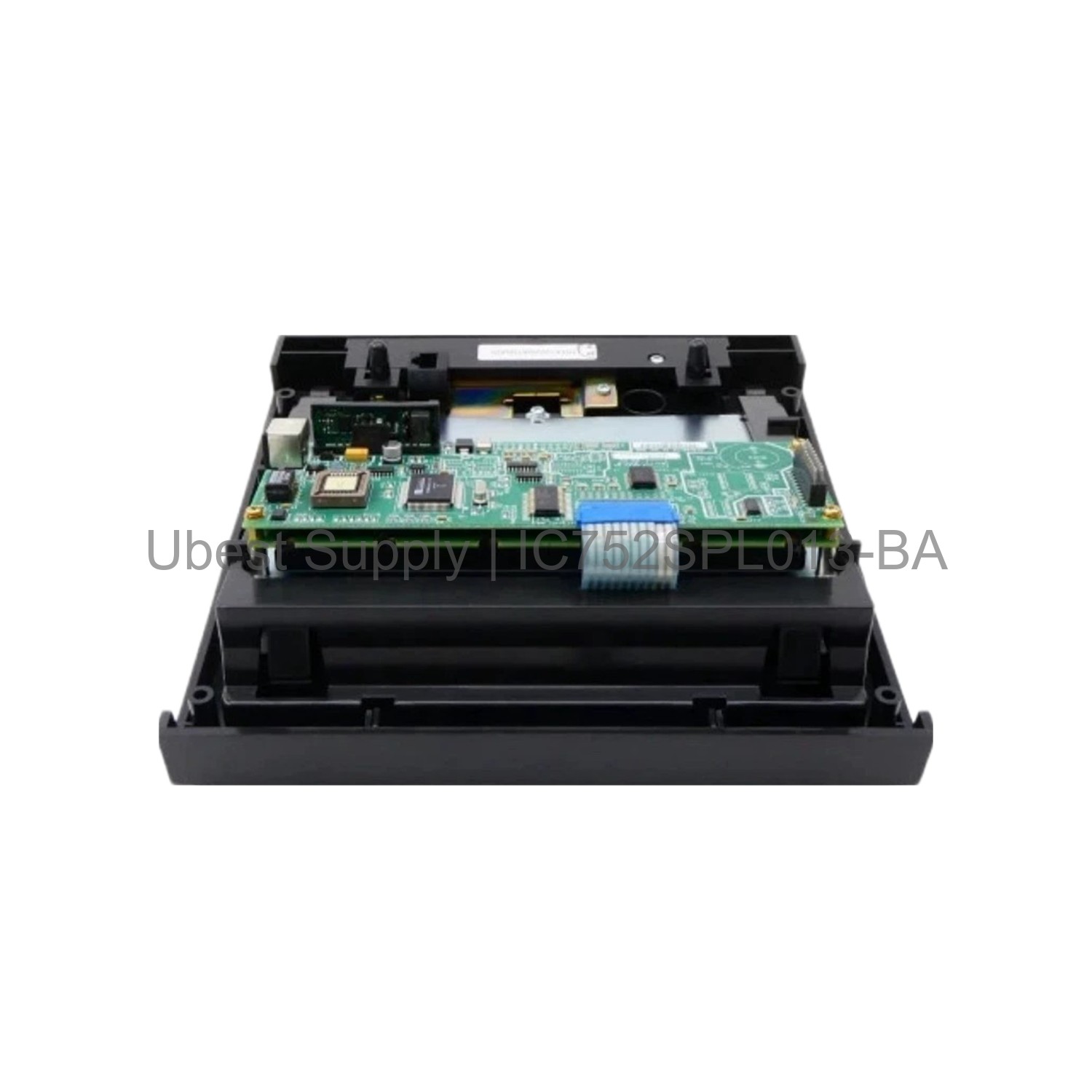

The GE IC752SPL013 is an operator interface for the EX2100 excitation control system. It includes a 12-button keypad and a 16-character alphanumeric display. This unit is field-replaceable, making maintenance simple.
This HMI module provides direct local control and monitoring. Operators can view system status and enter commands easily. The IC752SPL013 is built for industrial environments.
It connects directly to the EX2100 controller. This setup allows quick access to critical excitation parameters. The design focuses on reliability and ease of use.
This operator interface works in power generation plants. It controls turbine excitation systems. You can use it in hydroelectric, gas, and steam turbine applications.
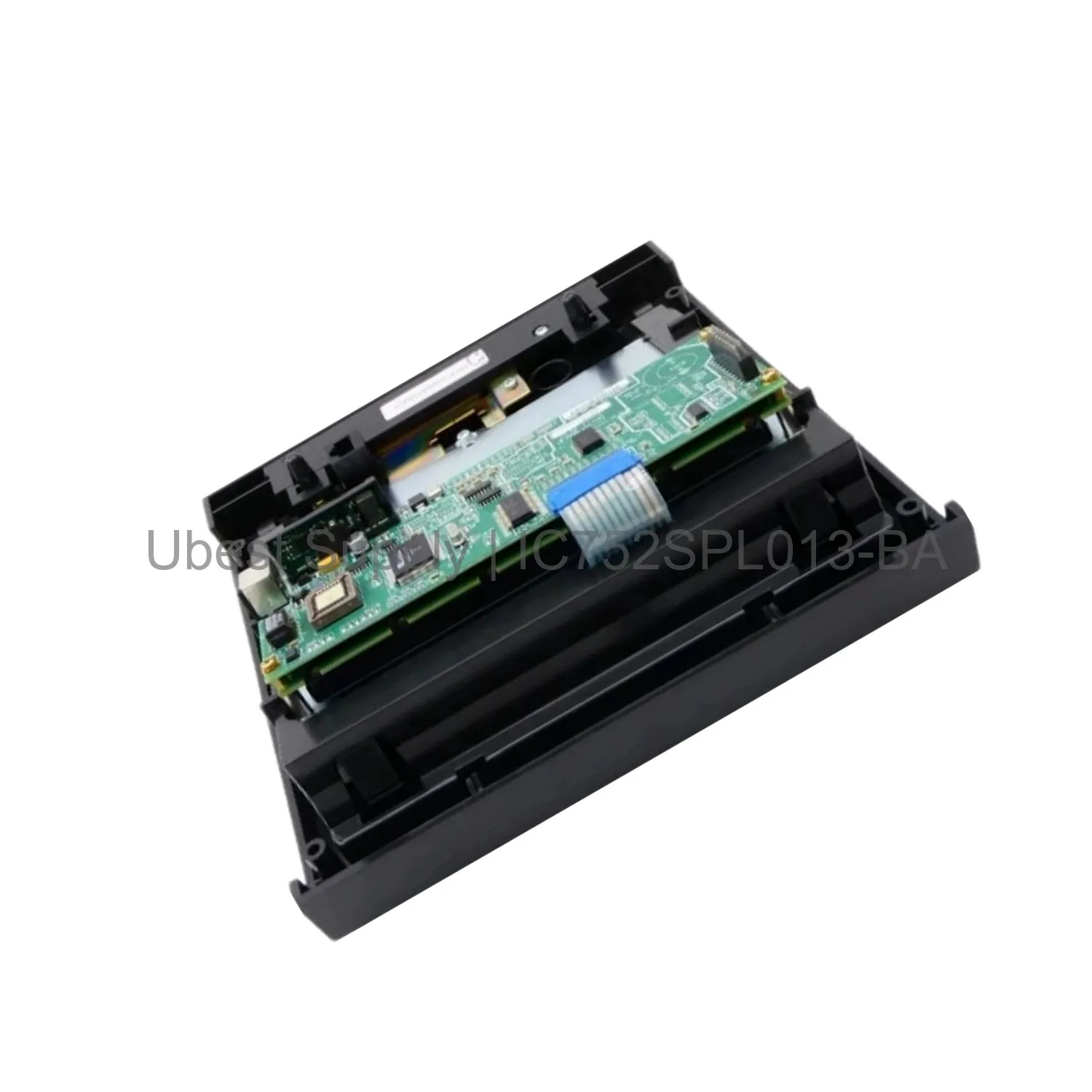
It is also suitable for industrial motor control centers. The keypad enables local start and stop functions. The display shows real-time data like voltage and current.
Field technicians use it for diagnostics and troubleshooting. The IC752SPL013 replaces older units without rewiring. This saves time and reduces downtime.
This module has a 16-character alphanumeric display. It uses a 12-button membrane keypad. The interface supports EX2100 protocol communication.
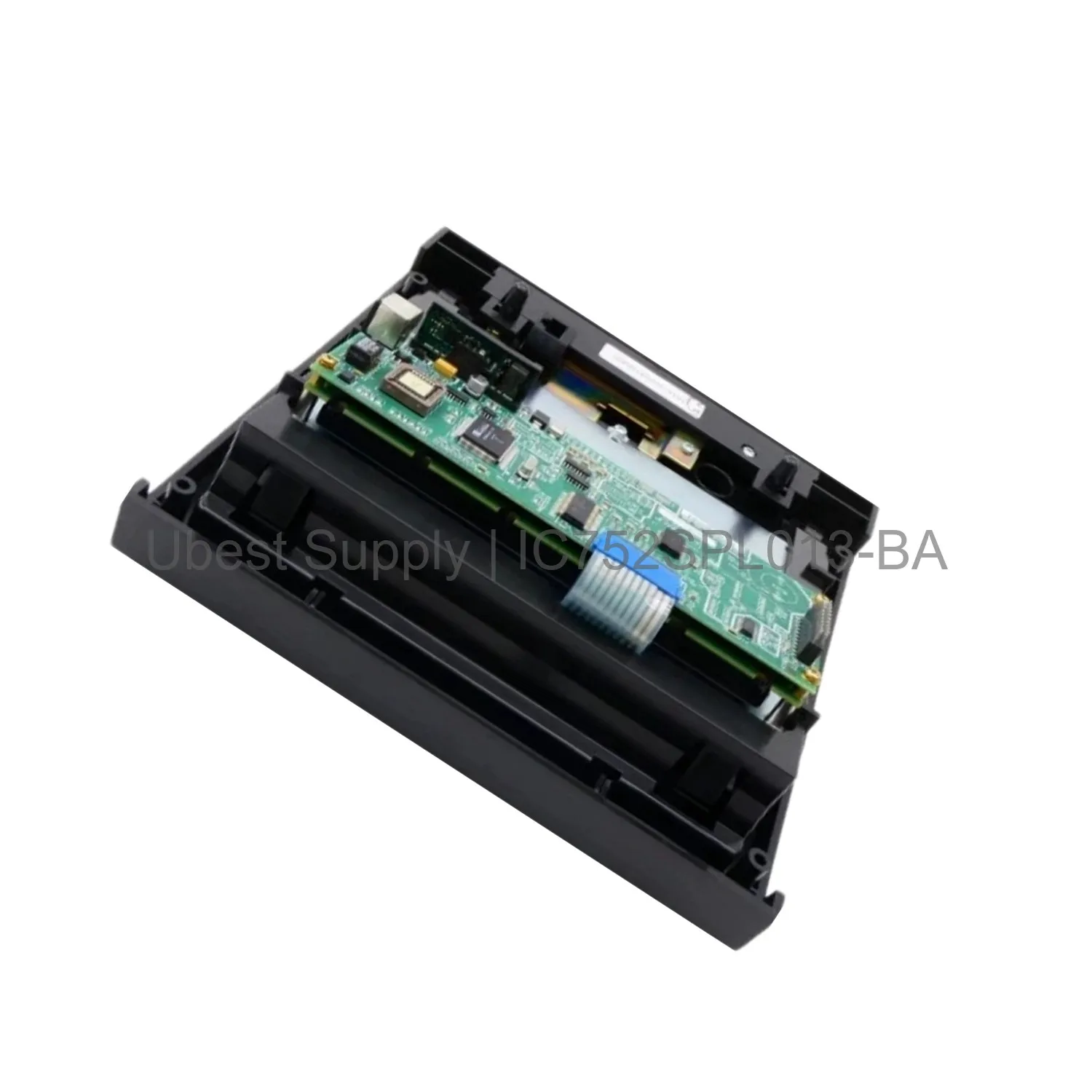
It operates on a standard 24 VDC power supply. The enclosure is rated for panel mount installation. Operating temperature range is 0 to 60 degrees Celsius.
It provides direct digital I/O for control signals. The unit is designed for long service life. It meets GE reliability standards for excitation systems.
First, power down the EX2100 system completely. Remove the old operator interface from the panel. Insert the new IC752SPL013 into the same mounting slot.
Secure the unit with the provided screws. Connect the ribbon cable to the controller backplane. Verify the connection is firm and locked.
Power up the system and test the display. Use the keypad to navigate menu options. Perform a full system check before returning to service.
For maintenance, keep the front panel clean. Use a dry cloth to wipe the display. Do not use solvents or abrasive cleaners.
One GE IC752SPL013 operator interface unit. One installation screw kit. One user manual for setup and operation. One anti-static bag for safe handling.
| Part Number | IC752SPL013-BA |
| Condition | In Stock |
| Stock Status | In Stock (Ready to Ship) |
| Weight | 1.2 kg |
| Warranty | 12 Month |
Shipping Port: Xiamen
We ship worldwide via DHL, FedEx, UPS, TNT, and EMS. In-stock items are dispatched within 24 hours of payment confirmation. Tracking number will be provided after shipment.
Secure payment processing. Contact us for corporate account and bulk order pricing.
All products come with a 1-year warranty against manufacturing defects. We guarantee 100% new and original products sourced directly from authorized manufacturers.
In Stock  In Stock
  In Stock
  In Stock
  In Stock
  In Stock
  In Stock
  In Stock
 Stay informed with the latest industry insights, product announcements, and technical articles.