 In Stock
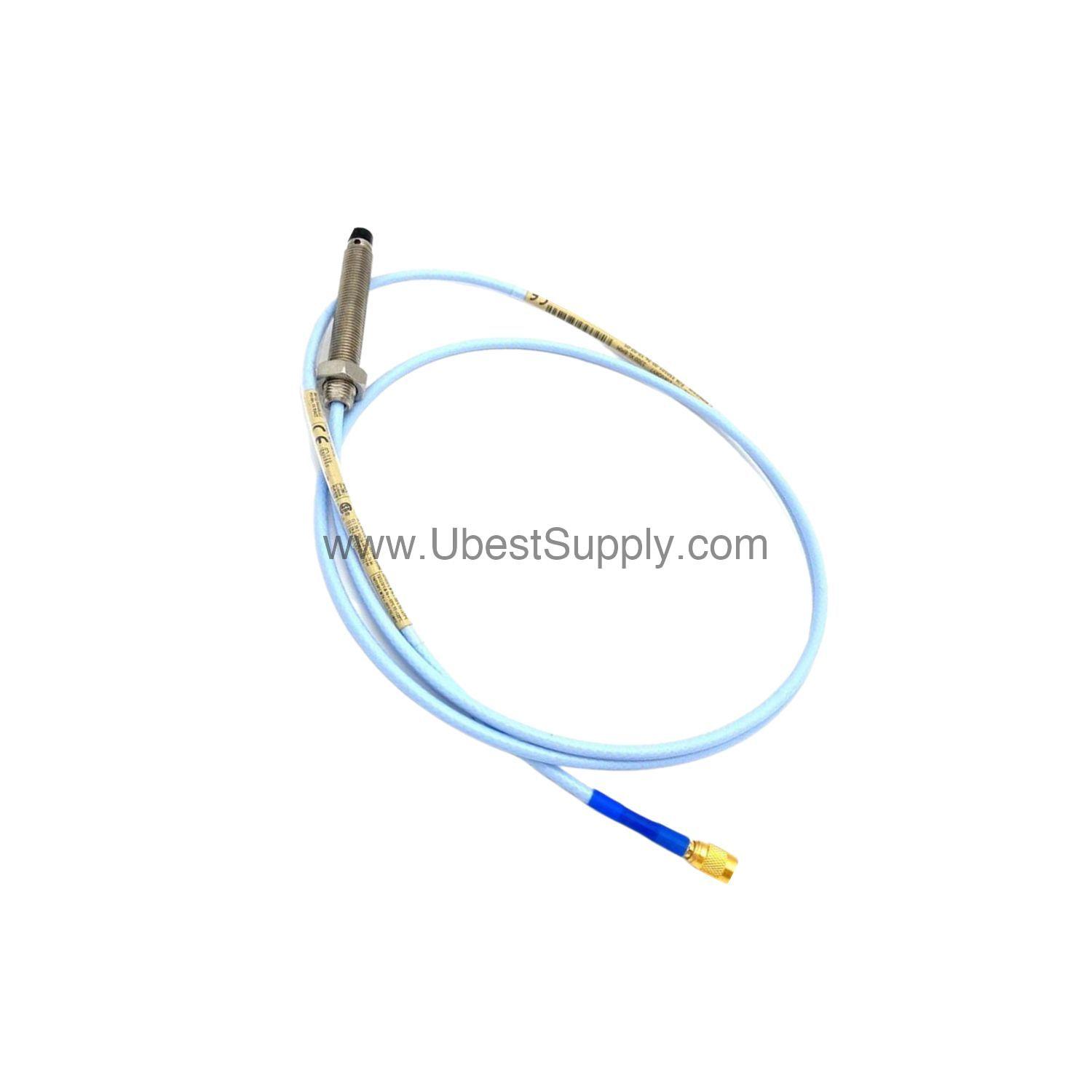
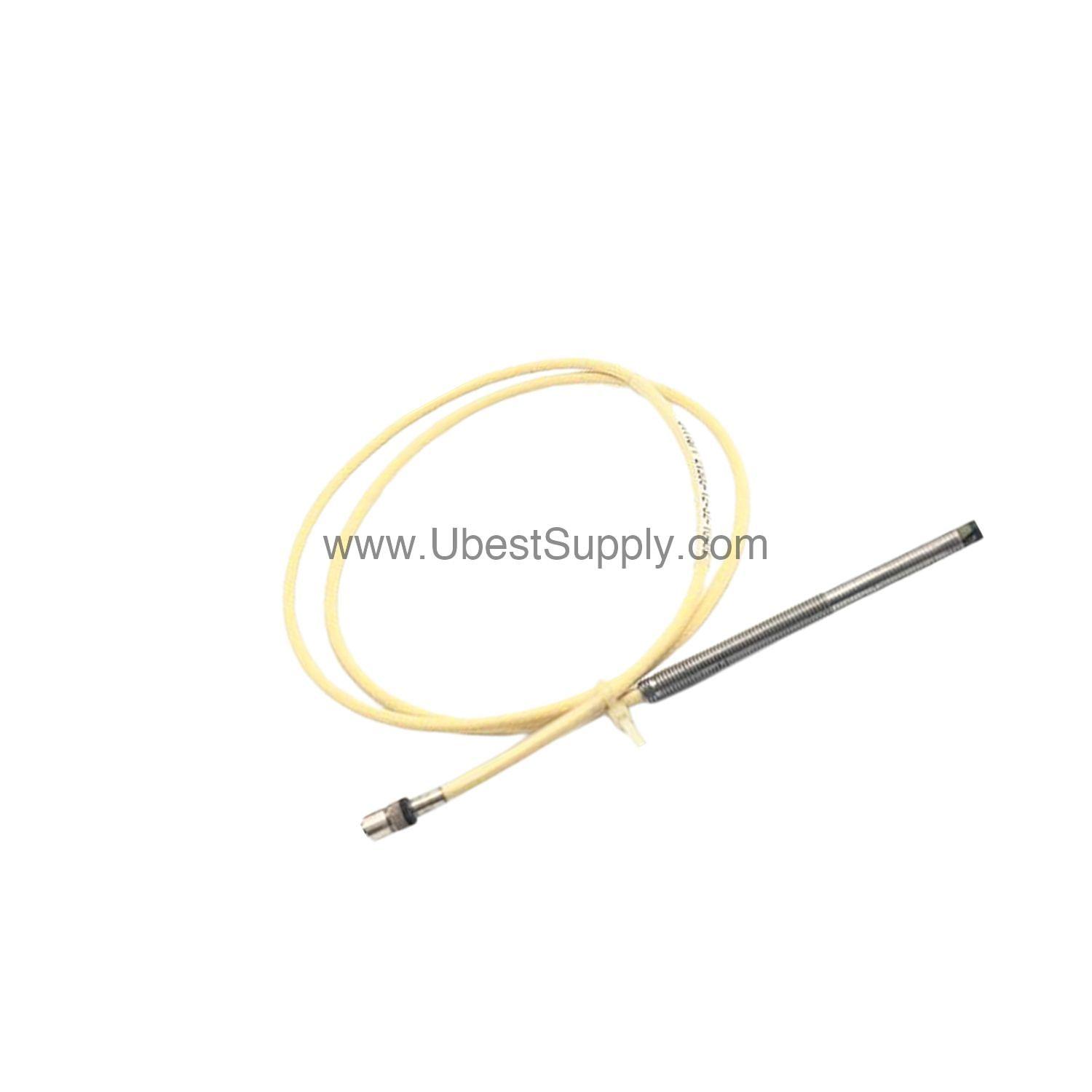
 330101-00-12-05-02-00 | Bently Nevada 8 mm Probe 0.5m Cable
330101-00-12-05-02-00
The Bently Nevada 330101-00-12-05-02-00 3300 XL 8 mm probe offers a 0.5...

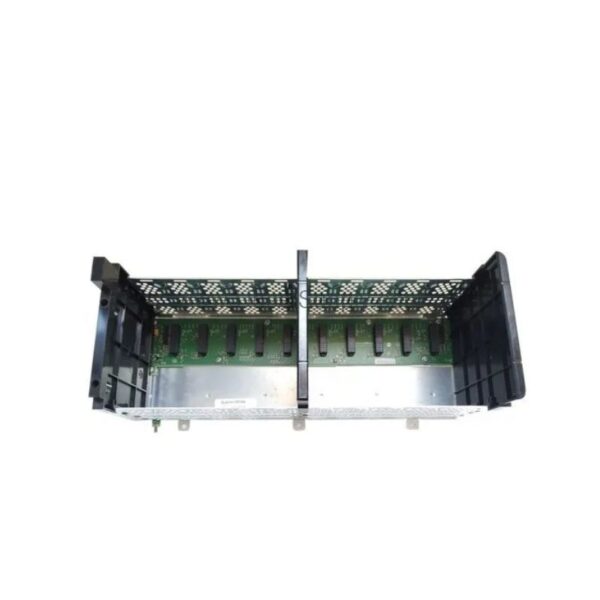
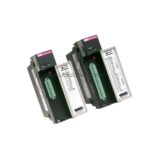
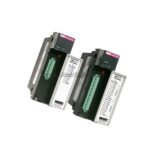
When a production line relies on both Data Highway Plus (DH+) and Remote I/O (RIO) networks, the 1756-DHRIO from Allen-Bradley provides a reliable bridge. This ControlLogix communication module supports two channels, each with a 3-pin terminal for wiring DH+ or RIO, plus a single 8-pin mini-DIN port connected in parallel to Channel A. Designed for the 1756 ControlLogix chassis, it enables information exchange among PLCs, SLCs, and ControlLogix controllers, even across different networks.
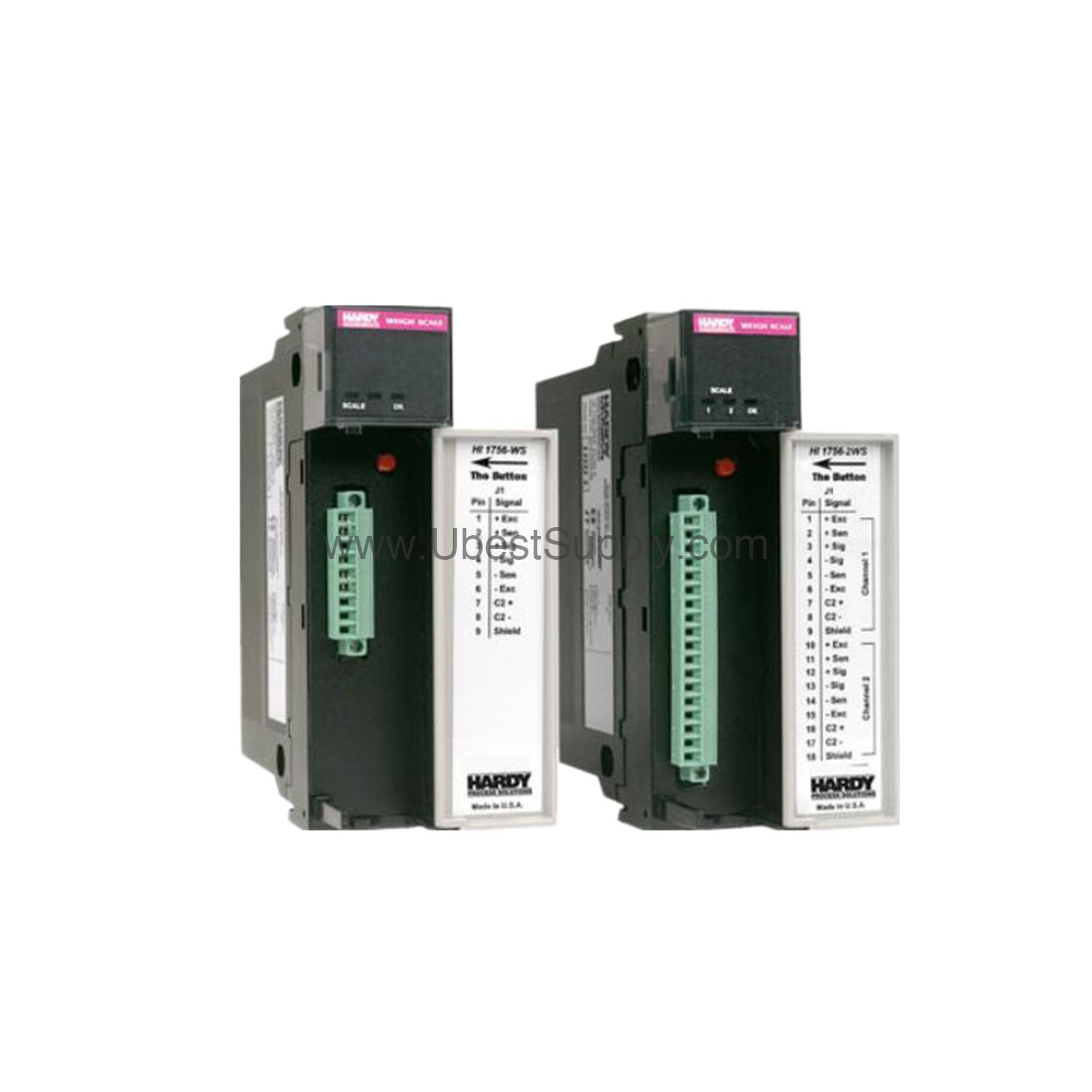
The 1756-DHRIO supports Remote I/O, Control and Information Protocol (CIP) Messaging, and DH+ Messaging. It can handle up to 32 Logix connections and can act as an adapter or scanner on a remote I/O network, transferring analog, digital, block, and specialty data even without message instructions.
In a typical automotive assembly plant, the 1756-DHRIO connects legacy DH+ devices to modern ControlLogix controllers, ensuring smooth data flow. It also supports Flex IO and POINT IO systems, making it versatile for various industrial setups. The module can transfer messages through a maximum of three chassis and four communication networks, which is ideal for distributed control architectures.
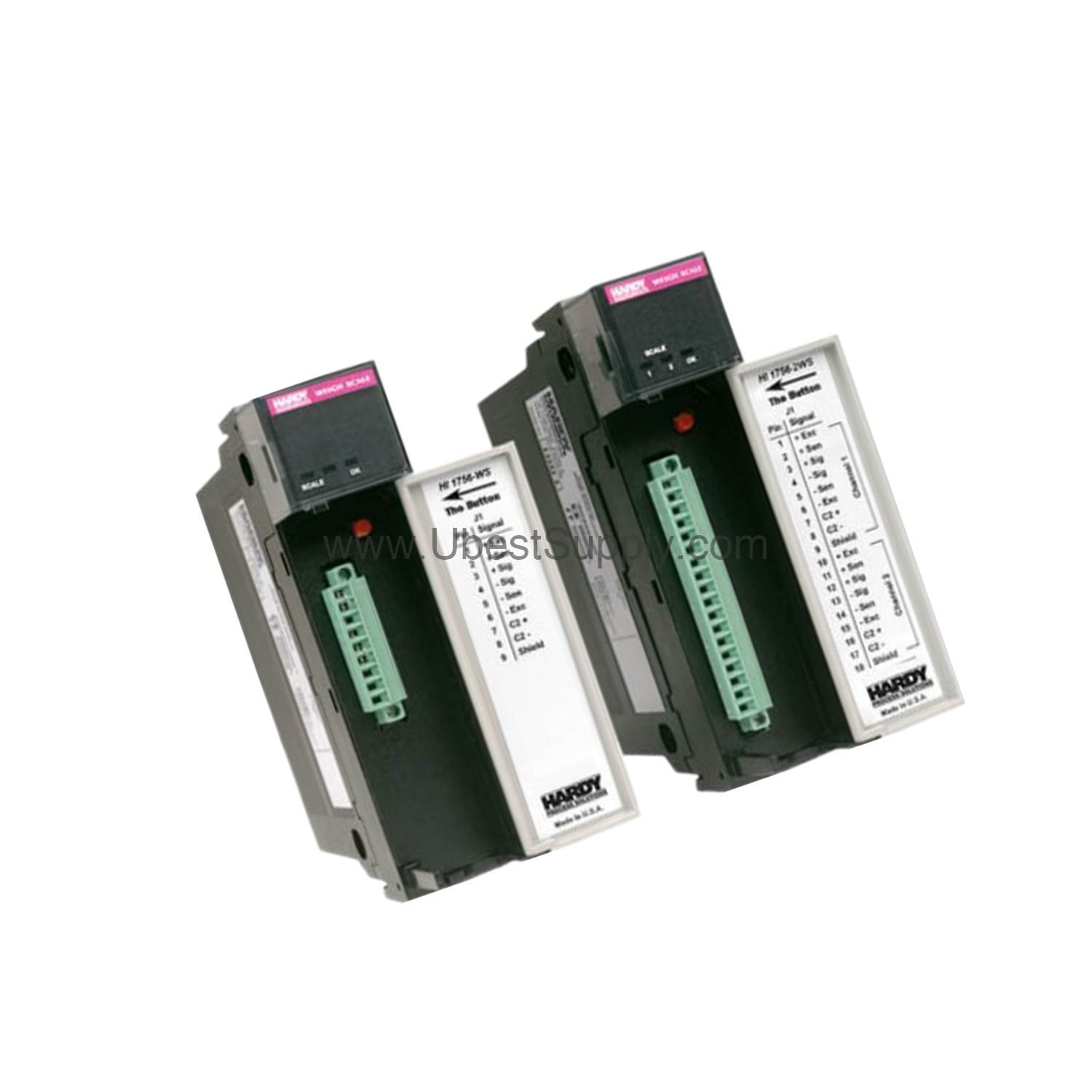
Before installing the 1756-DHRIO, program the network type switches for each channel and install a ControlLogix power supply and chassis. You can install multiple modules in the same chassis, but ensure your power supply can handle the load. Modules can be installed or removed with power applied, but always observe safety precautions—ensure the area is nonhazardous and power is removed to prevent electrical arcs. Also, discharge static electricity because the module is sensitive to electrostatic discharge.
For long-term reliability, periodically inspect the module's connections and ensure the recommended Belden 89463 twinaxial cable is used. The cable is rated at 200 °C (392 °F), making it suitable for high-temperature environments. Check that terminating resistors are correctly installed at the first and last nodes of the network, as per the daisy-chain topology. For 230.4 Kbaud, use 82 Ohms; for 57.6 or 115.2 Kbaud, use 150 Ohms. These resistors are placed across line 1 and line 2 of the cable, with the shield as the third conductor.
The 1756-DHRIO integrates seamlessly with ControlLogix controllers and supports communication with Flex IO, POINT IO, PLC-5, SLC, and CompactLogix systems. It uses the same cable type for both RIO and DH+ protocols, simplifying wiring. The spare connector kit is Phoenix MVSTBR2.5/3-ST BK AU, ensuring easy replacement.
If communication issues arise, first verify the network type switches are set correctly for each channel. Check that terminating resistors match the network speed—82 Ohms for 230.4 Kbaud, 150 Ohms for 57.6 or 115.2 Kbaud. Ensure the cable is properly terminated: for RIO, connect line 1 to terminal 1, shield to middle, and line 2 to the last pin; for DH+, reverse line 1 and line 2. Also, confirm that the module is seated firmly in the chassis and that the backplane current draw is within the power supply's capacity.
A: The 1756-DHRIO supports 57.6 Kbaud, 115.2 Kbaud, and 230.4 Kbaud, depending on cable length.
A: Yes, when connected to a remote I/O network, it can operate as an adapter or scanner.
A: Use Belden 89463 twinaxial cable, 0.52 mm² (20 AWG), rated at 200 °C (392 °F).
A: It supports up to 32 Logix connections.
A: Maximum power dissipation is 4.5 Watts.
The 1756-DHRIO is available from Petro Auto Tech. Contact us for current availability and lifecycle status. We are your trusted industrial automation parts supplier.
| Part Number | 1756-DHRIO |
| Condition | In Stock |
| Stock Status | In Stock (Ready to Ship) |
| Weight | 0.5 kg |
| Warranty | 12 Month |
Shipping Port: Xiamen
We ship worldwide via DHL, FedEx, UPS, TNT, and EMS. In-stock items are dispatched within 24 hours of payment confirmation. Tracking number will be provided after shipment.
Secure payment processing. Contact us for corporate account and bulk order pricing.
All products come with a 1-year warranty against manufacturing defects. We guarantee 100% new and original products sourced directly from authorized manufacturers.
In Stock  In Stock
  In Stock
  In Stock
  In Stock
  In Stock
  In Stock
  In Stock
 Stay informed with the latest industry insights, product announcements, and technical articles.