 In Stock
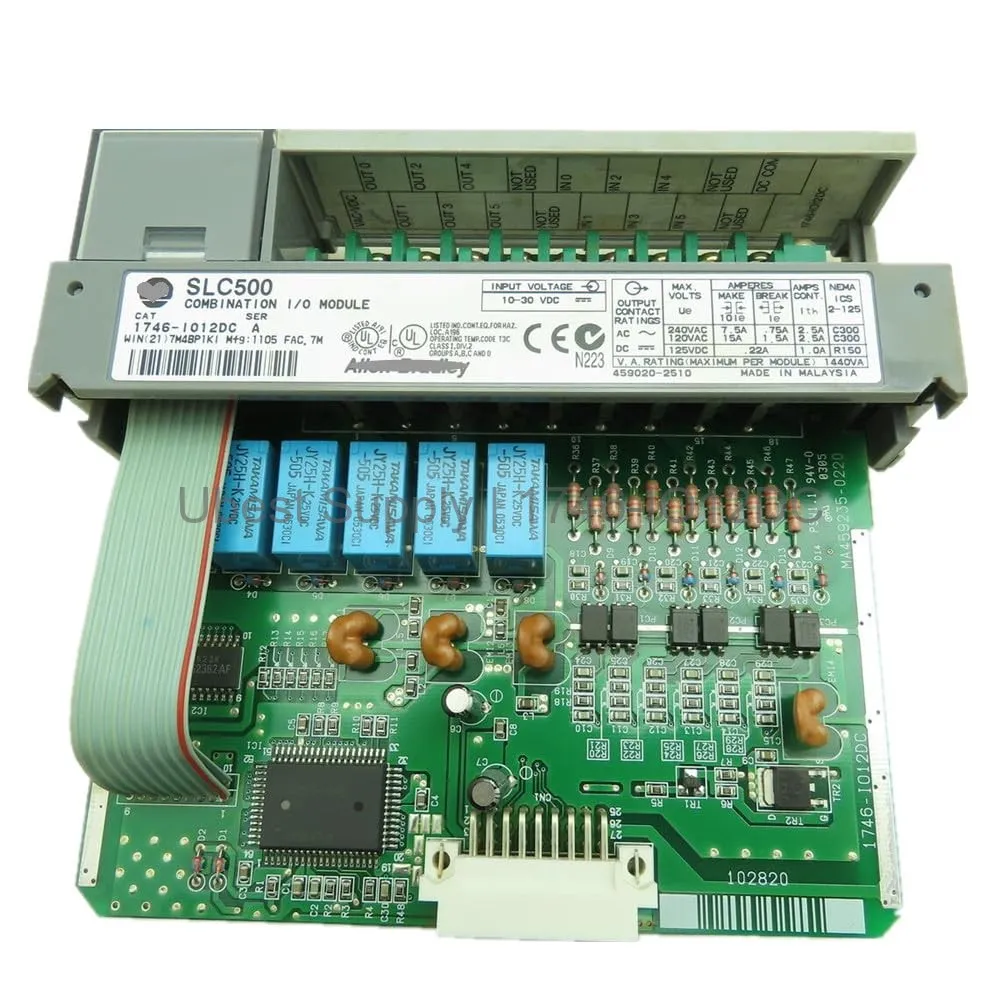
 SLC 500 1746-IO12DC Digital I/O Module 6 Input 6 Output
1746-IO12DC
The Allen-Bradley 1746-IO12DC is a compact SLC 500 digital I/O module. It...

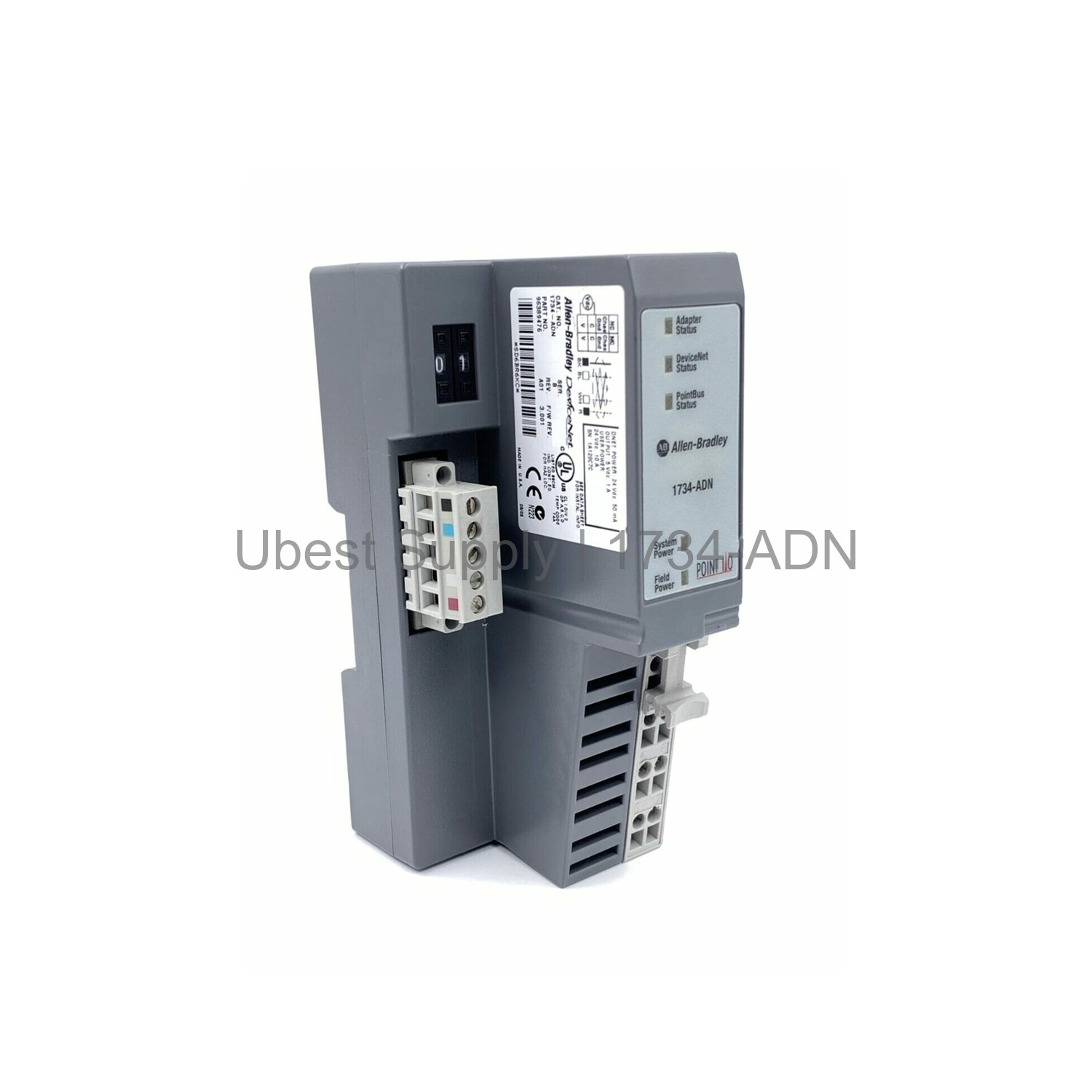
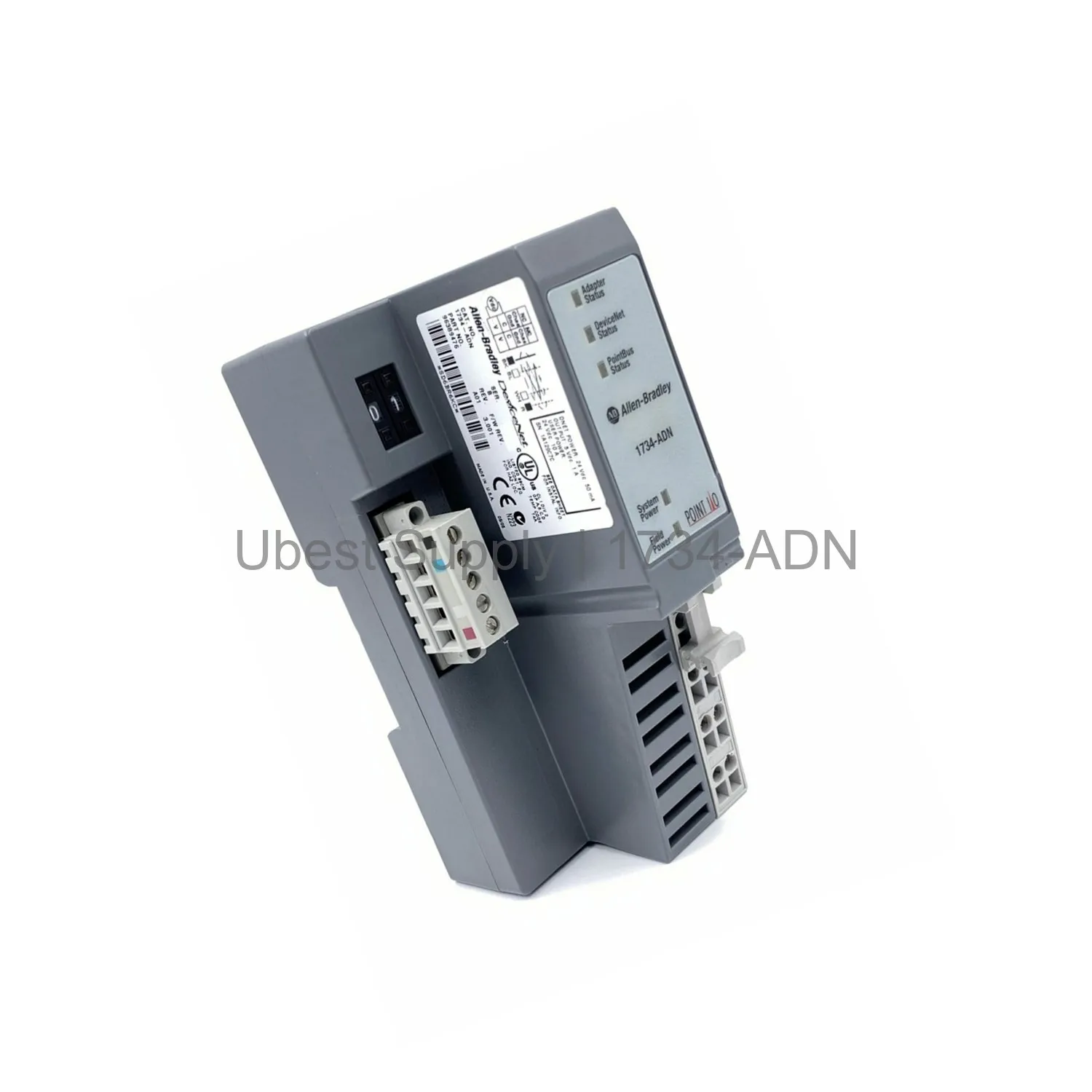
The Allen-Bradley 1734-ADN is a DeviceNet adapter module for POINT I/O systems. It connects local I/O modules to a DeviceNet network. This module supports up to 63 I/O modules. It also handles up to 504 I/O points. The adapter uses a 24V DC input. It draws 400 mA field power and 1000 mA PointBus current. Inrush current is 6 amps. Power consumption is 8.1 watts. Power dissipation is 2.8 watts at 28.8V. The module supports baud rates of 125K, 250K, or 500K bits per second. It features auto baud detection. The 1734-ADN module mounts on a DIN rail. It sits on the left side of a POINT I/O rack. The module includes an Auto Device Replace (ADR) feature. This feature restores configuration parameters automatically.
You can use the 1734-ADN in distributed I/O architectures. It works with a DeviceNet master controller. Typical applications include manufacturing lines, packaging machines, and material handling. The module suits environments needing high-density I/O in a compact footprint. It also supports remote I/O cabinets. The adapter integrates with ControlLogix and CompactLogix controllers. It also works with other DeviceNet scanners. The module handles both digital and analog I/O modules. It can manage up to 63 modules in a single system.
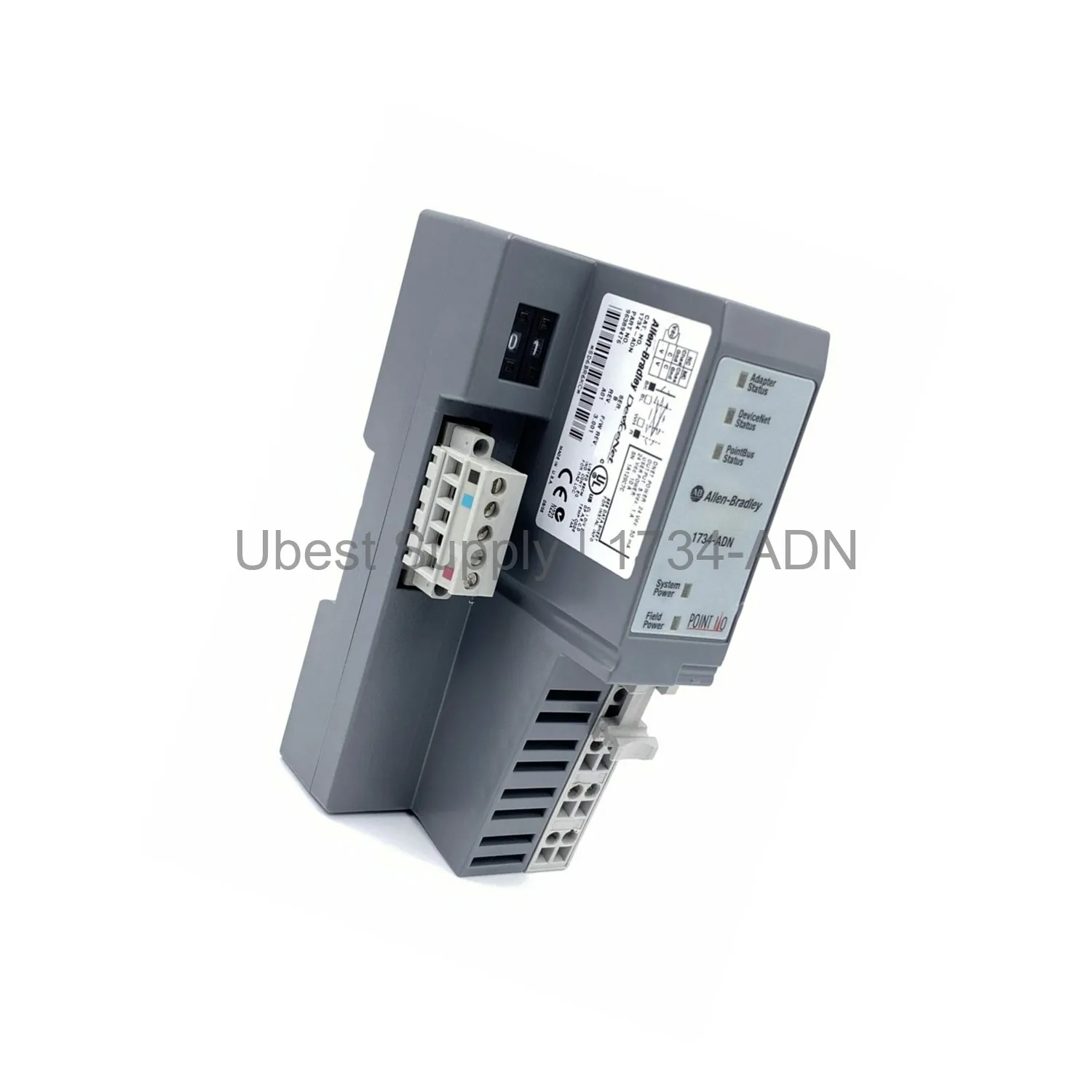
Mount the module vertically on a DIN rail. Apply firm pressure until it locks. Attach the DeviceNet plug to the terminal. Tighten the holding screws on both sides. Use the thumbwheel switch to set the node address. Valid addresses range from 0 to 63. The module uses this address as default on power-up. The auto baud feature detects the network speed. LED indicators show status. The ADR feature simplifies module replacement. For maintenance, check connections and LEDs periodically. Keep the module clean and free from moisture. Use only recommended cables like Belden YR-29832 or equivalent.
You will receive one 1734-ADN DeviceNet Adapter Module. The package includes the mounting base and terminal block. It also includes a DeviceNet connector plug. Installation guide is available online. No additional cables are included. Use approved DeviceNet cables for connection.
| Part Number | 1734-ADN |
| Condition | In Stock |
| Stock Status | In Stock (Ready to Ship) |
| Warranty | 12 Month |
Shipping Port: Xiamen
We ship worldwide via DHL, FedEx, UPS, TNT, and EMS. In-stock items are dispatched within 24 hours of payment confirmation. Tracking number will be provided after shipment.
Secure payment processing. Contact us for corporate account and bulk order pricing.
All products come with a 1-year warranty against manufacturing defects. We guarantee 100% new and original products sourced directly from authorized manufacturers.
In Stock  In Stock
  In Stock
  In Stock
  In Stock
  In Stock
  In Stock
  In Stock
 Stay informed with the latest industry insights, product announcements, and technical articles.