 In Stock
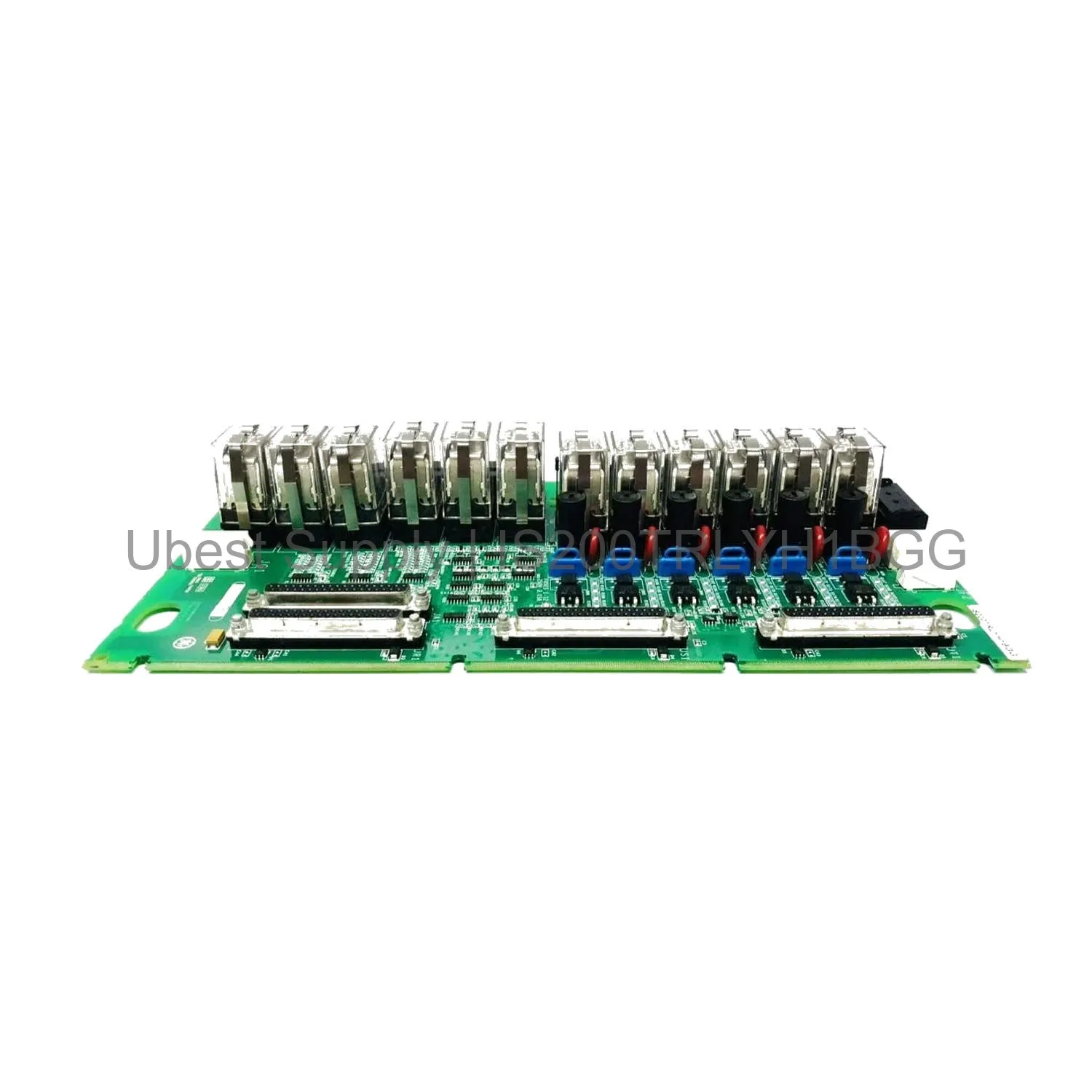
 Coil Sensing Terminal Board GE IS200TRLYH1BGG Mark VIe
IS200TRLYH1BGG
GE IS200TRLYH1BGG is a coil sensing terminal board for Mark VIe systems....

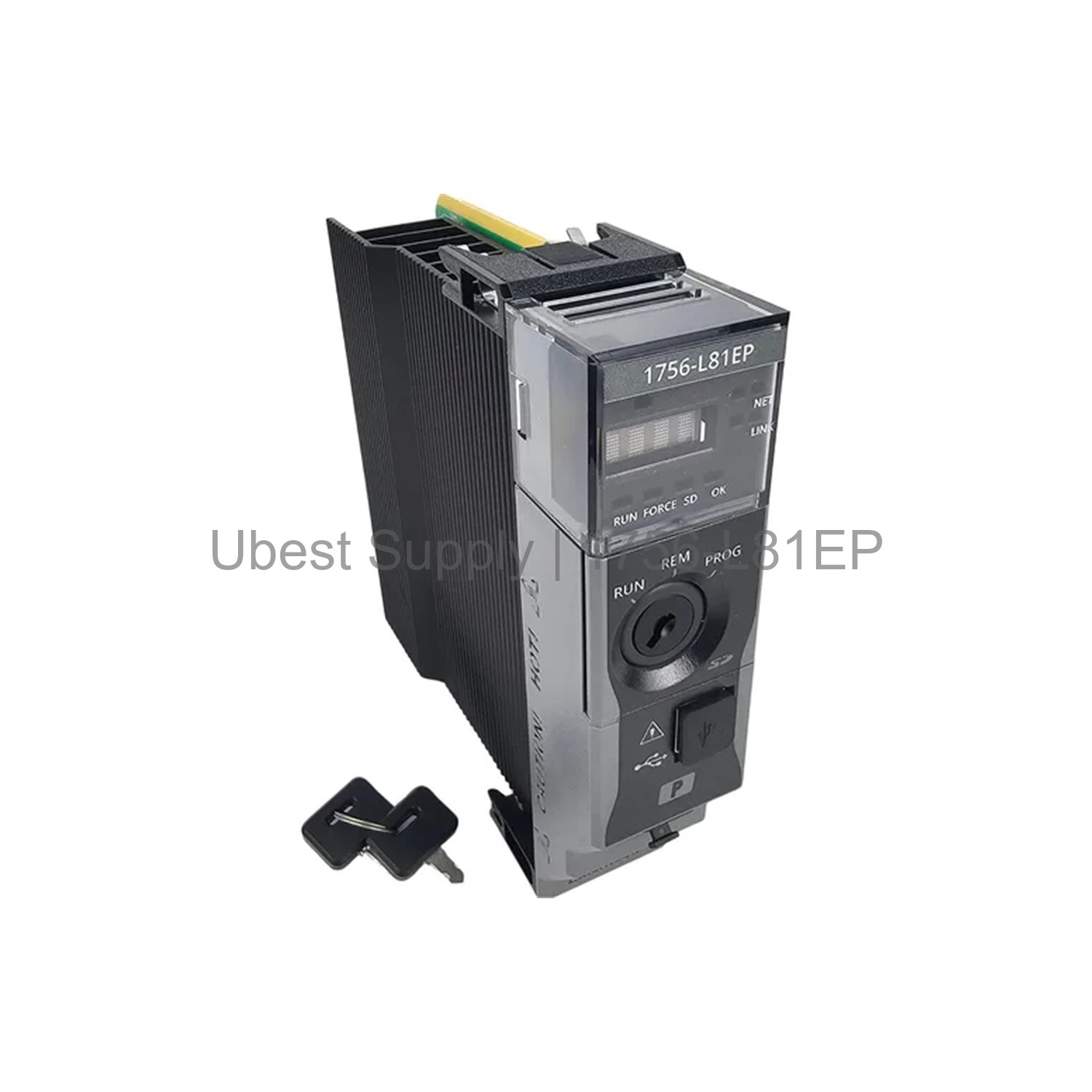
The Allen-Bradley 1756-L81EP is a high-performance processor. It belongs to the ControlLogix 5580E series. This controller offers 3MB of user memory. It supports up to 100 EtherNet/IP devices. The unit features a 1GB Ethernet port. It also has a USB 2.0 port for programming. The 4-character alpha/numeric display aids diagnostics. This model includes conformal coating for harsh environments. It is designed for complex process control applications. The 1756-L81EP works with Studio 5000 software. It is backward compatible with 5570 and 5560 controllers. This ensures easy upgrades for existing systems.
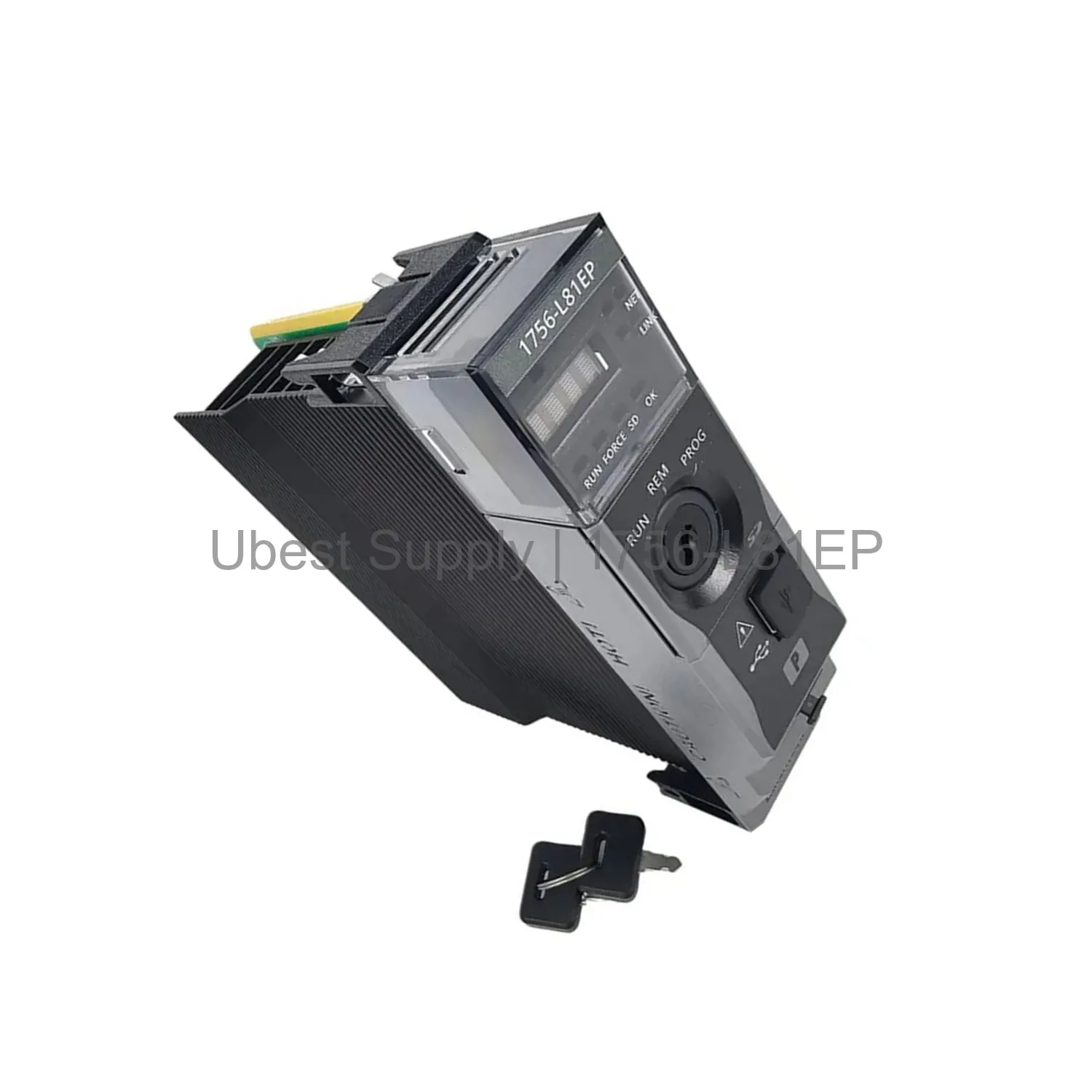
This controller is ideal for discrete and process control. It excels in batch processing applications. Use it for monitoring and controlling industrial machinery. It performs well in continuous production lines. The controller suits oil and gas operations. It is perfect for chemical processing plants. Use it in water and wastewater treatment. It handles food and beverage production well. The device works in harsh temperature environments. It operates from -25 to 70 degrees Celsius. This makes it reliable for outdoor or unheated facilities.
The module draws 1.2 Amps at 5.1 Volts. It supports 32 controller tasks. Each task can hold up to 1000 programs. Communication includes one USB 2.0 port. It also has one 1GB Ethernet port. The controller mounts in a ControlLogix I/O chassis. The operating temperature range is wide. It spans from -25 to 70 degrees Celsius. The conformal coating protects against moisture and debris. This ensures long-term reliability in tough conditions. The 1756-L81EP provides powerful processing capabilities. It handles complex logic and motion control.
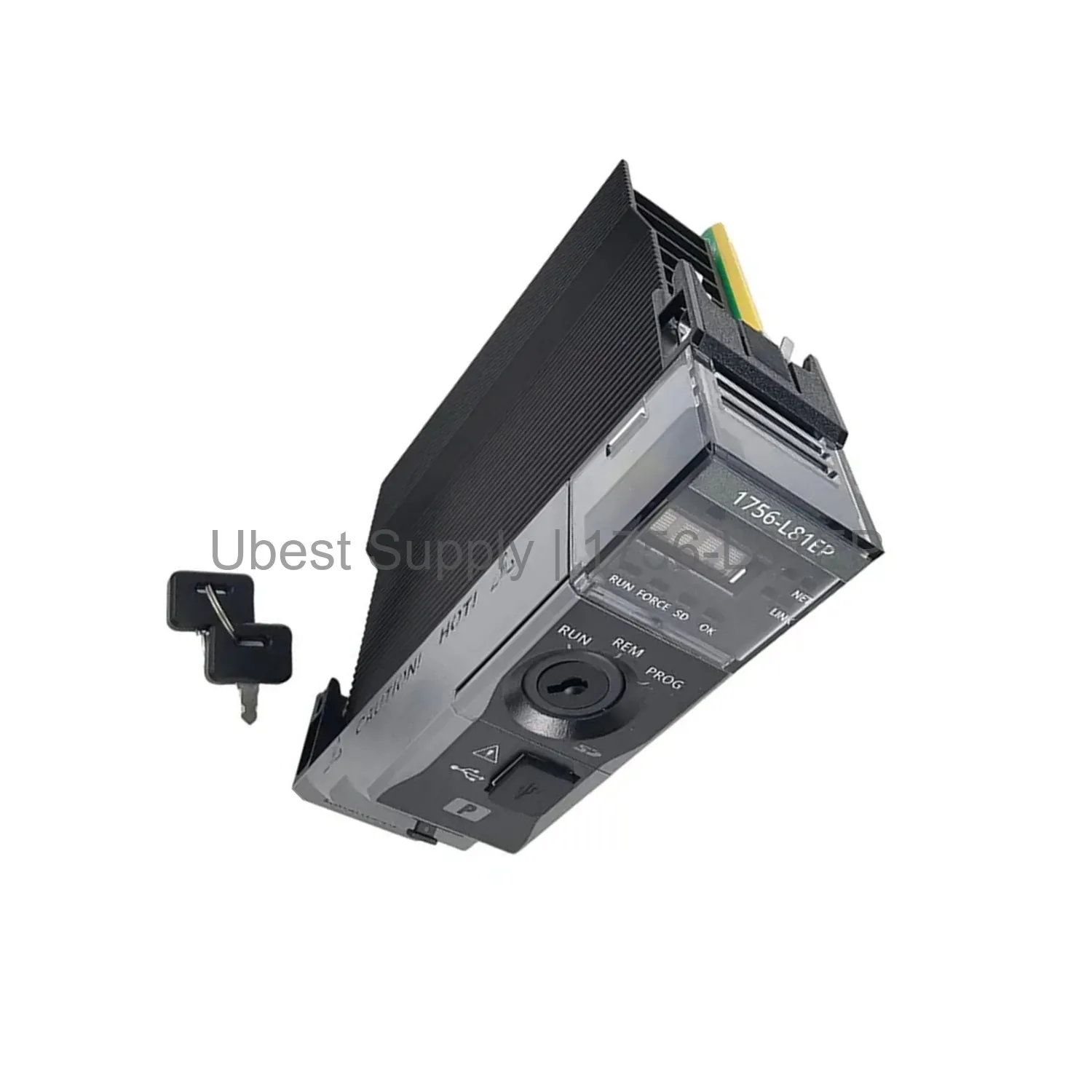
Install the controller into a ControlLogix chassis. Ensure the chassis power supply is off. Slide the module into the slot firmly. Lock it in place with the top and bottom clips. Connect the Ethernet cable for network access. Use the USB port for local programming. Power up the chassis and check the display. The display shows status and diagnostic information. Regular maintenance includes checking the display. Ensure the ventilation slots are clear of dust. Update firmware through Studio 5000 software. Follow all safety guidelines during installation.
Your shipment includes one ControlLogix 5580E controller. It includes a printed installation guide. No cables are included with the unit. The product comes in anti-static packaging. We ship via FedEx, UPS, or DHL. Choose your preferred method at checkout. The 1756-L81EP is carefully packed to prevent damage. Inspect the package upon arrival for any issues.
| Part Number | 1756-L81EP |
| Condition | In Stock |
| Stock Status | In Stock (Ready to Ship) |
| Weight | 0.9 kg |
| Warranty | 12 Month |
Shipping Port: Xiamen
We ship worldwide via DHL, FedEx, UPS, TNT, and EMS. In-stock items are dispatched within 24 hours of payment confirmation. Tracking number will be provided after shipment.
Secure payment processing. Contact us for corporate account and bulk order pricing.
All products come with a 1-year warranty against manufacturing defects. We guarantee 100% new and original products sourced directly from authorized manufacturers.
In Stock  In Stock
  In Stock
  In Stock
  In Stock
  In Stock
  In Stock
  In Stock
 Stay informed with the latest industry insights, product announcements, and technical articles.