 In Stock
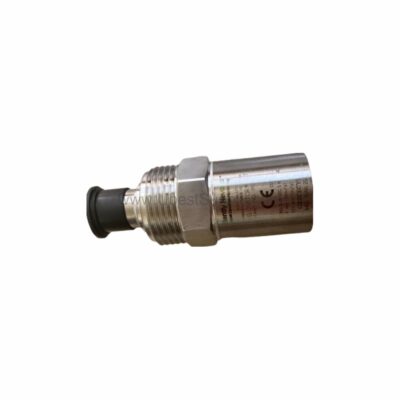
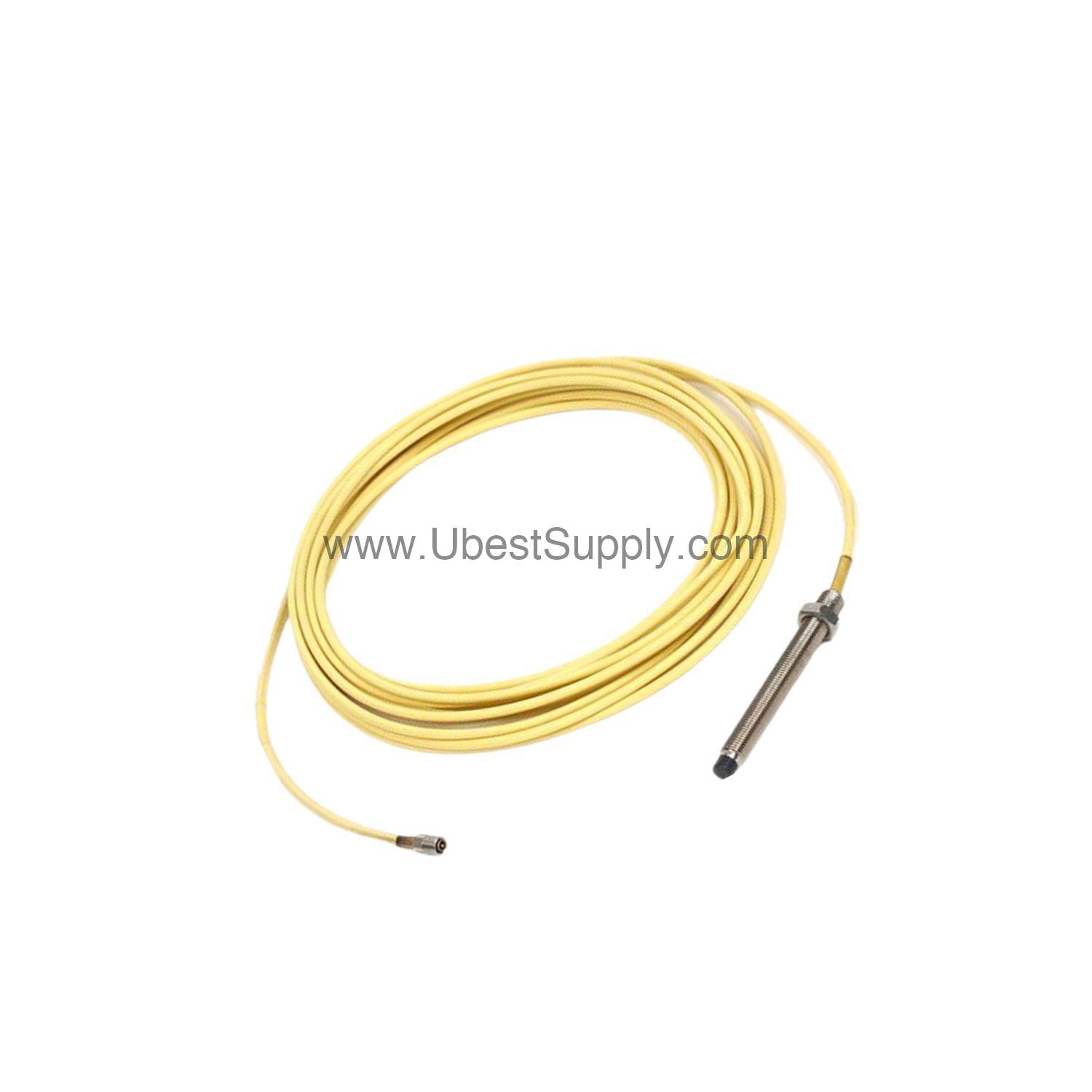
 190501-08-00-00 | Bently Nevada Velomitor CT Velocity Transducer
190501-08-00-00
The Bently Nevada 190501-08-00-00 Velomitor CT velocity transducer delivers accurate vibration monitoring...

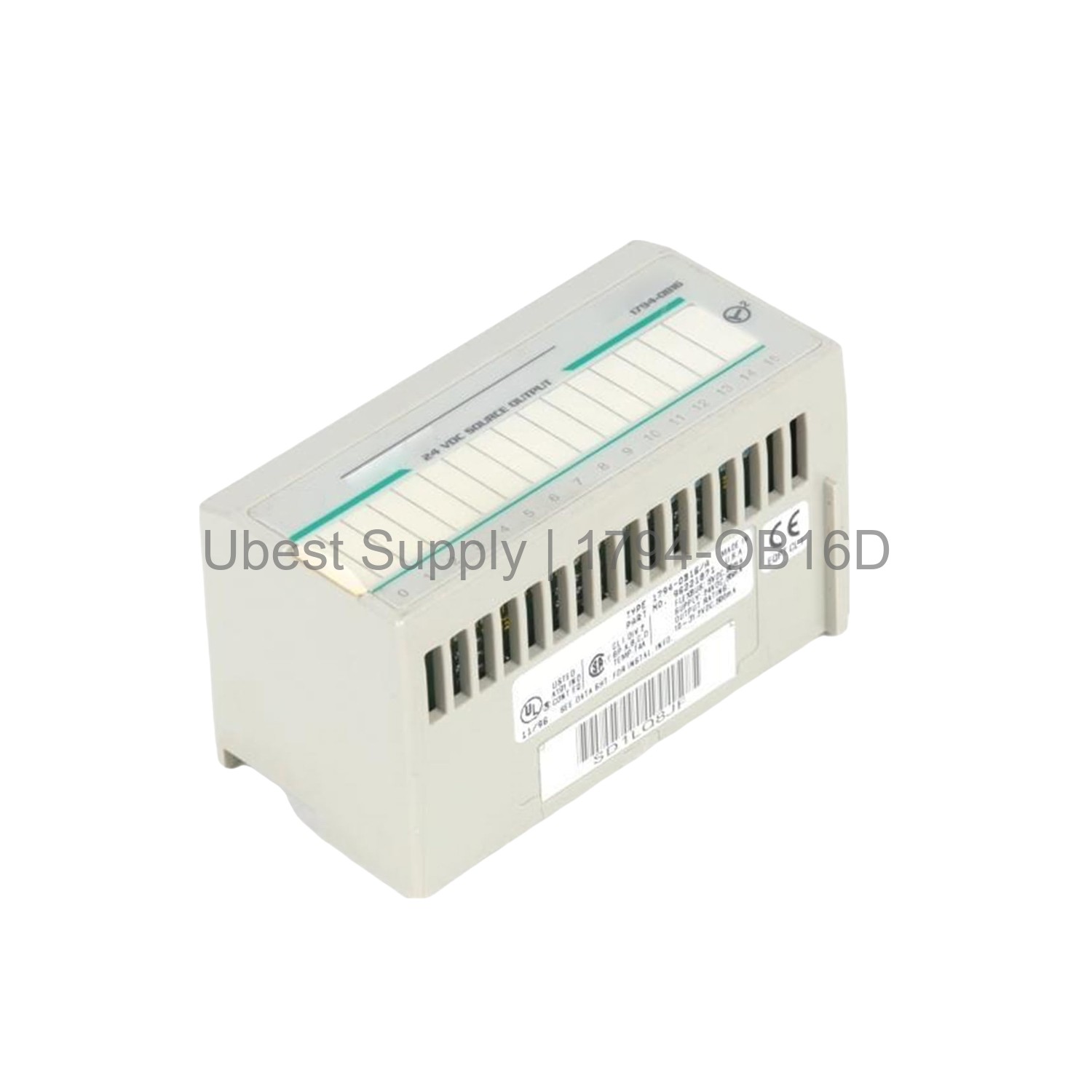
The Allen-Bradley 1794-OB16D is a Flex I/O digital output module with built-in diagnostics. It has 16 nonisolated outputs. The module operates on 24V DC nominal. It can switch up to 500mA per channel. The total output current is 8A per module.
This diagnostic module detects open and shorted outputs. It reports faults via status indicators. You can replace it under power. This feature saves time and avoids system restarts.
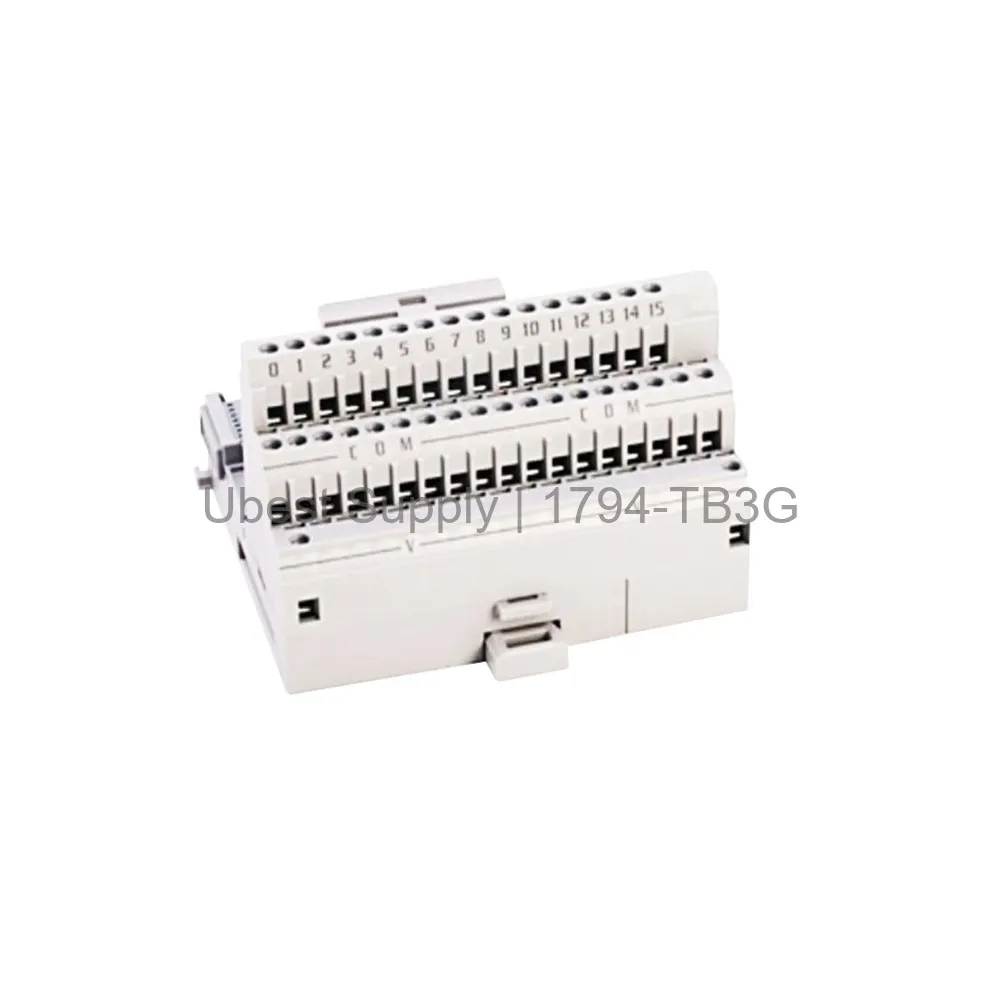
The 1794-OB16D communicates over ControlNet, DeviceNet, EtherNet/IP, and Universal Remote I/O. It fits into Flex I/O terminal base units. Use it with compatible bases like the 1794-TB3. It is part of the Rockwell Automation ecosystem.
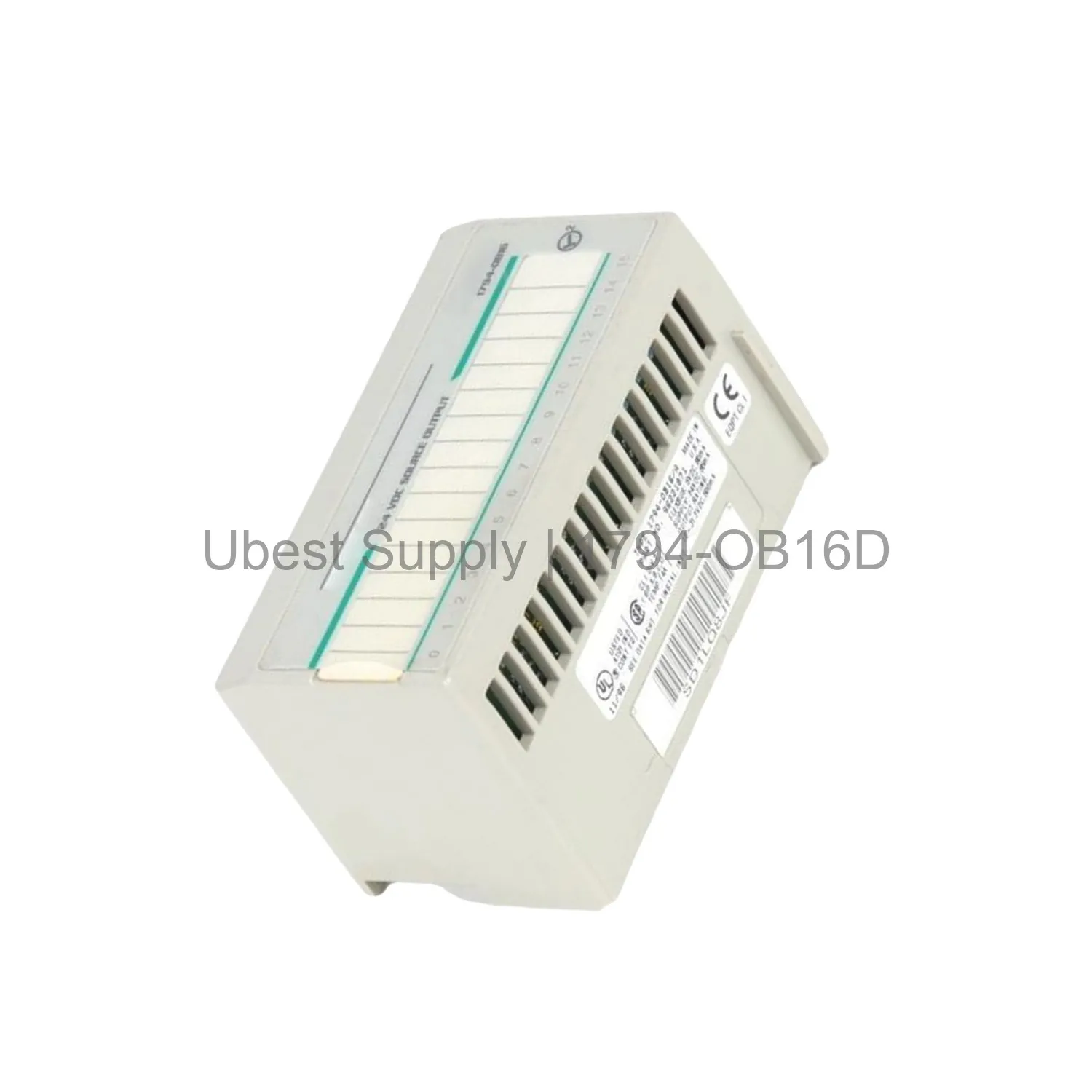
Use the 1794-OB16D in discrete manufacturing. Control solenoids, valves, and lights. Monitor output status with diagnostics. Ideal for applications needing fault detection. Reduce troubleshooting time.
It works in harsh environments with XT versions. The module operates from 0 to 55°C. Noncondensing humidity up to 95%. Suitable for factory floors and process lines.
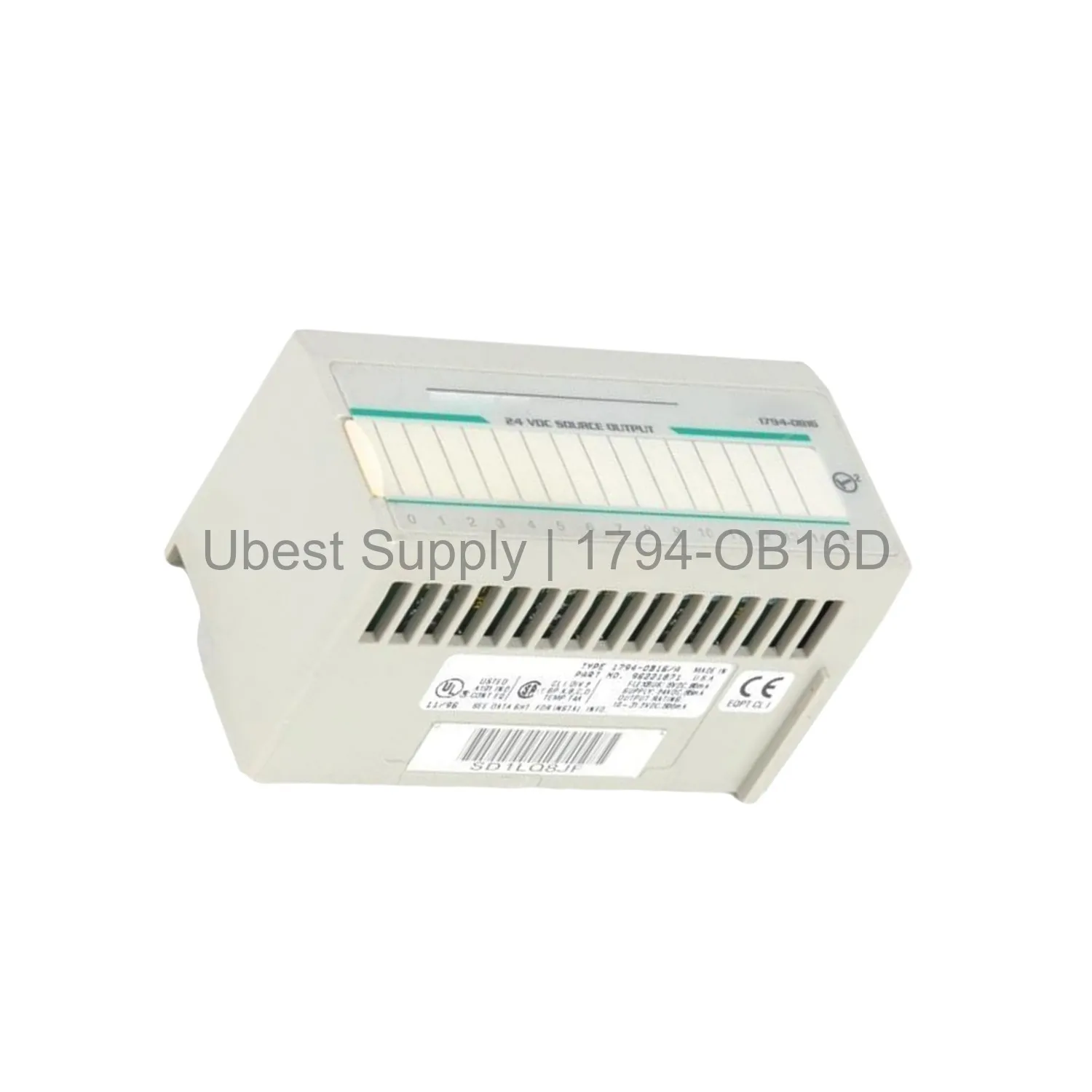
Combine with other Flex I/O modules for scalable I/O systems. The 1794-OB16D expands your control network easily.
Install the terminal base on a DIN rail first. Snap the 1794-OB16D into the base. Connect the backplane via FlexBus. Wire field devices to the terminal base screw clamps.
Use proper wire sizes from 0.34 to 3.3 mm². Torque screws to 0.56–0.79 Nm. For daisy-chaining, use specific terminals. Follow the user manual for exact wiring.
Diagnostic LEDs indicate channel status. Green means on, red indicates fault. Check for short circuit or open load. Replace module if needed. Hot-swap under power is supported.
Regularly inspect connections. Keep the module clean. Follow safety procedures. Do not exceed voltage or current ratings.
| Part Number | 1794-OB16D |
| Condition | In Stock |
| Stock Status | In Stock (Ready to Ship) |
| Warranty | 12 Month |
Shipping Port: Xiamen
We ship worldwide via DHL, FedEx, UPS, TNT, and EMS. In-stock items are dispatched within 24 hours of payment confirmation. Tracking number will be provided after shipment.
Secure payment processing. Contact us for corporate account and bulk order pricing.
All products come with a 1-year warranty against manufacturing defects. We guarantee 100% new and original products sourced directly from authorized manufacturers.
In Stock  In Stock
  In Stock
  In Stock
  In Stock
  In Stock
  In Stock
  In Stock
 Stay informed with the latest industry insights, product announcements, and technical articles.