 In Stock
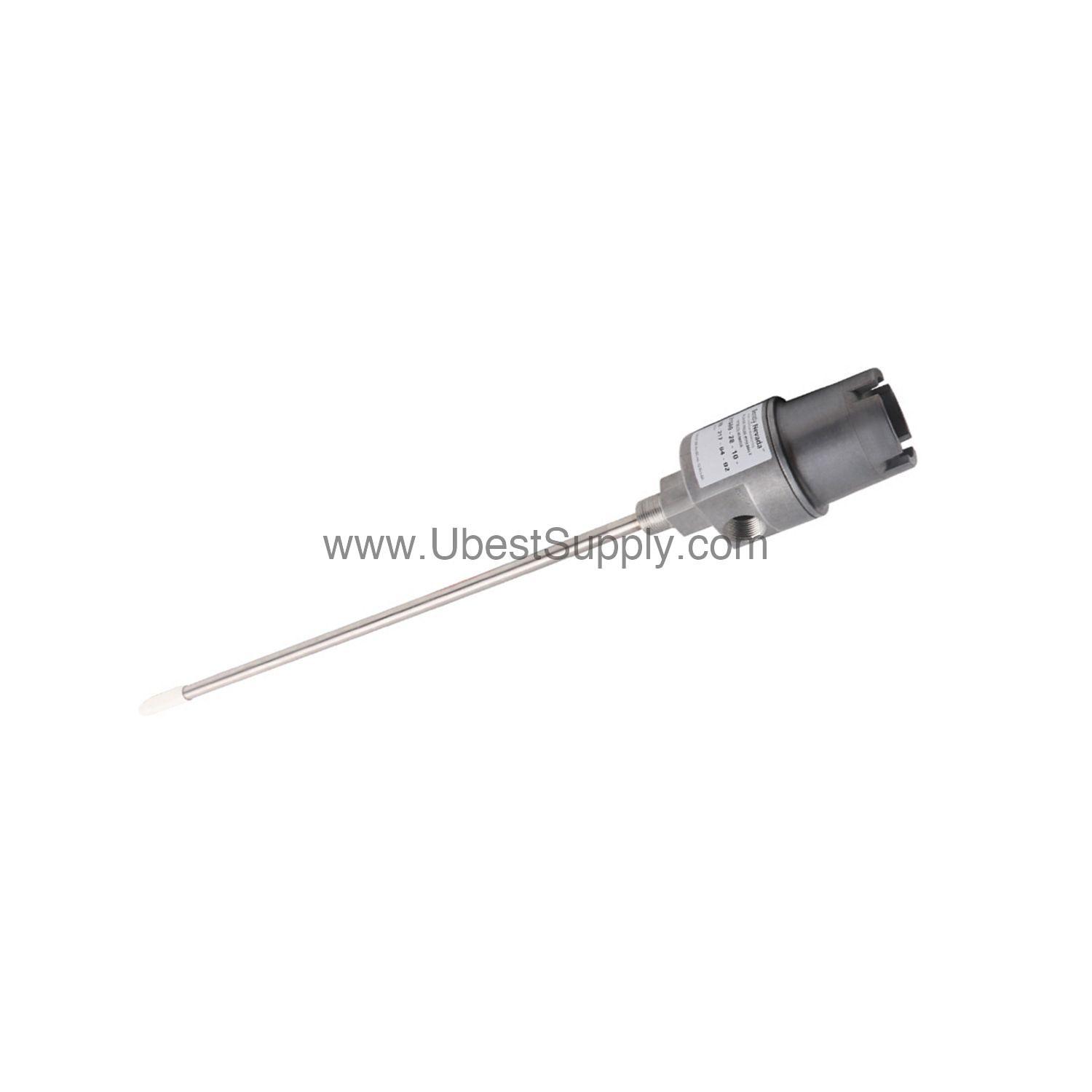
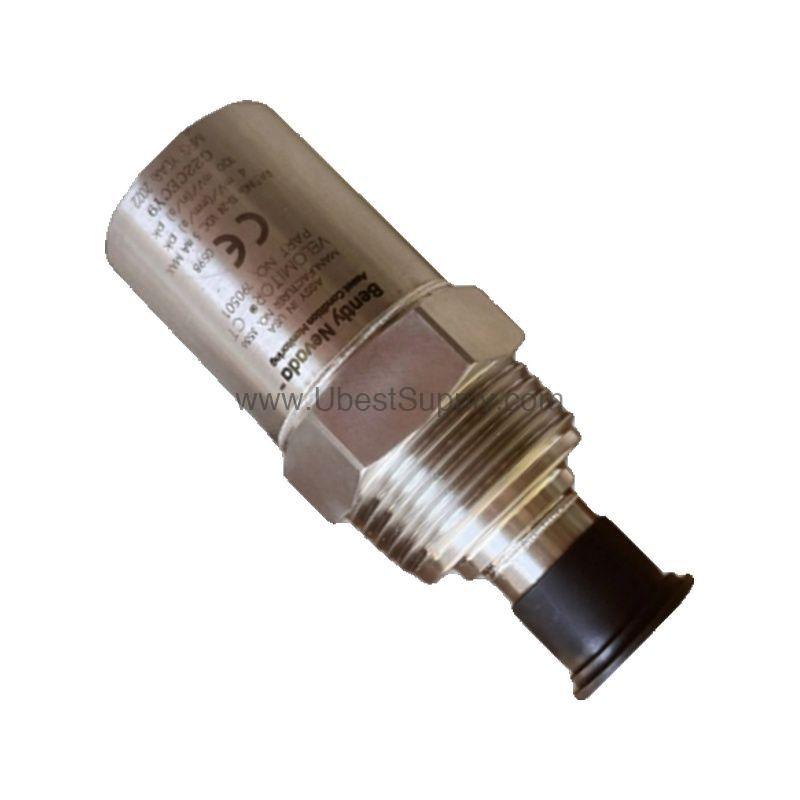
 21000-33-10-00-070-03-02 | Bently Nevada 1.0 m Cable Proximity Probe Housing Assembly
21000-33-10-00-070-03-02
The Bently Nevada 21000-33-10-00-070-03-02 proximity probe housing assembly offers a 1.0 m...

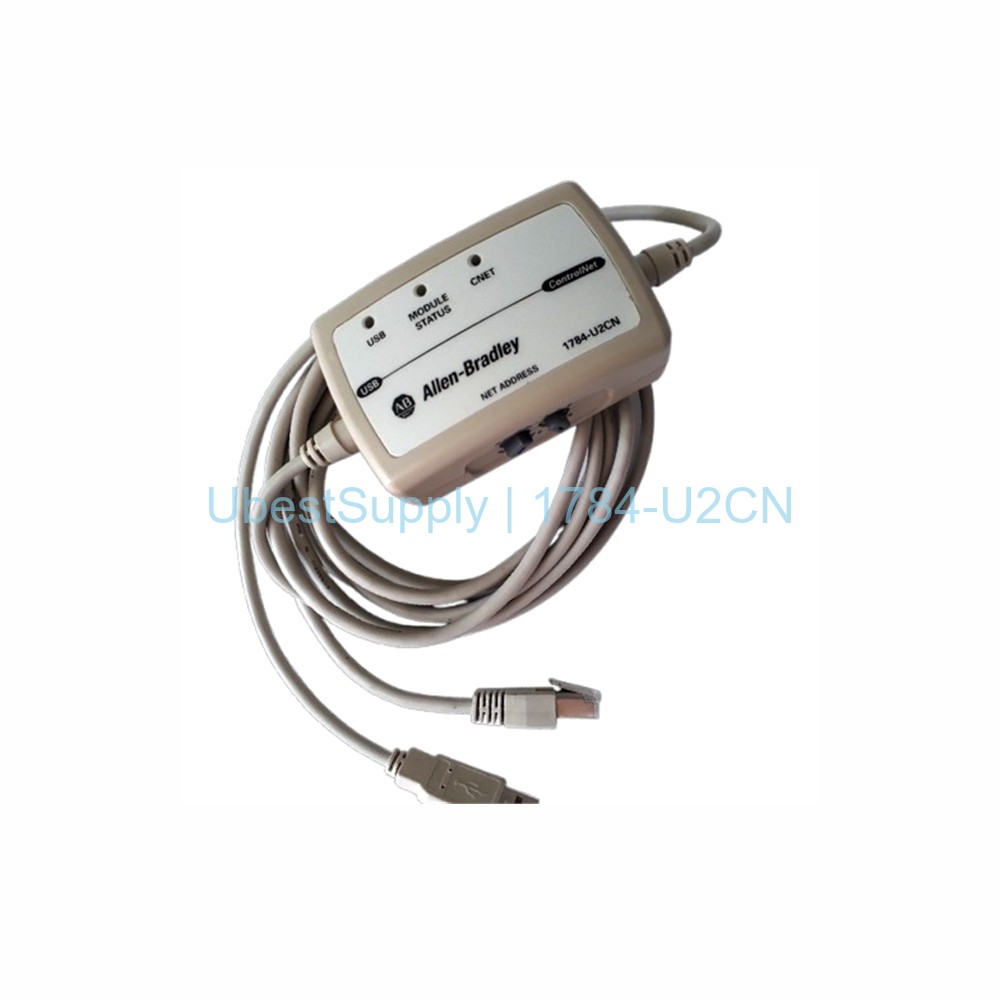
The 1784-U2CN is a USB to ControlNet cable from Allen-Bradley. It links a computer to a ControlNet network via a USB port. This cable is ideal for industrial automation. It runs on 5.25 Volts DC. It draws 225 milliamps. The cable has three main parts. These include two connectors and a node address switch. The switch allows users to set the network node address. Three LEDs provide status information. The USB LED glows green when configured but idle. It blinks during active traffic. The module LED shows the cable module status. The network LED indicates ControlNet activity. The cable meets IP30 protection. It is not water resistant. The cable also complies with CE, RCM, KCC, CI, and cULus standards.
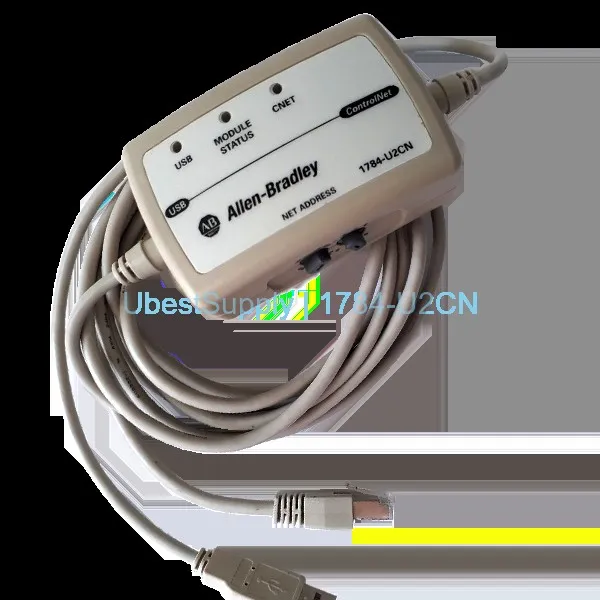
Factory automation systems use this cable for network connectivity. Technicians program PLCs with it. It monitors ControlNet network traffic. The cable works up to 55 degrees Celsius. It operates at altitudes up to 2000 meters without derating. Use it in control cabinets or on factory floors. It provides a reliable USB-to-ControlNet interface.
Brand: Allen-Bradley / Rockwell Automation
Part Number: 1784-U2CN
Description: ControlNet cable
Voltage: 5.25 Volts DC
Current: 225 mA
Standards: CE, RCM, KCC, CI, cULus
Temperature Range: 0 to 55 degrees Celsius
Enclosure Rating: IP 30
Isolation Voltage: 30 Volts continuous
ControlNet Current: 70 mA at 24 Volts
UPC: 10612598524836
UNSPSC: 43201404
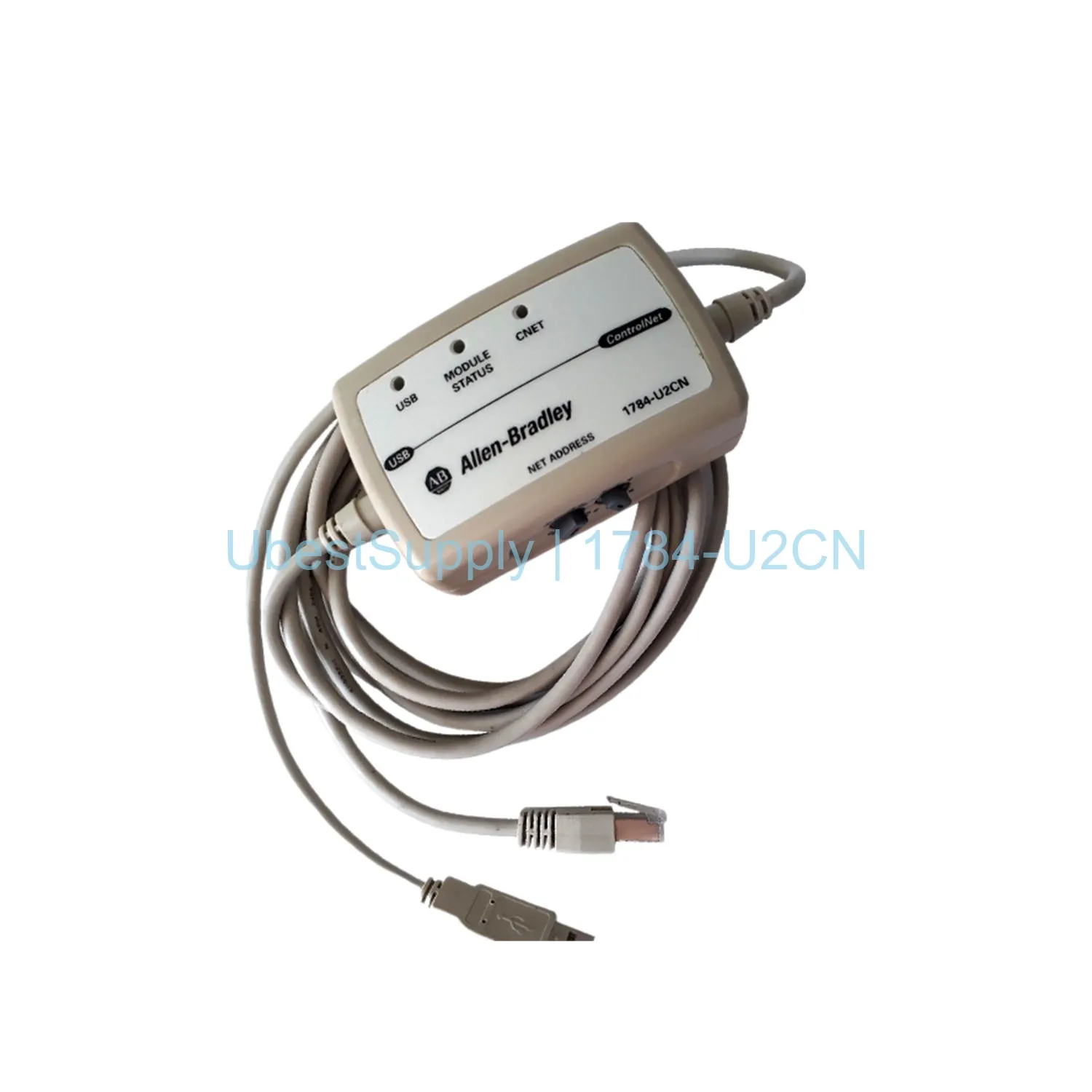
Handle the cable carefully to avoid electrostatic discharge (ESD) damage. Ground yourself before connecting. Do not exceed 55 degrees Celsius operating temperature. Keep the cable dry. Use the node address switch to set the correct network address. The switch is at the center of the cable. Observe the LEDs for troubleshooting. A steady green USB LED means configured. A blinking LED indicates active network. The module and network LEDs behave similarly. Always store the cable in an ESD-safe environment.
The package includes one 1784-U2CN ControlNet cable assembly. It may include documentation. Shipping carriers include FedEx, UPS, or DHL.
| Part Number | 1784-U2CN |
| Condition | In Stock |
| Stock Status | In Stock (Ready to Ship) |
| Weight | 0.5 |
| Warranty | 12 Month |
Shipping Port: Xiamen
We ship worldwide via DHL, FedEx, UPS, TNT, and EMS. In-stock items are dispatched within 24 hours of payment confirmation. Tracking number will be provided after shipment.
Secure payment processing. Contact us for corporate account and bulk order pricing.
All products come with a 1-year warranty against manufacturing defects. We guarantee 100% new and original products sourced directly from authorized manufacturers.
In Stock 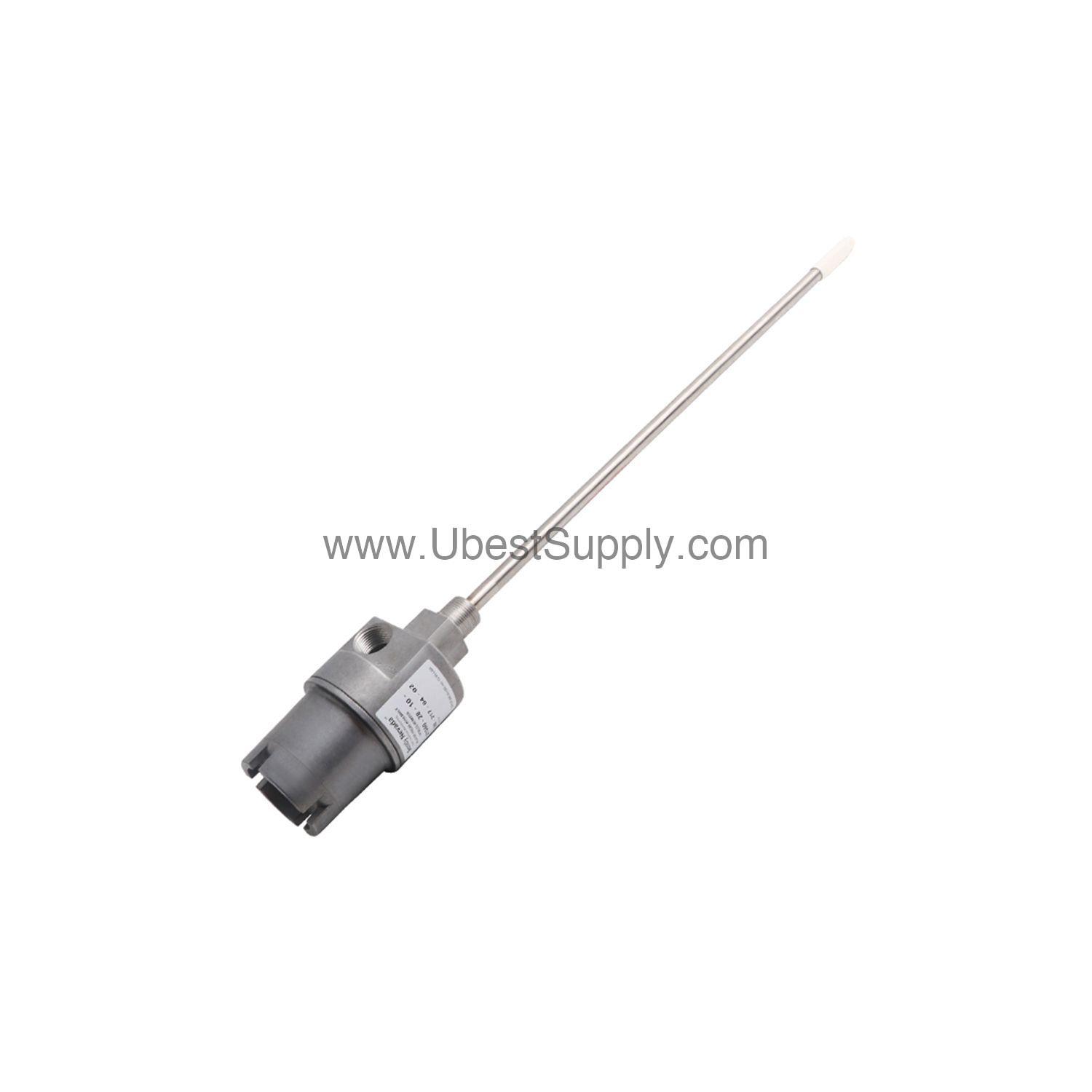 In Stock
  In Stock
  In Stock
  In Stock
  In Stock
  In Stock
  In Stock
 Stay informed with the latest industry insights, product announcements, and technical articles.