 In Stock
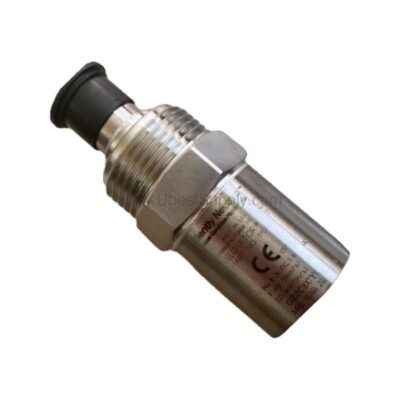
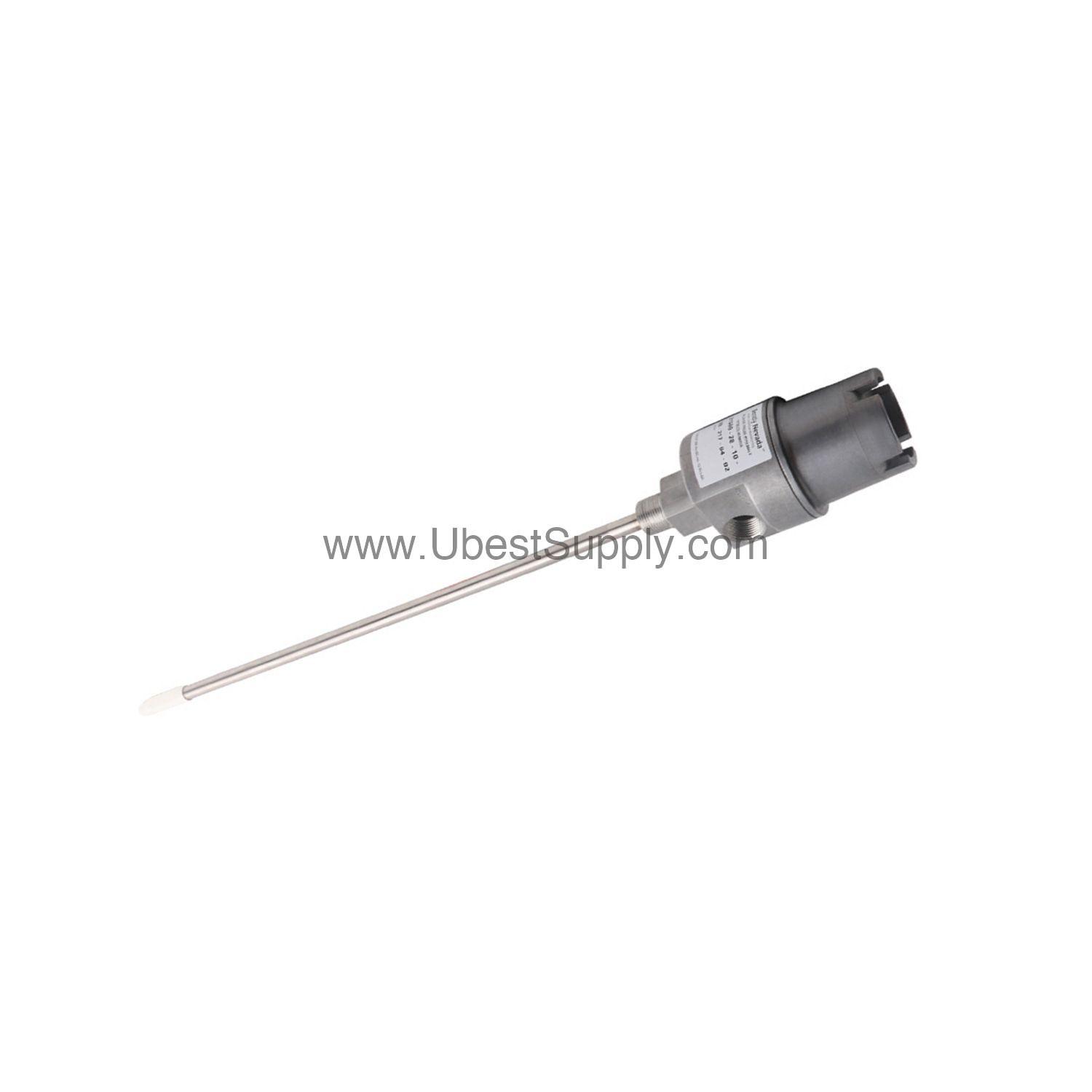
 190501-08-00-00 | Bently Nevada Velocity Transducer
190501-08-00-00
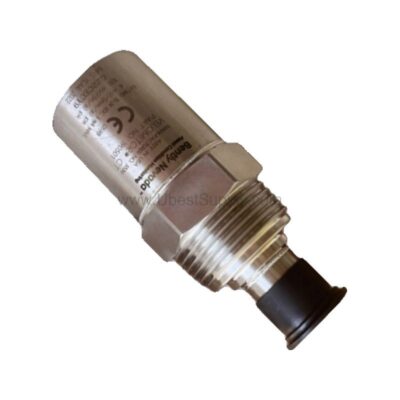
The Bently Nevada 190501-08-00-00 Velomitor CT velocity transducer delivers reliable vibration monitoring...

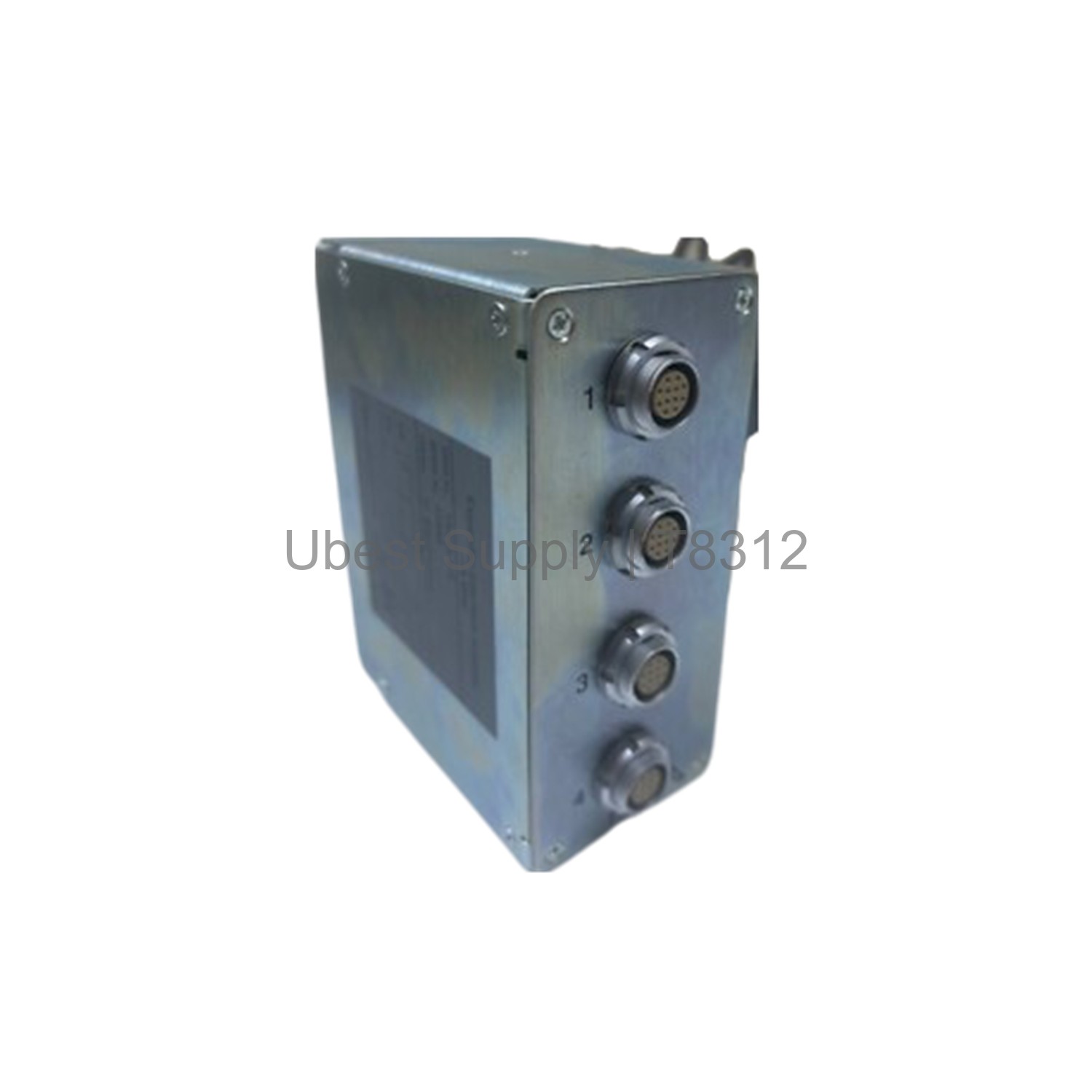
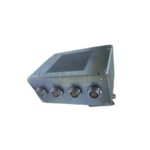
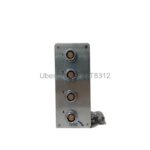
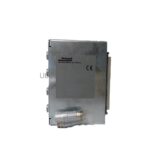
The ICS Triplex T8312 is an Expander Interface Adapter. It connects expander interface modules in the controller chassis. It links them to processor interface modules in expander chassis. This part is vital for system expansion. It helps manage multiple chassis setups. The device uses dip switches for ID settings. The controller chassis ID is set to 1. Expander chassis IDs range from 2 to 8. For more chassis, use another adapter. Set IDs from 2 to 8 again. Software designates them as 9 to 15. This adapter works with system software. It requires proper configuration. The T8312 is a reliable choice for industrial control.
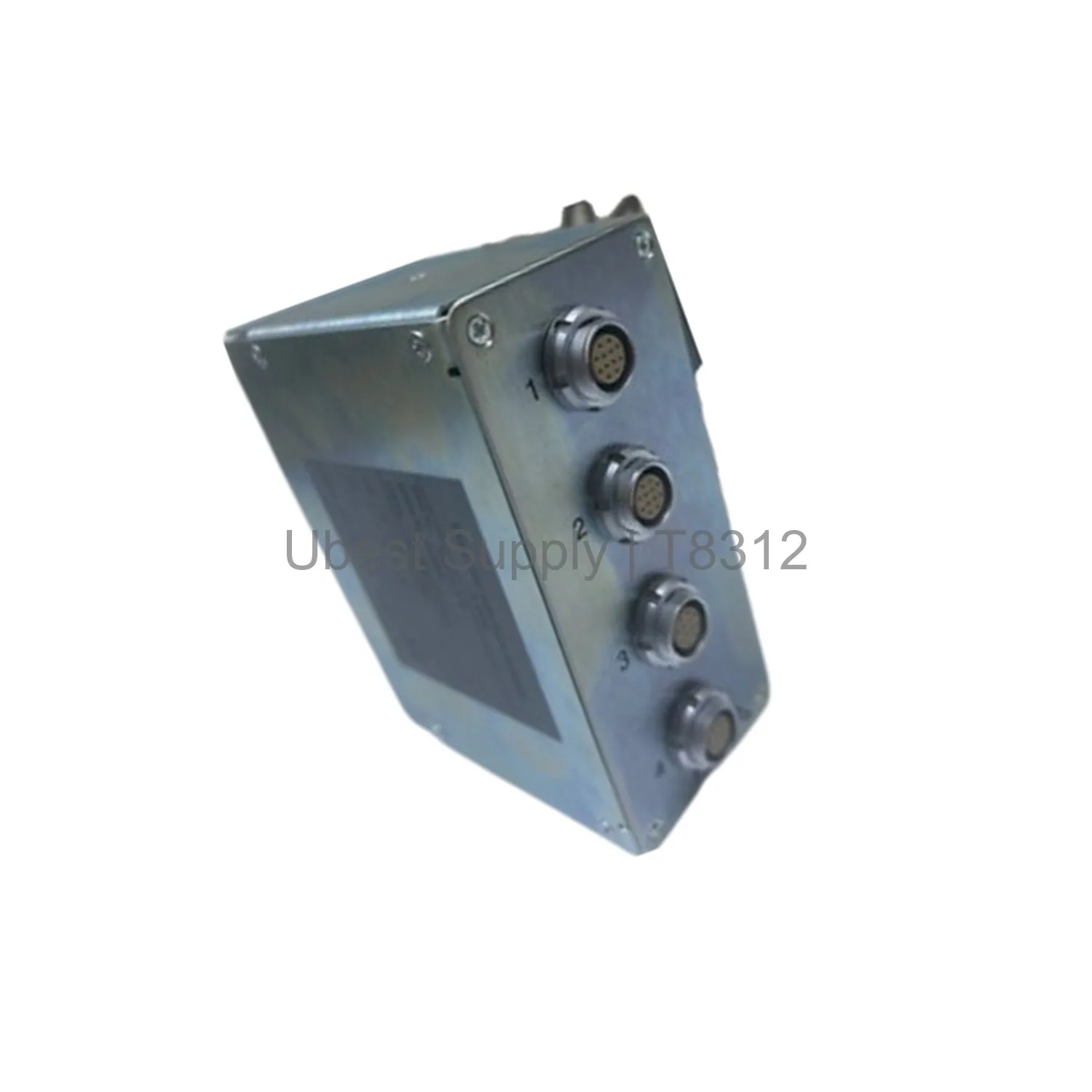
This adapter works in industrial control systems. It is common in process plants. It fits in oil and gas facilities. It also works in power generation. The T8312 helps expand system capacity. It links extra I/O modules. This setup allows for more control points. It is useful for large automation projects. The device supports both standard and hazardous locations. It holds certifications like ATEX and IECEx. This makes it safe for many environments. Use it to grow your control network. It keeps your system running smoothly.
The T8312 has a weight of 0.65 kg. It measures 1.43 lbs. The supply ratings are not applicable. It comes in two models. The T8312/4 connects up to four chassis. The T8312/7 connects up to seven chassis. The device uses a dip switch for ID setup. Set the controller chassis to ID 1. Set expander chassis from 2 to 8. For additional chassis, use another adapter. Set IDs from 2 to 8 again. Software maps them to 9 through 15. The adapter works in ordinary and hazardous areas. It holds HazLoc, ATEX, and IECEx certifications. This makes it versatile for different sites.
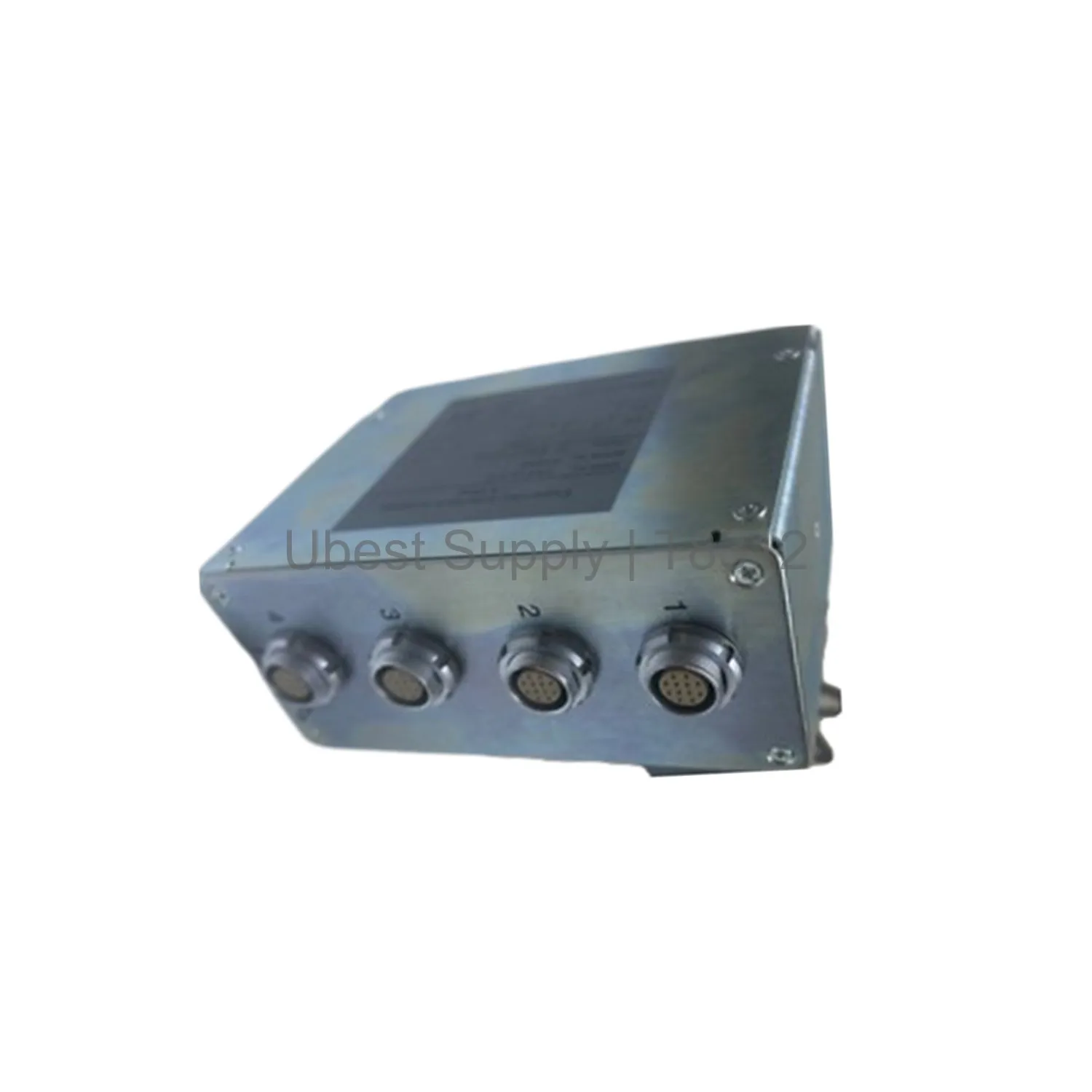
Install the T8312 in the controller chassis first. Set the dip switch to ID 1. Then install it in the expander chassis. Set IDs from 2 to 8. For more chassis, repeat the process. Use software to map IDs 9 to 15. Ensure all connections are secure. Check the dip switch settings twice. Power on the system. Configure the software for the adapter. Test the communication between chassis. Perform regular checks on the connections. Keep the device clean and dry. Replace it if it shows damage. Follow the manual for full details.
One ICS Triplex T8312 Expander Interface Adapter. No additional accessories are included. The device is packed securely. It is ready for shipping. You can choose Fedex, UPS, or DHL for delivery.
| Part Number | T8312 |
| Condition | In Stock |
| Stock Status | In Stock (Ready to Ship) |
| Weight | 0.65 kg |
| Warranty | 12 Month |
Shipping Port: Xiamen
We ship worldwide via DHL, FedEx, UPS, TNT, and EMS. In-stock items are dispatched within 24 hours of payment confirmation. Tracking number will be provided after shipment.
Secure payment processing. Contact us for corporate account and bulk order pricing.
All products come with a 1-year warranty against manufacturing defects. We guarantee 100% new and original products sourced directly from authorized manufacturers.
In Stock  In Stock
  In Stock
  In Stock
  In Stock
  In Stock
  In Stock
  In Stock
 Stay informed with the latest industry insights, product announcements, and technical articles.