 In Stock
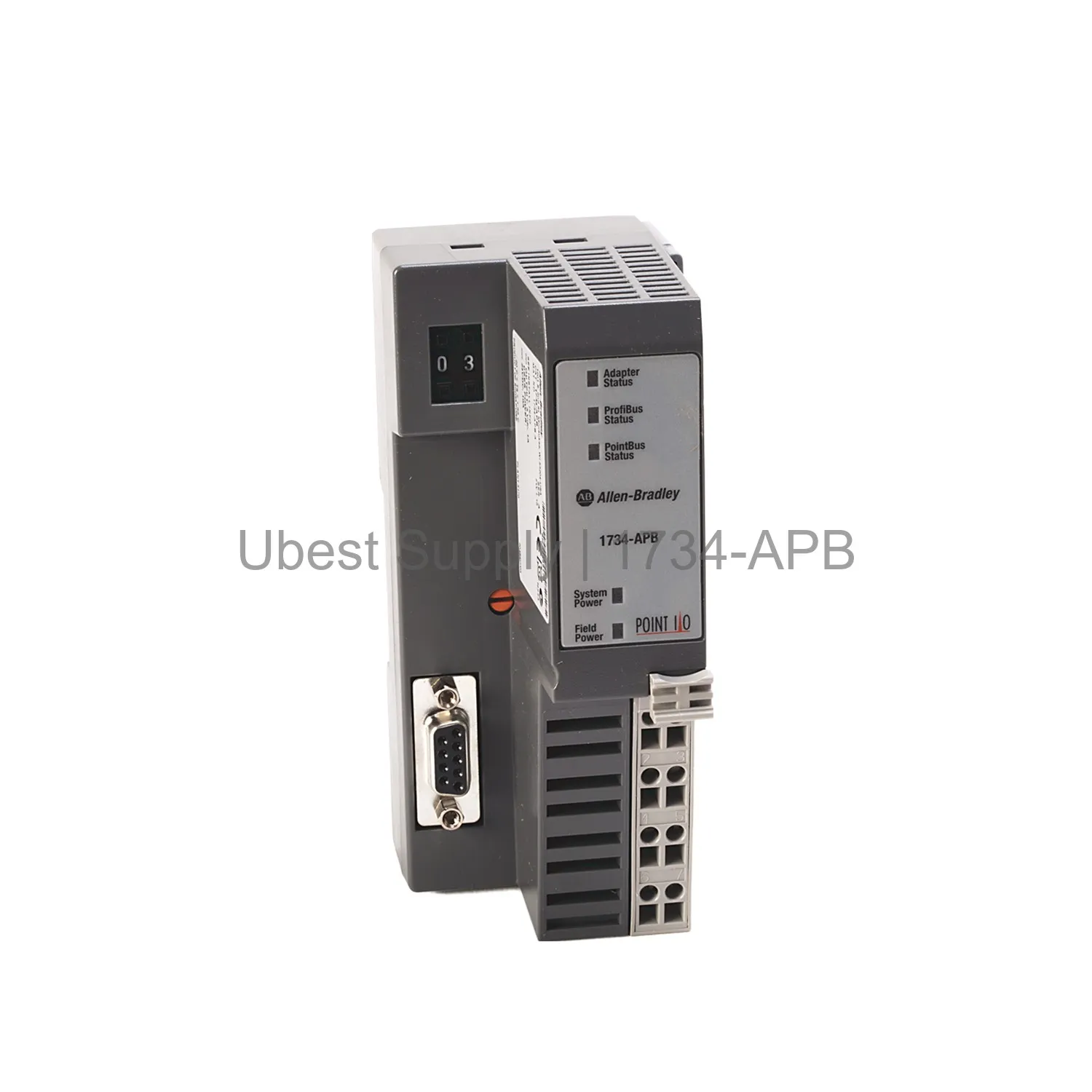
 PROFIBUS DP Network Adapter Allen-Bradley 1734-APB
1734-APB
Allen-Bradley 1734-APB PROFIBUS DP adapter for POINT I/O systems. Supports up to...

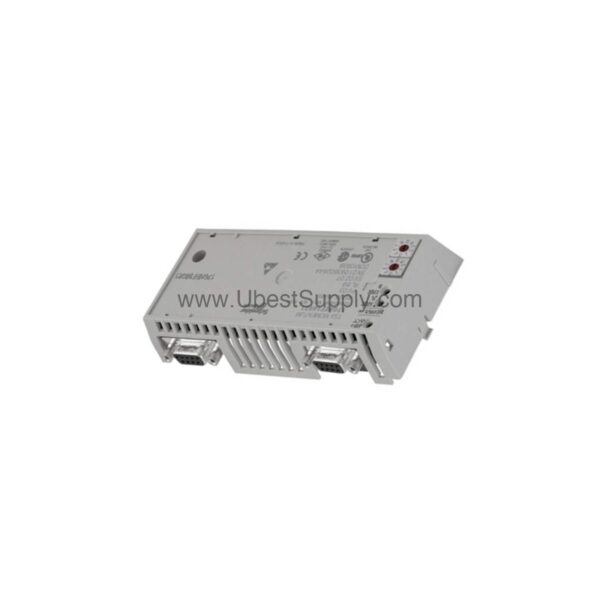
When your industrial network demands reliable communication over long distances, the 170PNT11020C from Schneider Electric delivers. This communication adapter, part of the Modicon Momentum series, uses the Modbus Plus protocol to ensure efficient data transfer. With a transmission rate of 1 Mbit/s, it handles real-time data exchange with ease.
Designed for multidrop topology, the 170PNT11020C supports up to 31 devices per segment. This makes it a versatile choice for complex network layouts. Additionally, the adapter supports cable lengths up to 5000 meters, offering flexibility in installation across expansive facilities.
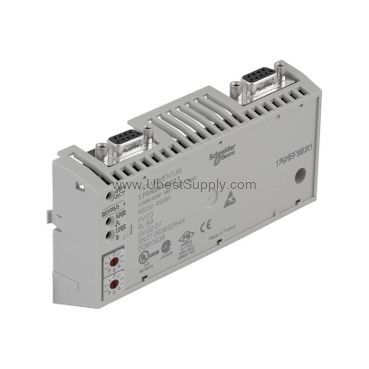
The 170PNT11020C is built to perform in demanding industrial environments. Below are its core specifications, all derived from official data:
One standout feature is the 8 kV resistance to electromagnetic fields. This ensures stable operation even in environments with high electromagnetic interference, reducing the risk of communication errors.
In manufacturing plants, the 170PNT11020C enables seamless communication between PLCs and remote I/O devices. Its long cable length makes it suitable for large-scale installations, such as material handling systems or utility monitoring networks. Moreover, the multidrop capability allows engineers to connect multiple devices on a single segment, simplifying wiring and reducing costs.
For example, in a bottling facility, the adapter can link several sensors and actuators to a central controller, ensuring synchronized operations. Consequently, this improves overall efficiency and reduces downtime.
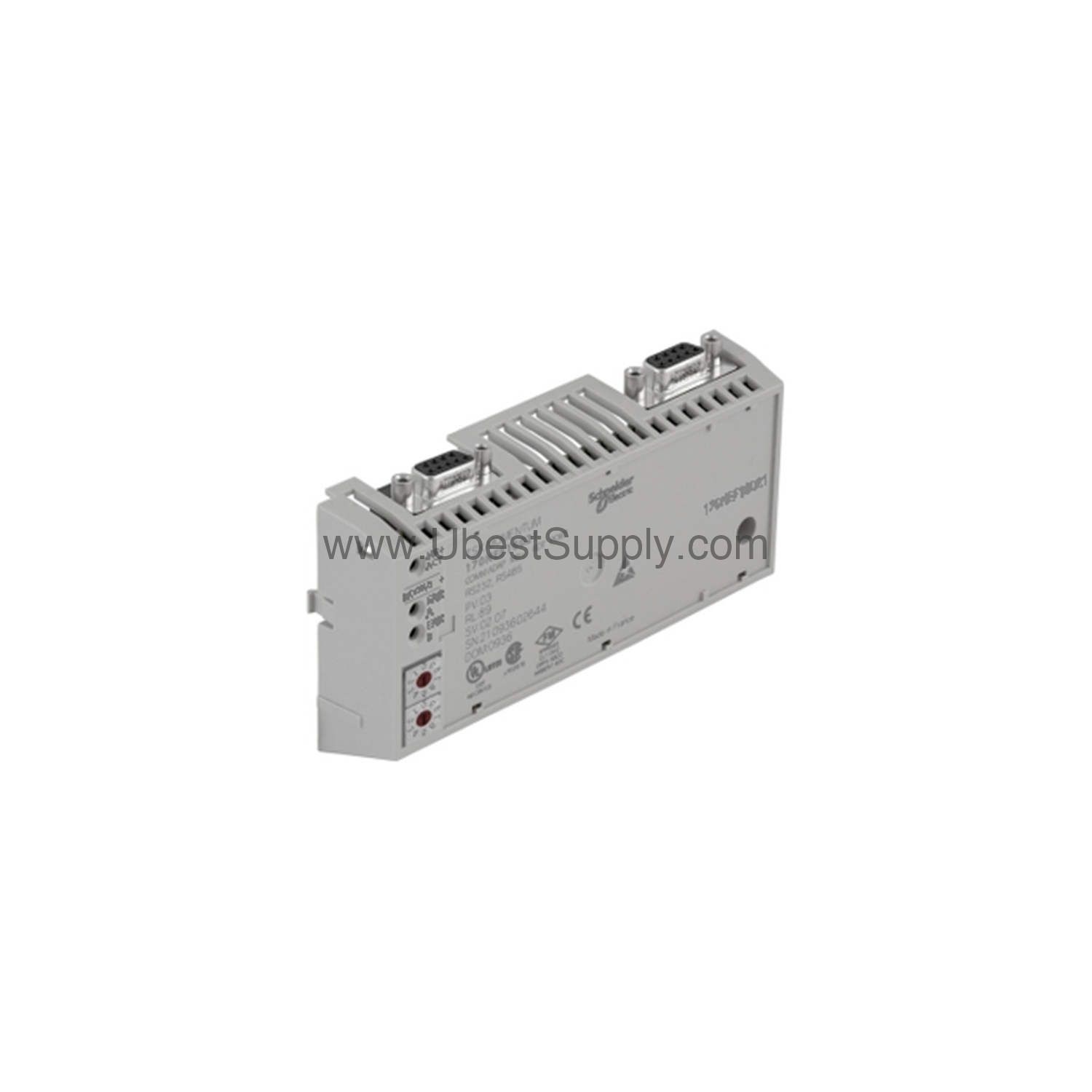
Installing the 170PNT11020C is straightforward. The SUB-D9 connector provides a secure and reliable electrical connection. Begin by mounting the adapter in a suitable enclosure, ensuring it is protected from dust and moisture, as per its IP20 rating.
Next, connect the Modbus Plus cable to the SUB-D9 port. Verify that the cable length does not exceed 5000 meters to maintain signal integrity. After powering up, use the LED indicators to confirm proper operation. Finally, configure the device address and baud rate according to your network requirements, following the manufacturer's manual.
To ensure long-term reliability, periodic inspection of the 170PNT11020C is recommended. Check the LED indicators regularly to verify that communication is active. Additionally, inspect the SUB-D9 connection for any signs of wear or corrosion, and tighten if necessary.
Since the adapter operates in environments with up to 80% humidity (non-condensing), avoid exposing it to condensation. If the device is installed at altitudes above 1000 meters, consult Schneider's guidelines for derating. By following these simple practices, you can extend the service life of the adapter and minimize unexpected failures.
The 170PNT11020C is designed to integrate seamlessly with Schneider Electric's Modicon Momentum series. It uses the Modbus Plus protocol, which is widely supported in industrial automation. This allows the adapter to communicate with various PLCs, drives, and HMI panels that support Modbus Plus.
Furthermore, the multidrop topology enables connection of up to 31 devices per segment, making it easy to expand your network. For larger systems, multiple segments can be interconnected, providing scalability without compromising performance.
If communication issues arise, first check the LED indicators on the 170PNT11020C. A steady green light typically indicates normal operation, while a flashing or red light may signal a problem. Verify that the cable length is within the 5000-meter limit and that all connections are secure.
Electromagnetic interference can also disrupt communication. However, the adapter's 8 kV resistance helps mitigate this. If problems persist, ensure that the device is properly grounded and that the network topology adheres to the multidrop configuration. For detailed diagnostics, refer to the official Schneider documentation.
A: The 170PNT11020C supports cable lengths up to 5000 meters.
A: You can connect up to 31 devices per segment using a multidrop topology.
A: It uses the Modbus Plus protocol.
A: The adapter has an IP20 protection class, making it suitable for indoor use.
A: The maximum operating altitude is 1000 meters above sea level.
The 170PNT11020C is available from Petro Auto Tech, a trusted industrial automation parts supplier. We ensure genuine products and prompt delivery. For inquiries about availability or technical support, contact our team.
| Part Number | 170PNT11020C |
| Condition | In Stock |
| Stock Status | In Stock (Ready to Ship) |
| Weight | 0.5 kg |
| Warranty | 12 Month |
Shipping Port: Xiamen
We ship worldwide via DHL, FedEx, UPS, TNT, and EMS. In-stock items are dispatched within 24 hours of payment confirmation. Tracking number will be provided after shipment.
Secure payment processing. Contact us for corporate account and bulk order pricing.
All products come with a 1-year warranty against manufacturing defects. We guarantee 100% new and original products sourced directly from authorized manufacturers.
In Stock 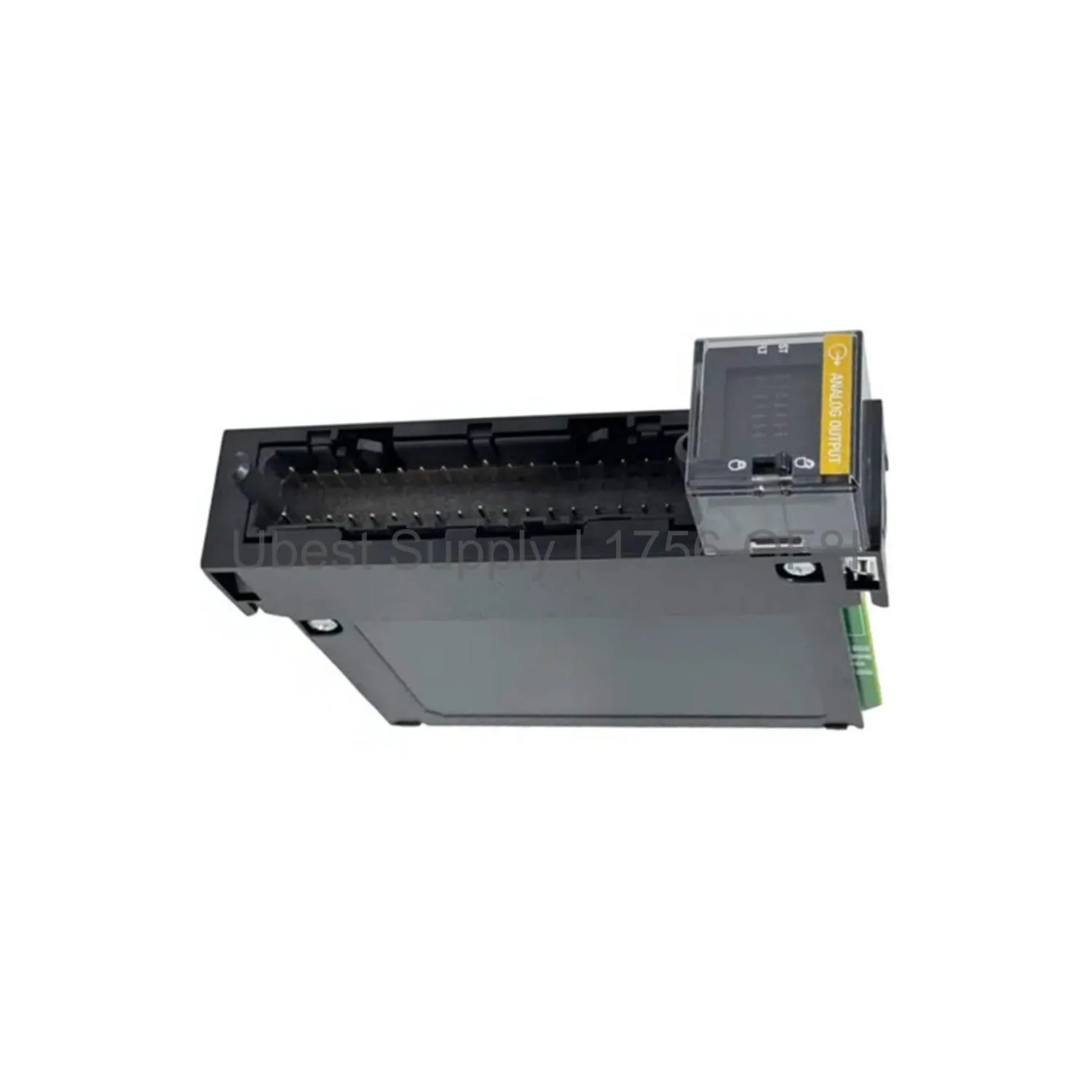 In Stock
 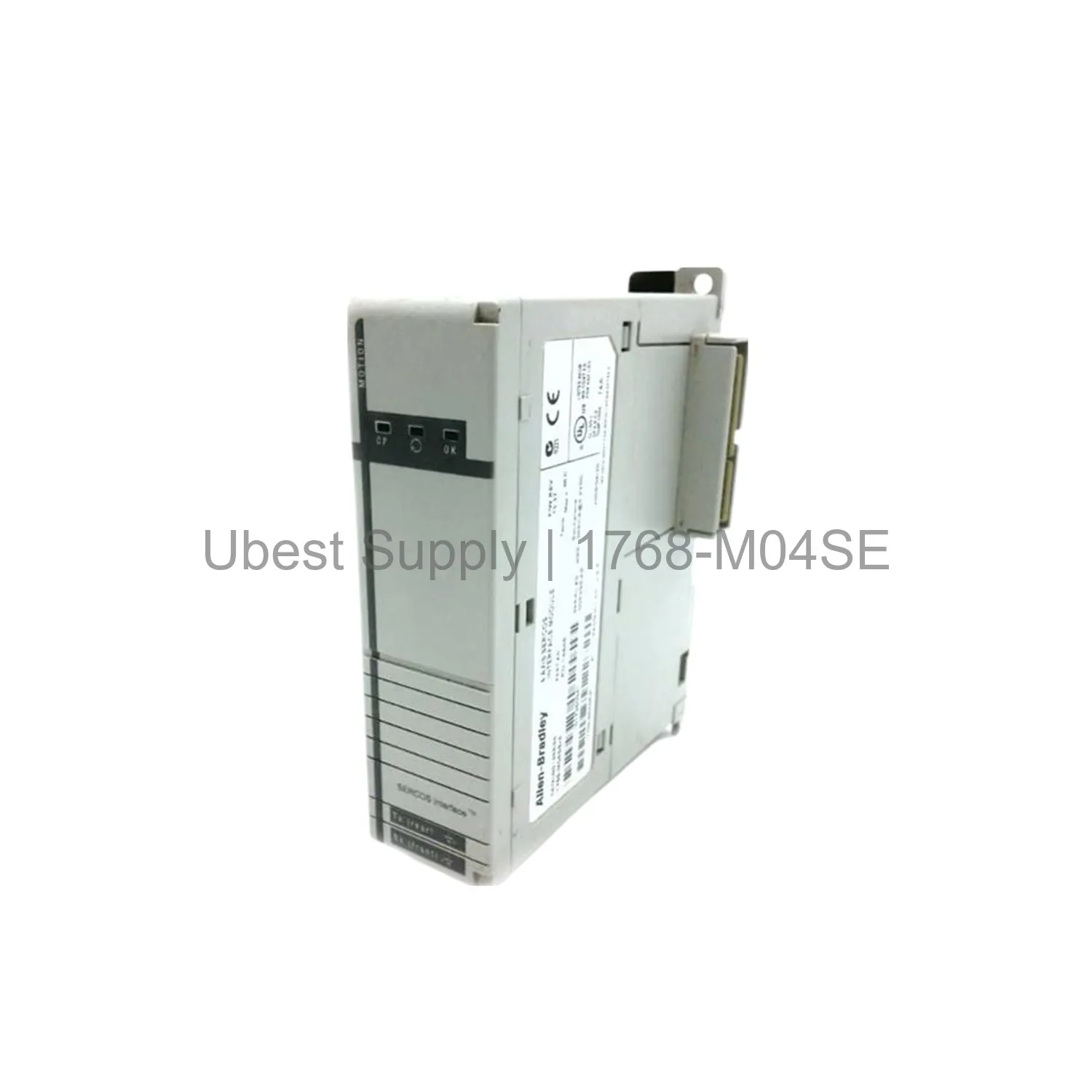 In Stock
  In Stock
  In Stock
  In Stock
  In Stock
  In Stock
 Stay informed with the latest industry insights, product announcements, and technical articles.