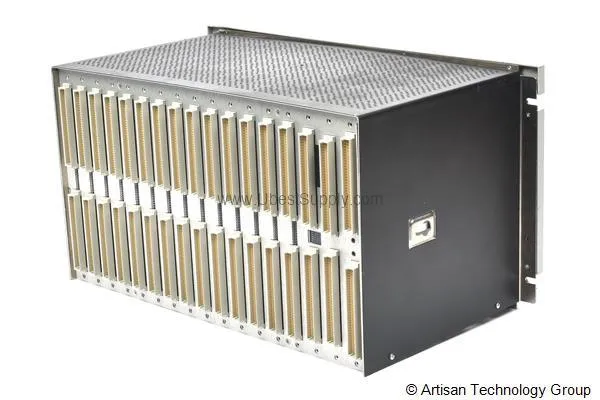
 In Stock
 3500/94M-05-00-CN | Bently Nevada VGA Display Module - Petro Auto Tech
3500/94M-05-00-CN
Buy the Bently Nevada 3500/94M-05-00-CN VGA Display Module. 15-inch display, 19-inch rack...

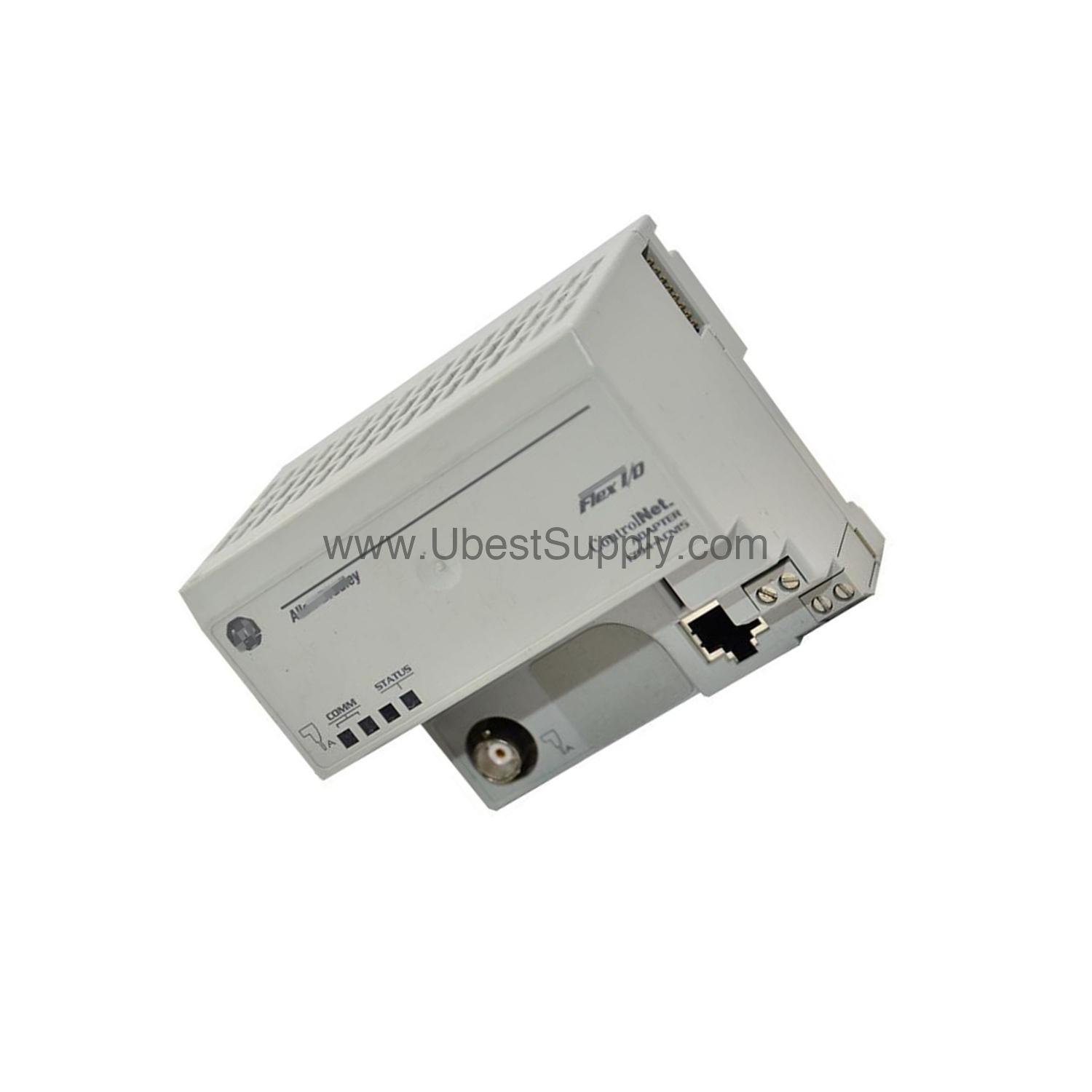
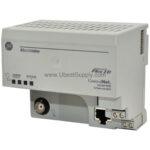
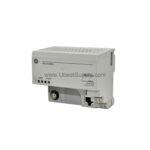
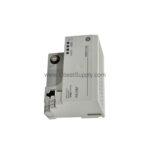
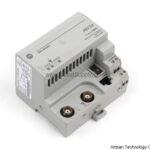
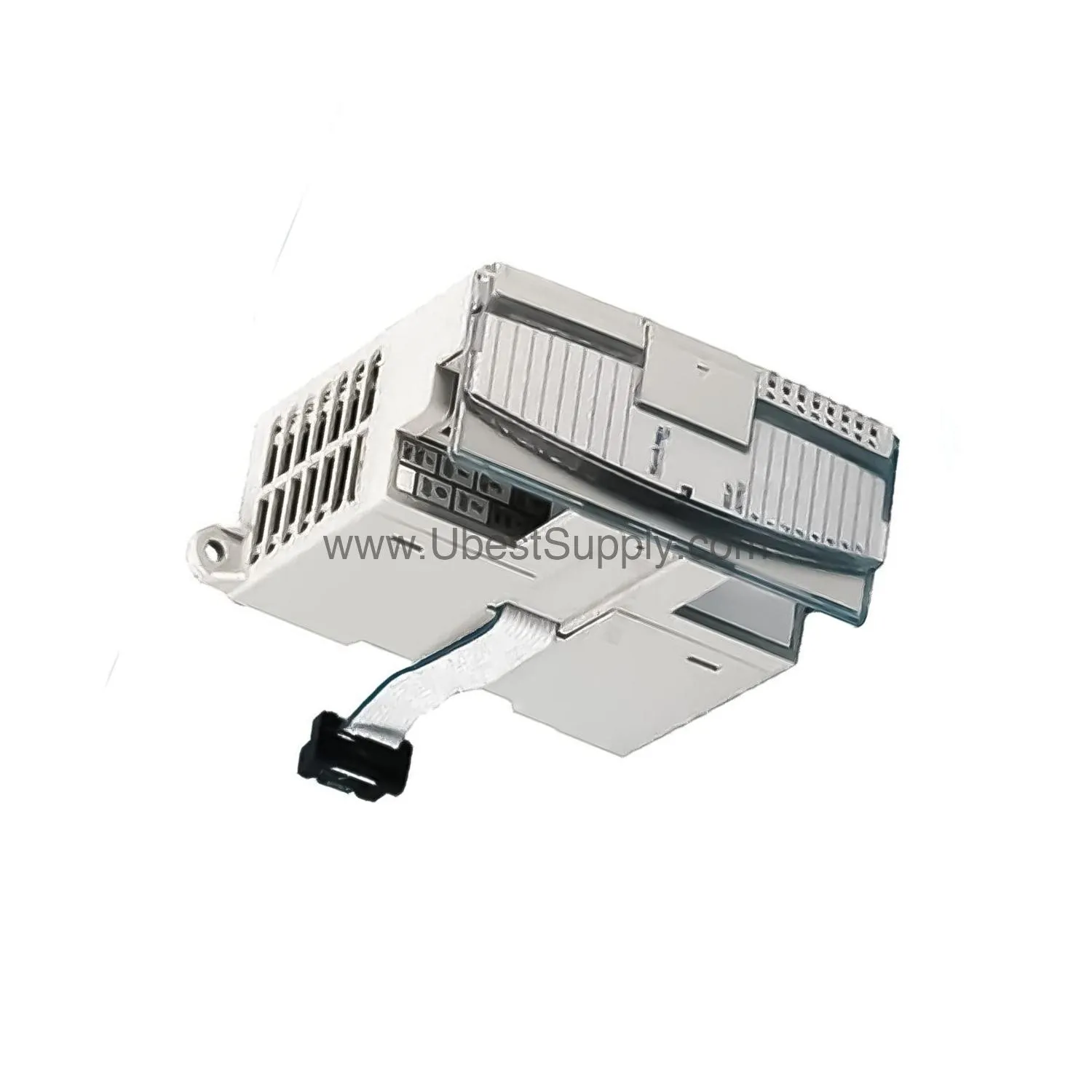
When industrial networks demand reliable communication, the 1794-ACN15 from Allen-Bradley steps in as a robust ControlNet adapter. This module is part of the 1794 Flex I/O family, designed to bridge ControlNet networks with local I/O modules. With a single ControlNet port operating at 5 Mbps, it supports up to eight Flex I/O modules, making it a versatile choice for distributed control systems.
The 1794-ACN15 accepts 24 Volts DC input within a range of 19.2 to 31.2 Volts DC. It delivers a Flexbus output current of 640 mA maximum, ensuring sufficient power for connected modules. Its power dissipation reaches 4.6 W maximum at 19.2 Volts DC, while inrush current peaks at 23A for 2 milliseconds. The module draws a maximum current of 450 mA.
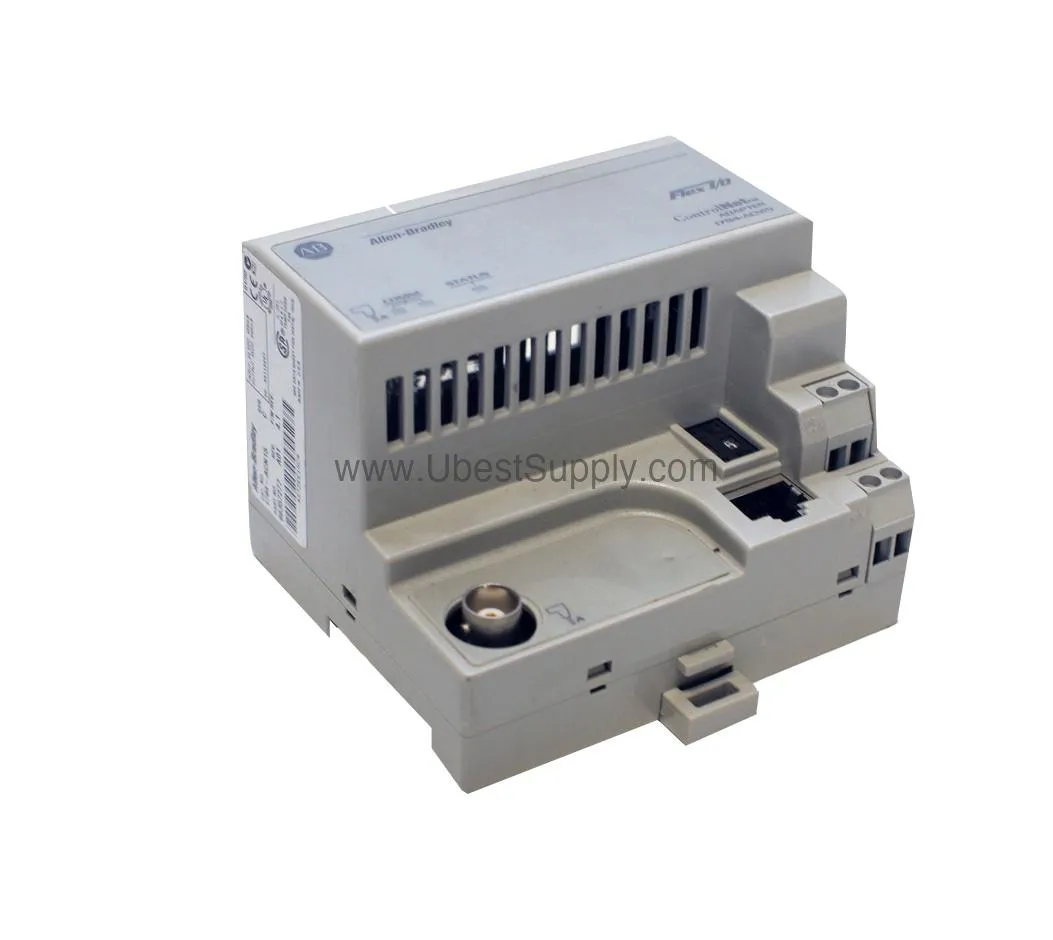
One standout spec is the Flexbus output current of 640 mA maximum. This ensures that even with multiple I/O modules drawing power, the adapter can maintain stable backplane voltage, reducing the risk of communication drops.
In manufacturing plants, the 1794-ACN15 excels at connecting remote I/O racks to a ControlNet backbone. For example, in a packaging line, this adapter can link sensors and actuators spread across multiple stations, enabling real-time data exchange. Similarly, in material handling systems, it supports up to eight Flex I/O modules, simplifying wiring and reducing panel space. Its rugged design, tested for vibration and shock, makes it suitable for harsh industrial environments.
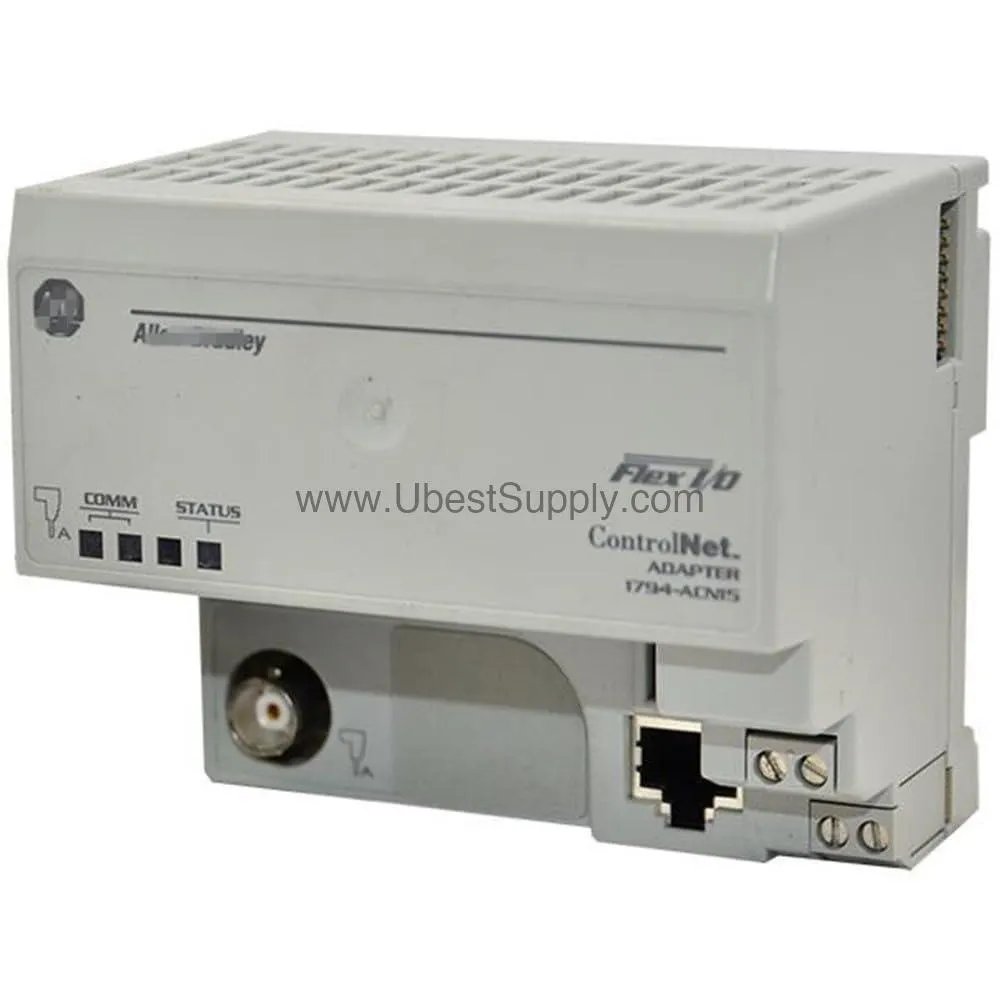
Mounting the 1794-ACN15 is straightforward using either DIN rail or panel mounting. For wiring, use Belden RG-6/U or equivalent cable for the ControlNet connection. Single wire connections accept 0.33–2.5 mm² (22–12 AWG) copper wire rated at 75 °C or greater, with insulation max 1.2 mm. For double wire connections, use 0.33–1.3 mm² (22–16 AWG) solid or stranded copper wire (not intermixed). Ensure the power supply delivers 19.2–31.2 Volts DC and that the total current draw does not exceed 450 mA. The module should be mounted in an enclosure suitable for the environment, with proper grounding per local codes.
To maintain reliable operation, inspect the 1794-ACN15 periodically for dust accumulation and ensure ventilation is not obstructed. The module operates reliably between 0 and 55 °C, so avoid placing it near heat sources. Check that all cable connections are secure and that the DIN rail is properly grounded. Regular inspection per the manufacturer’s guidelines helps prevent unexpected downtime.
The 1794-ACN15 integrates seamlessly with ControlNet networks, supporting communication rates up to 5 Mbps. It works with any Allen-Bradley ControlNet scanner or controller, such as the 1756-CNB or 1788-CN2DN. The adapter can manage up to eight Flex I/O modules, including digital, analog, and specialty modules from the 1794 series. For cable, use Belden RG-6/U or equivalent to maintain signal integrity.
If the I/O Status indicator shows red, check the power supply voltage—it must be within 19.2–31.2 Volts DC. If Comm A or Comm B LEDs are off, verify the ControlNet cable connection and ensure the network is terminated properly. In case of intermittent communication, inspect the cable for damage and confirm that the total Flexbus current does not exceed 640 mA. For persistent issues, consult the official Allen-Bradley documentation.
A: The maximum Flexbus output current is 640 mA.
A: The input voltage range is 19.2 to 31.2 Volts DC.
A: It supports up to eight Flex I/O modules.
A: Belden RG-6/U or equivalent cable is recommended.
A: The operating temperature range is 0 to 55 °C (32 to 131 °F).
A: Yes, it has Comm A (red/green), Comm B (red/green), and I/O Status (red/green) indicators.
The 1794-ACN15 is in stock and ready to ship from Petro Auto Tech. As a trusted supplier of industrial automation parts, Petro Auto Tech offers competitive pricing and fast delivery. Contact our team to verify current lifecycle status and availability before ordering.
| Part Number | 1794-ACN15 |
| Condition | In Stock |
| Stock Status | In Stock (Ready to Ship) |
| Weight | 0.5 kg |
| Warranty | 12 Month |
Shipping Port: Xiamen
We ship worldwide via DHL, FedEx, UPS, TNT, and EMS. In-stock items are dispatched within 24 hours of payment confirmation. Tracking number will be provided after shipment.
Secure payment processing. Contact us for corporate account and bulk order pricing.
All products come with a 1-year warranty against manufacturing defects. We guarantee 100% new and original products sourced directly from authorized manufacturers.
In Stock  In Stock
  In Stock
  In Stock
  In Stock
  In Stock
  In Stock
  In Stock
 Stay informed with the latest industry insights, product announcements, and technical articles.