 In Stock
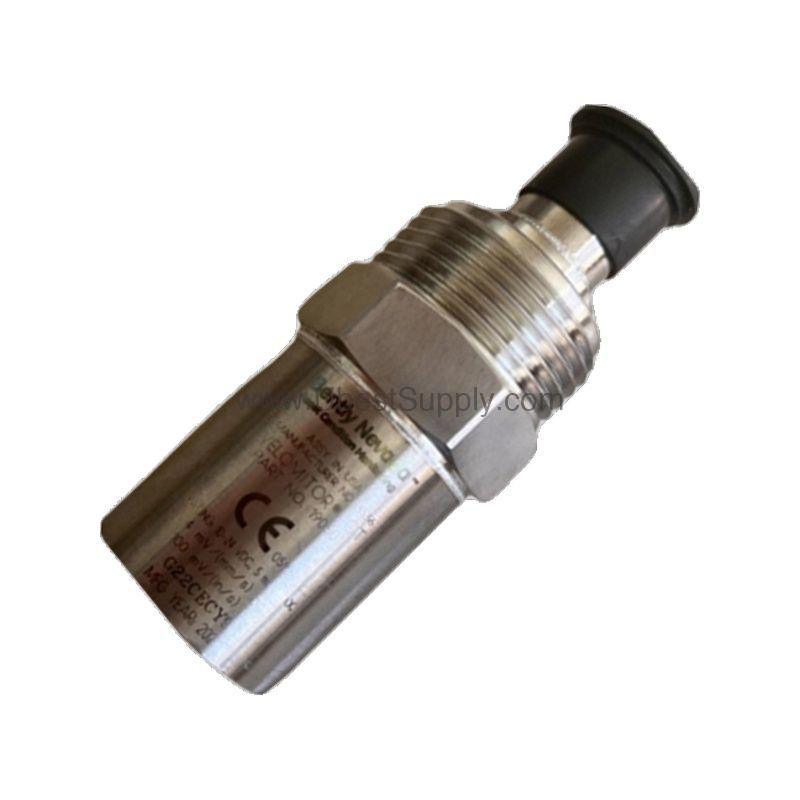
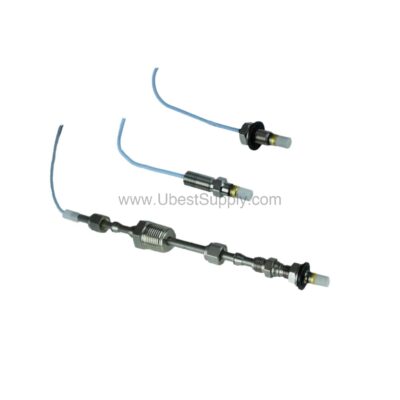
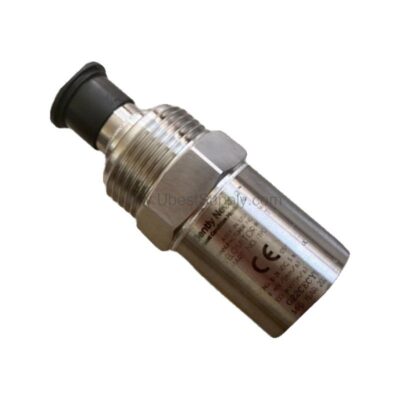
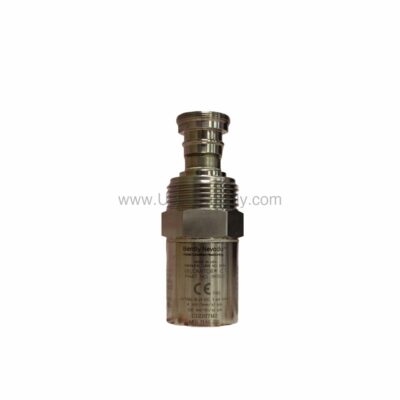
 190501-12-00-04 | Bently Nevada 3.94 mV/mm/s Velocity Transducer
190501-12-00-04
The Bently Nevada 190501-12-00-04 Velomitor CT velocity transducer delivers precise vibration monitoring...

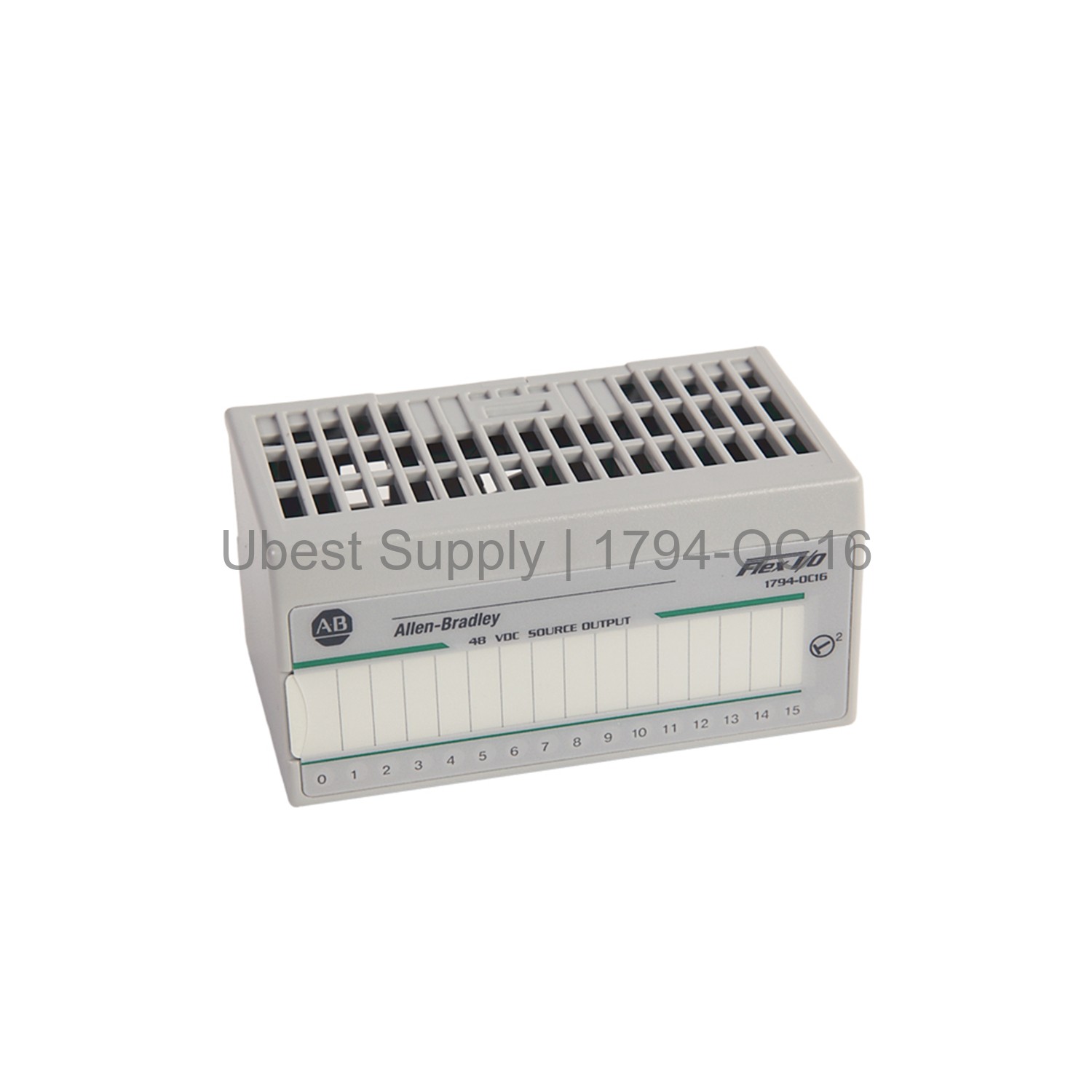
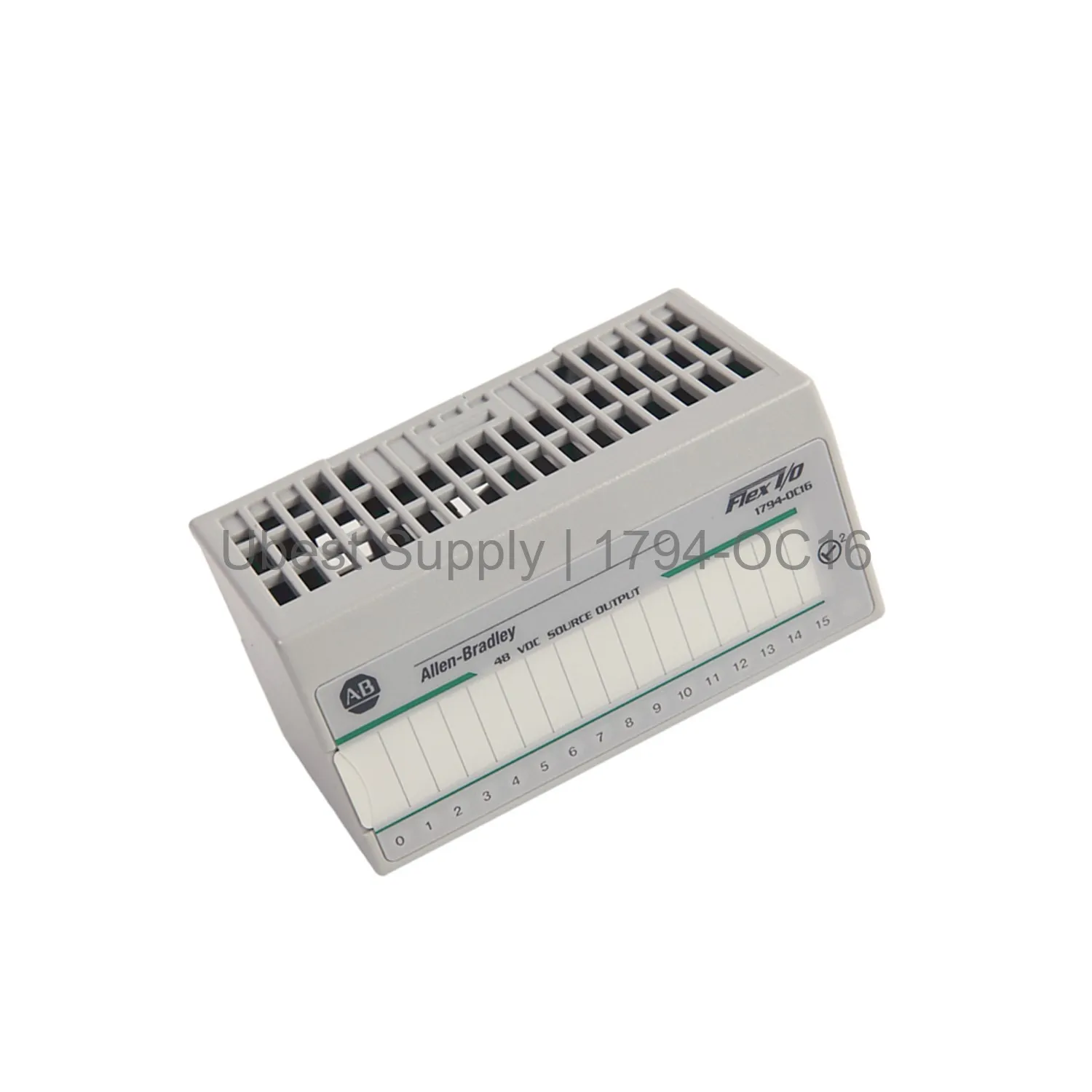
The Allen-Bradley 1794-OC16 is a Flex I/O digital output module. It comes with 16 non-isolated sourcing outputs. Each output delivers up to 500mA at 30-60V DC. This module uses a 48V DC nominal voltage. It is part of the Rockwell Automation Flex I/O family.
Installation is simple. Attach the module to a compatible terminal base. Use bases like 1794-TB3 or 1794-TB3S. The keyswitch position is set to 2. The module weighs only 0.11 kg. Its dimensions are 3.7 x 3.7 x 2.7 inches.
Yellow LED indicators show the status of each output. The module can handle up to 8 amps total. It tests to withstand 1900V DC for 1 second. This ensures safe operation in industrial environments.
This module fits many automation tasks. Use it for controlling valves, relays, or indicators. It works in manufacturing lines and packaging systems. The Flex I/O design allows easy swapping without rewiring. Panel builders often choose this module for its compact size.
The 1794-OC16 supports both horizontal and vertical mounting. It works with 1794-TB3 and similar terminal bases. This flexibility makes it suitable for crowded cabinets. The module handles up to 500mA per channel for actuator control.
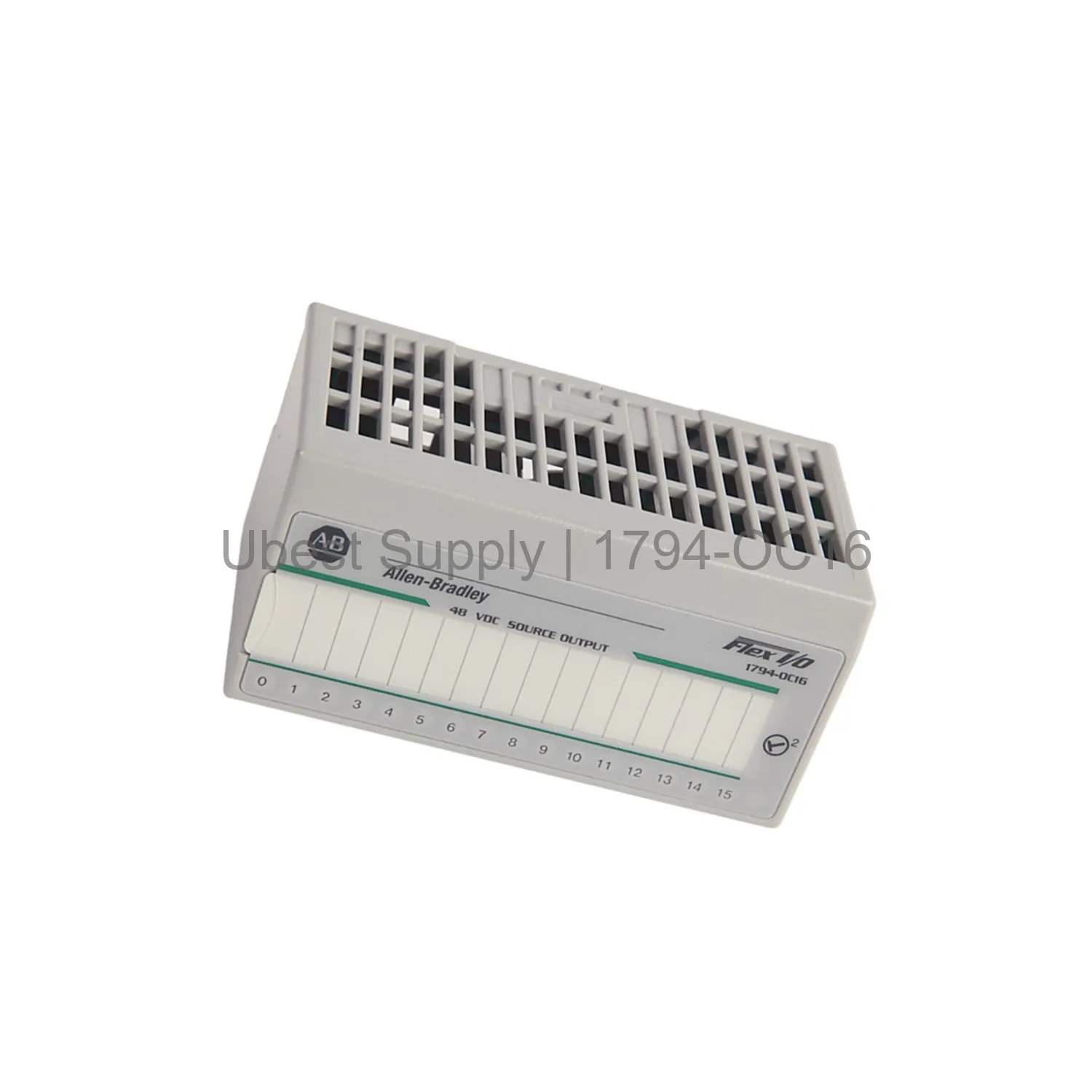
Outputs: 16 non-isolated sourcing. Output voltage: 30V DC min, 60V DC max at 45°C. On-state current: 2.0mA min, 500mA max per channel. Off-state voltage max: 60V DC. Off-state leakage max: 1.0mA. On-state voltage drop max: 1.0V DC at 0.5A.
Flexbus current: 80mA at 5V DC. Power dissipation: 3.7W at 60V DC. Weight: 0.11 kg. Dimensions: 3.7 x 3.7 x 2.7 inches. Module tested to 1900V DC isolation. Keyswitch position: 2.
First, select a compatible terminal base. The 1794-TB3 or 1794-TB3S works well. Angle the base onto the DIN rail. Hook the top edge, then push to lock. Slide the module into the base until the FlexBus connector engages. Tighten the screws to 0.56-0.79 Nm.
Wire field devices to the top terminals. Use 12 AWG max wire size. Connect power to the common and voltage terminals. Check LED indicators after power-up. Yellow LEDs show each output state. No special maintenance is needed. Simply swap modules without disturbing wiring.
1x 1794-OC16 Flex I/O module. 1x documentation sheet. Shipping via FedEx, UPS, or DHL.
| Part Number | 1794-OC16 |
| Condition | In Stock |
| Stock Status | In Stock (Ready to Ship) |
| Weight | 0.11 kg |
| Warranty | 12 Month |
Shipping Port: Xiamen
We ship worldwide via DHL, FedEx, UPS, TNT, and EMS. In-stock items are dispatched within 24 hours of payment confirmation. Tracking number will be provided after shipment.
Secure payment processing. Contact us for corporate account and bulk order pricing.
All products come with a 1-year warranty against manufacturing defects. We guarantee 100% new and original products sourced directly from authorized manufacturers.
In Stock  In Stock
  In Stock
  In Stock
  In Stock
  In Stock
  In Stock
  In Stock
 Stay informed with the latest industry insights, product announcements, and technical articles.