 In Stock
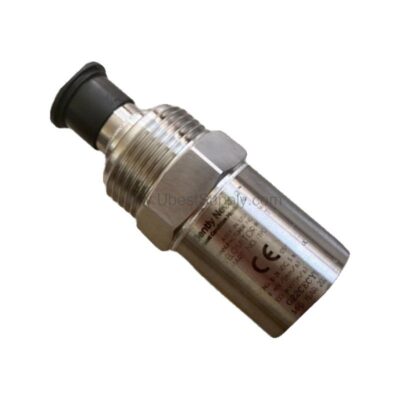
 190501-08-99-04 | Bently Nevada Velomitor CT Velocity Transducer
190501-08-99-04
The Bently Nevada 190501-08-99-04 Velomitor CT velocity transducer delivers reliable vibration monitoring...

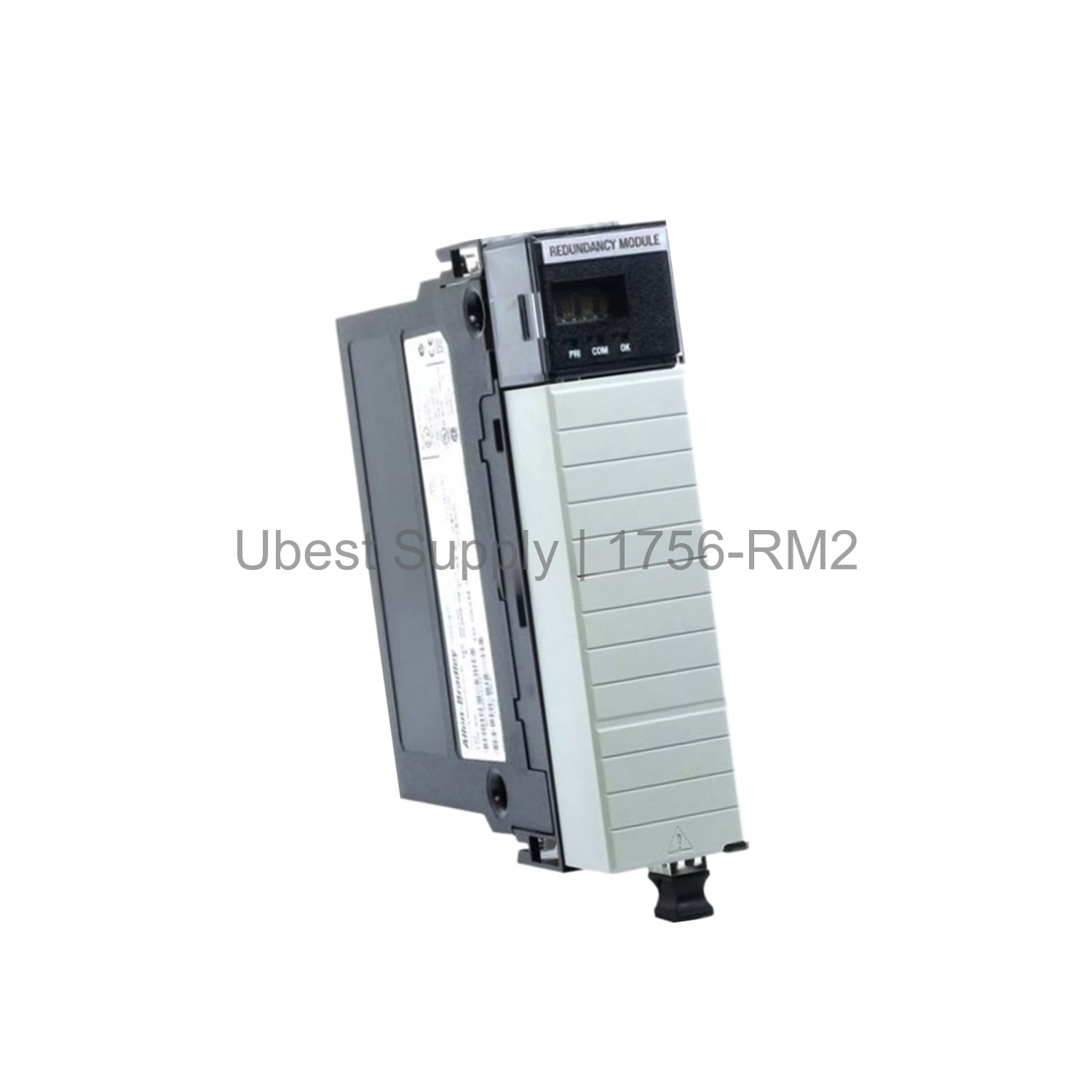
The Allen-Bradley 1756-RM2 is an Enhanced Redundancy Module. It belongs to the ControlLogix family. This module provides a high-speed fiber link between two chassis. It works best with 1756-L7x controllers. The module ensures no single point of failure. It uses redundant fiber ports for crossloading. The 1756-RM2 supports a scan performance of 1000 Megabytes per Second. During channel switchover, the scan time may delay up to 10 Milliseconds. The module draws 1.16 Amps at 5.1 Volts DC. It also draws 3.4 mA at 24 Volts DC. Maximum power dissipation is 6 Watts. Thermal dissipation is 21 BTU per hour. The module ships in an open enclosure. It weighs 0.64 pounds. Shipping dimensions are 5.51 x 4.41 x 5.71 inches.
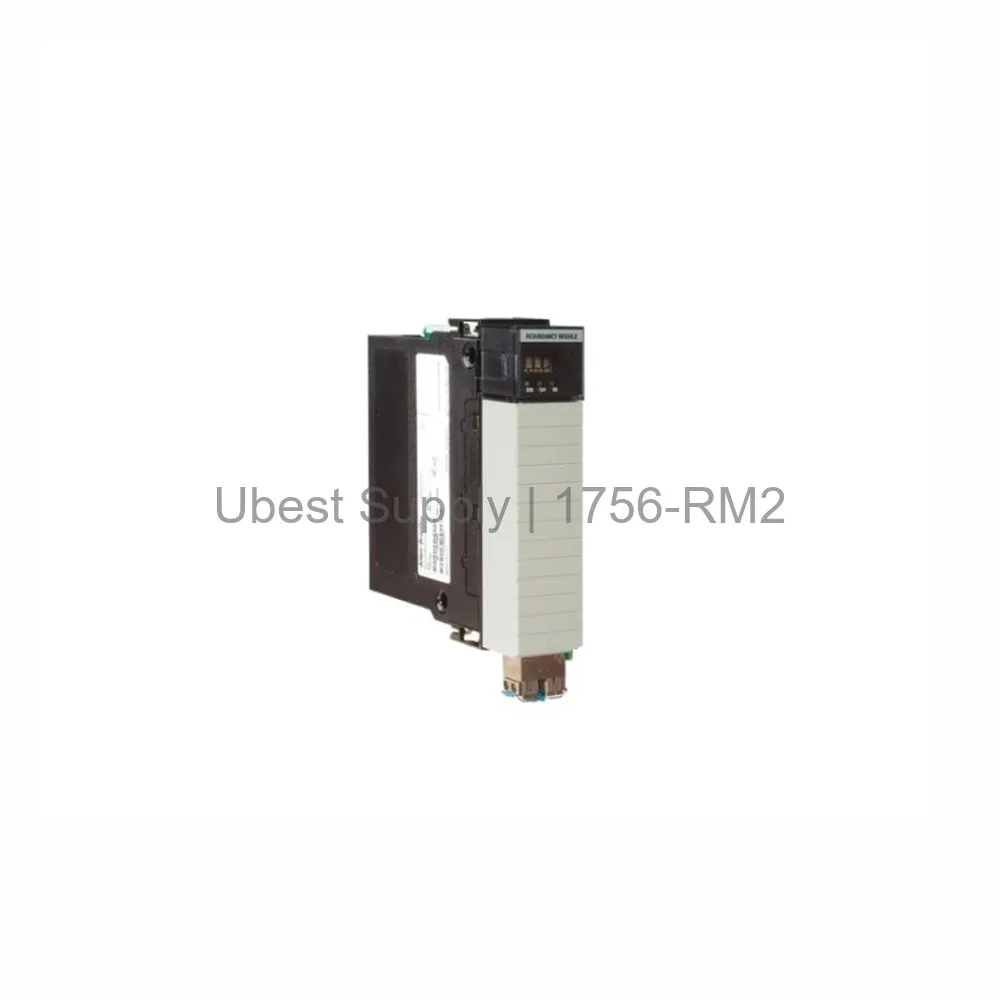
This module is ideal for critical industrial processes. It provides system redundancy for high availability. Use it in manufacturing lines and process control. It supports seven enhanced ControlNet and EtherNet/IP modules. The 1756-RM2 is suitable for oil and gas applications. It works well in power generation plants. The module also fits water treatment facilities. Its enhanced safety features make it interference free. This ensures stable operation in harsh environments.
The 1756-RM2 operates at 0 to 60 degrees Celsius. This is equivalent to 32 to 140 degrees Fahrenheit. It requires 5.1 Volts DC and 24 Volts DC. Current draw is 1.16 Amps at 5.1V. It draws 3.4 mA at 24V. The module dissipates 6 Watts of power. Thermal dissipation equals 21 BTU per hour. It communicates via redundant fiber ports. The module uses 1756-RMC1, 1756-RMC3, or 1756-RMC10 cables. Cable lengths are 1 meter, 3 meters, and 10 meters. The module fits any slot location on the chassis.
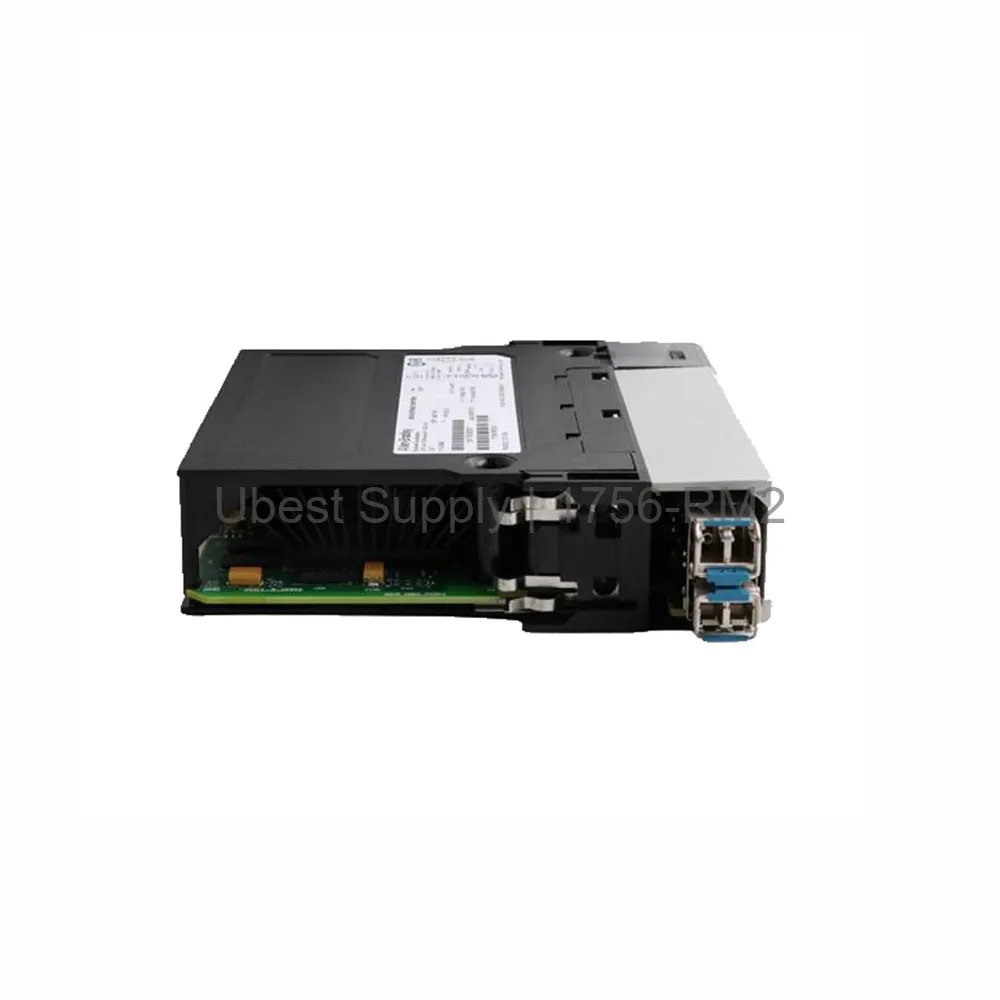
Install the 1756-RM2 in any available slot. Ensure the chassis is powered off. Insert the module firmly into the slot. Secure it with the locking mechanism. Connect the fiber cables to the redundant ports. Use the correct cable length for your setup. Verify the connection with the controller. For maintenance, check the fiber connections regularly. Keep the module free from dust. Monitor the status indicators for faults. Replace cables if damage is visible.
Each package includes one 1756-RM2 module. It comes in an open enclosure. The package does not include cables. Order cables separately if needed. Shipping is via Fedex, UPS, or DHL.
| Part Number | 1756-RM2 |
| Condition | In Stock |
| Stock Status | In Stock (Ready to Ship) |
| Weight | 0.64 lb |
| Warranty | 12 Month |
Shipping Port: Xiamen
We ship worldwide via DHL, FedEx, UPS, TNT, and EMS. In-stock items are dispatched within 24 hours of payment confirmation. Tracking number will be provided after shipment.
Secure payment processing. Contact us for corporate account and bulk order pricing.
All products come with a 1-year warranty against manufacturing defects. We guarantee 100% new and original products sourced directly from authorized manufacturers.
In Stock  In Stock
  In Stock
  In Stock
 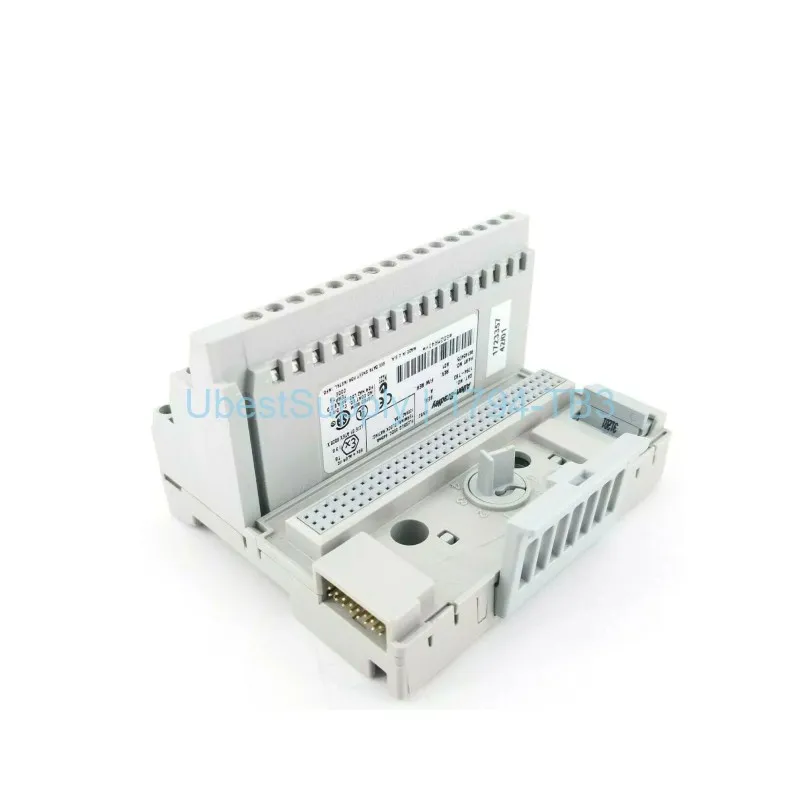 In Stock
  In Stock
 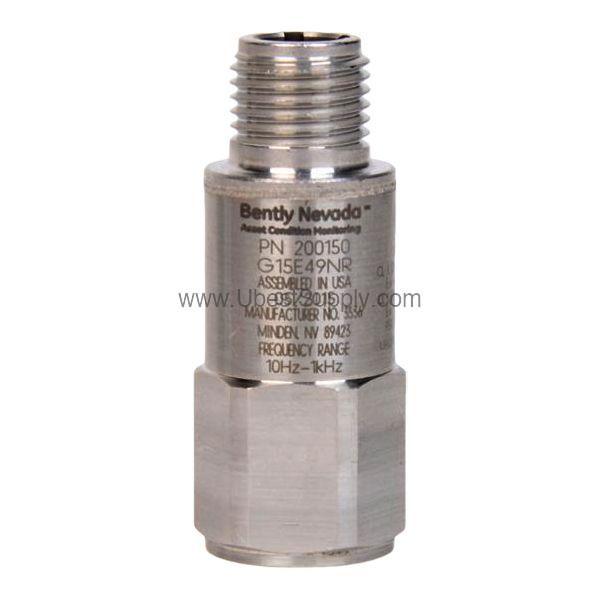 In Stock
 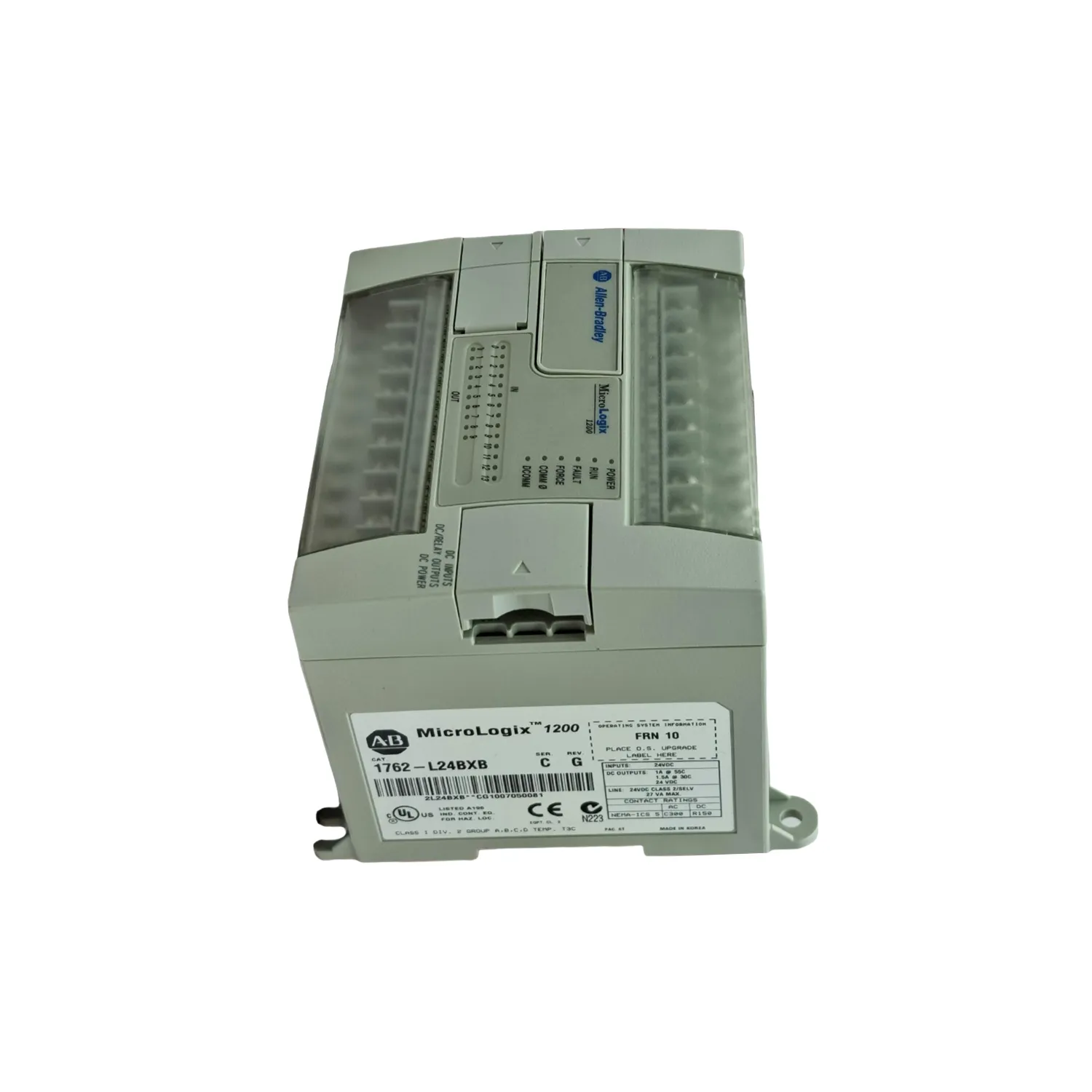 In Stock
 Stay informed with the latest industry insights, product announcements, and technical articles.