 In Stock
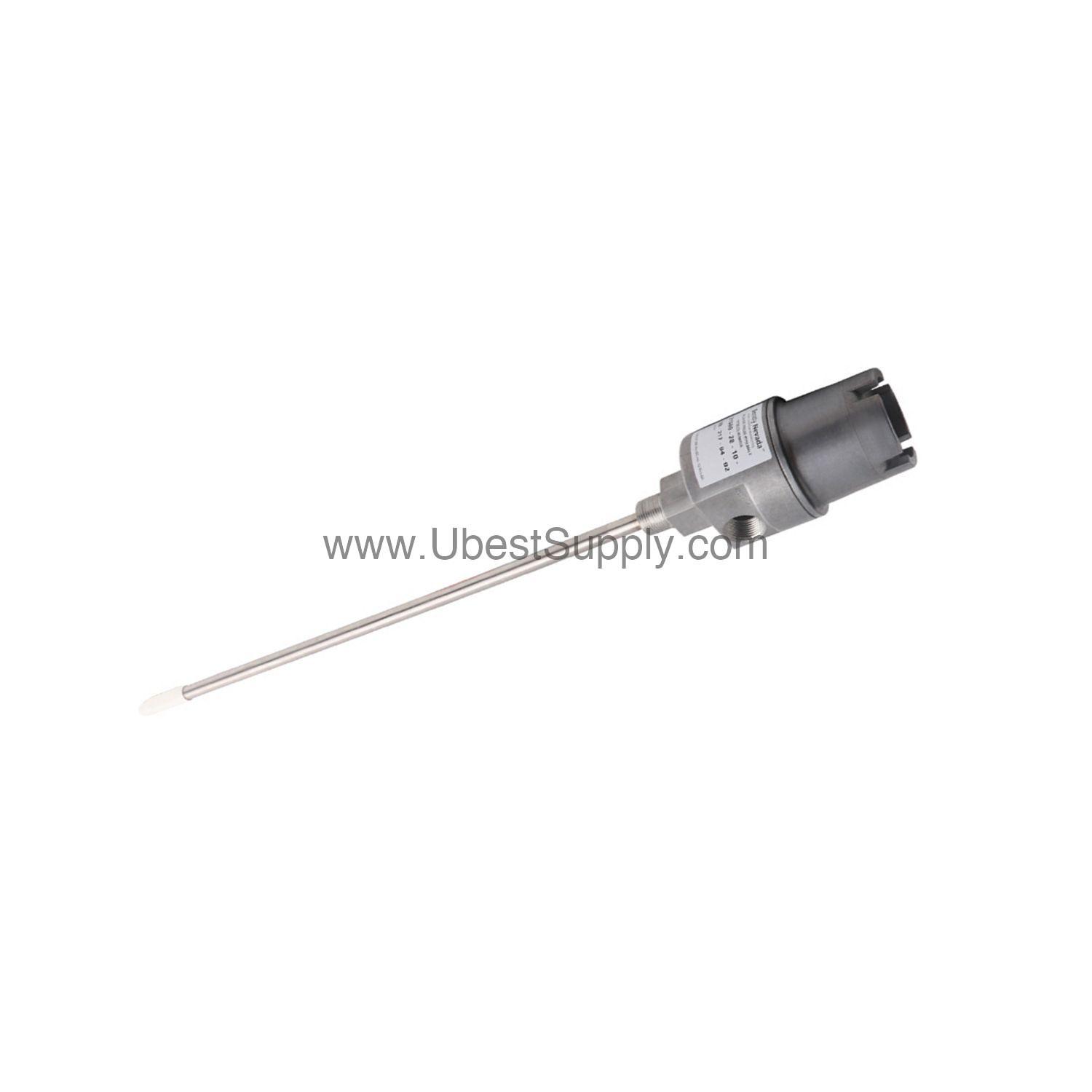
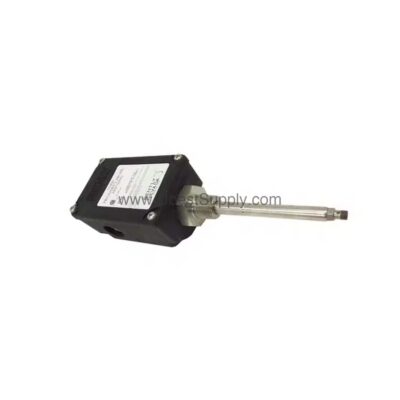
 21000-34-10-30-095-03-02 | Bently Nevada 8 mm Probe Housing Assembly
21000-34-10-30-095-03-02
The 21000-34-10-30-095-03-02 from Bently Nevada is a proximity probe housing assembly with...

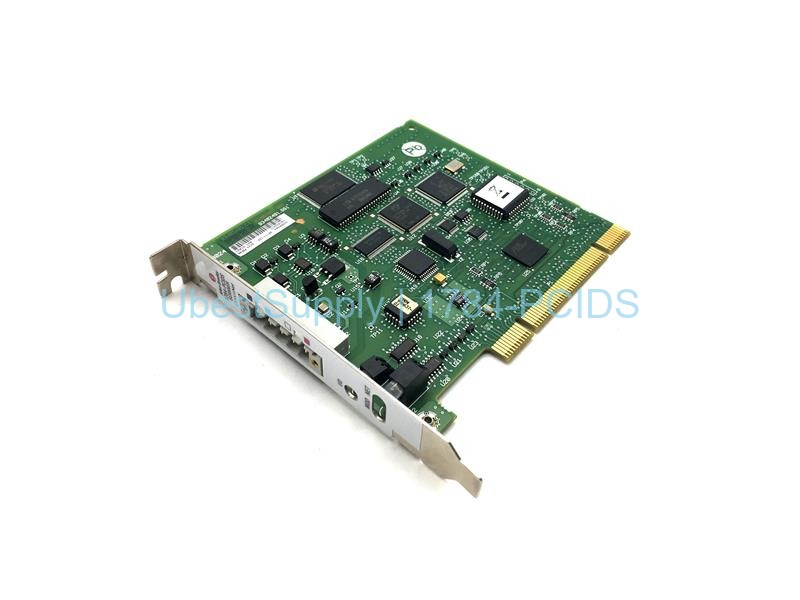
The Allen-Bradley 1784-PCIDS is a DeviceNet universal PCI scanner card. This card connects a host computer to a DeviceNet network. It has one DeviceNet terminal for connection. The host device can monitor and configure networks. The card supports explicit messaging and I/O scan capabilities. Install it in a PCI 2.1 compliant slot. The mechanical form factor uses PCI 5V, 32-bit short card. Dimensions are 4.2 inches height and 4.721 inches length. The card receives power from the PCI bus. The host computer provides 5V at 625 mA maximum. The DeviceNet network provides +24VDC at 90 mA maximum. It has built-in status indicators for I/O, network, and module status.
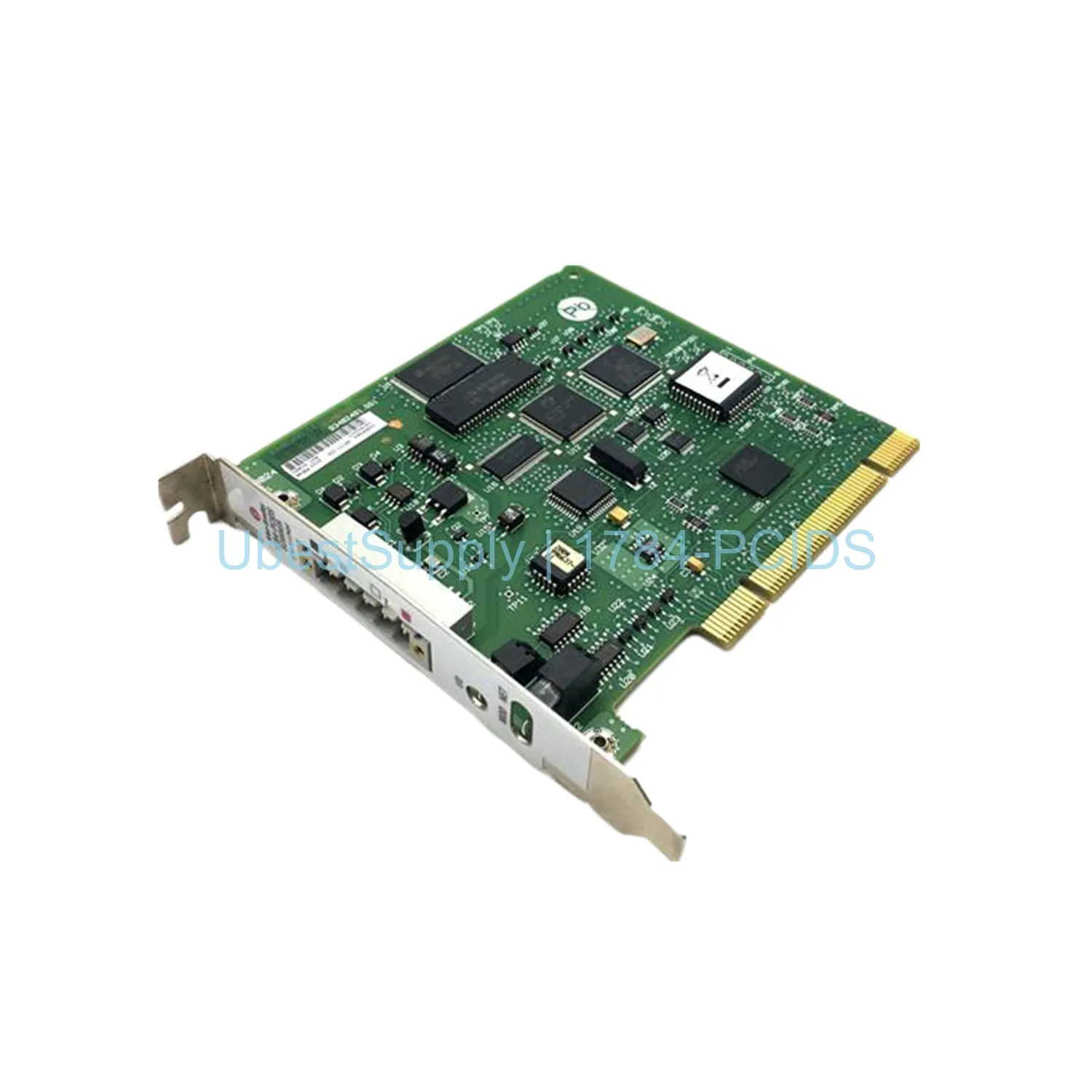
Use the 1784-PCIDS card for DeviceNet network management. It allows a workstation to act as a scanner. You can read and write data to multiple devices. Use it in manufacturing and process control. The card helps with troubleshooting and commissioning. It supports both Series A and Series B software compatibility. Series A works with I/O Linx and RSNetworx. Series B works with RSLinx and RSNetworx for DeviceNet.
This card has 2048 bytes input image and 2048 bytes output image. The card capacity is 2048 bytes for input and output tables. It supports monitoring, configuration, and I/O scanning.
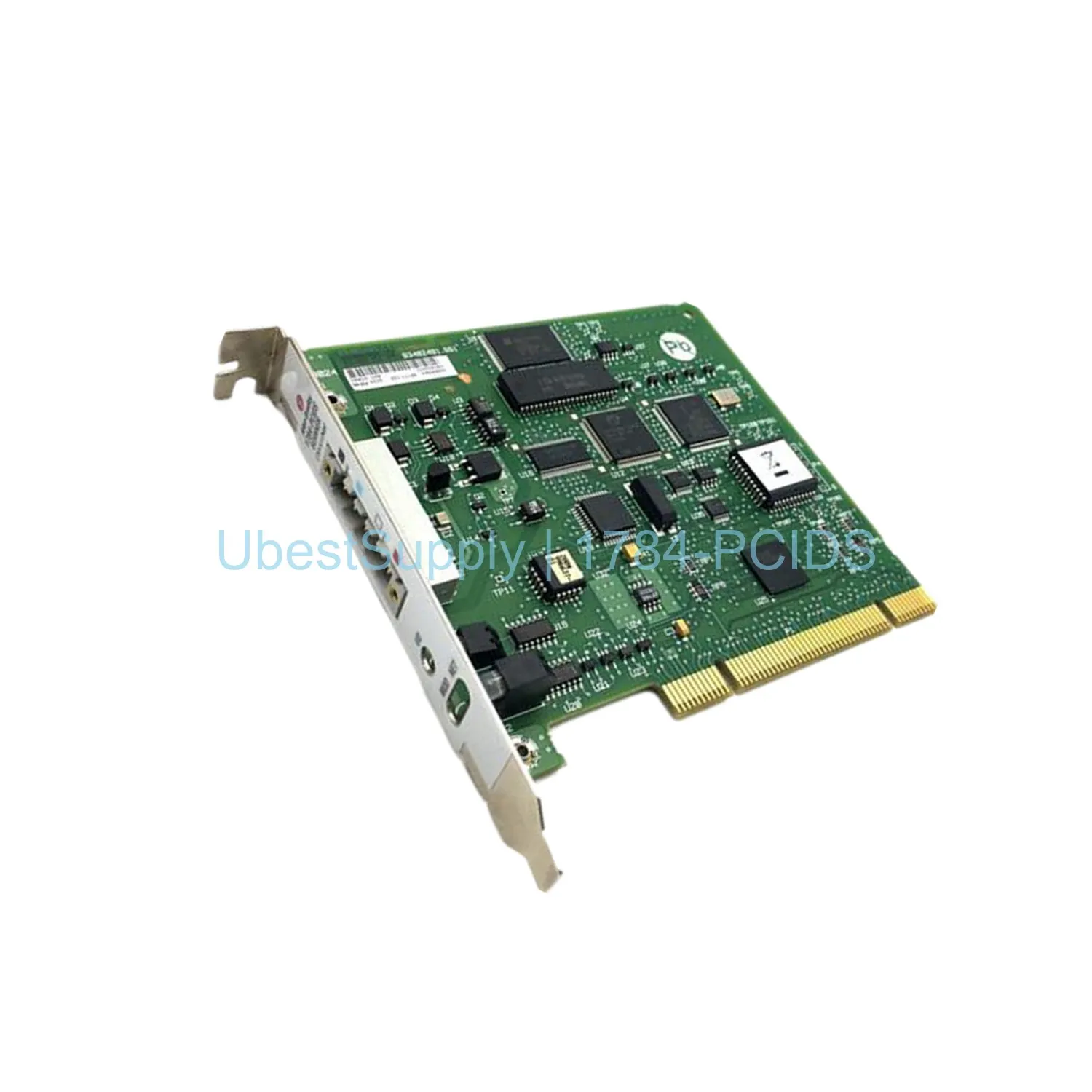
Before installation, turn off the computer. Disconnect all power cables. Open the computer case. Locate an available PCI slot. Remove the slot cover. Align the card with the slot. Press firmly until seated. Secure the card with the mounting screw. Close the computer case. Reconnect power. Boot the computer. Install the required software. Use anti-static precautions. Handle the card by its edges. Avoid touching electronic circuits. The card has an open casing. Store the card in an anti-static bag when not in use. Mount the computer on a grounded table.
Shipping is via Fedex, UPS, or DHL.
| Part Number | 1784-PCIDS |
| Condition | In Stock |
| Stock Status | In Stock (Ready to Ship) |
| Weight | Not specified |
| Warranty | 12 Month |
Shipping Port: Xiamen
We ship worldwide via DHL, FedEx, UPS, TNT, and EMS. In-stock items are dispatched within 24 hours of payment confirmation. Tracking number will be provided after shipment.
Secure payment processing. Contact us for corporate account and bulk order pricing.
All products come with a 1-year warranty against manufacturing defects. We guarantee 100% new and original products sourced directly from authorized manufacturers.
In Stock 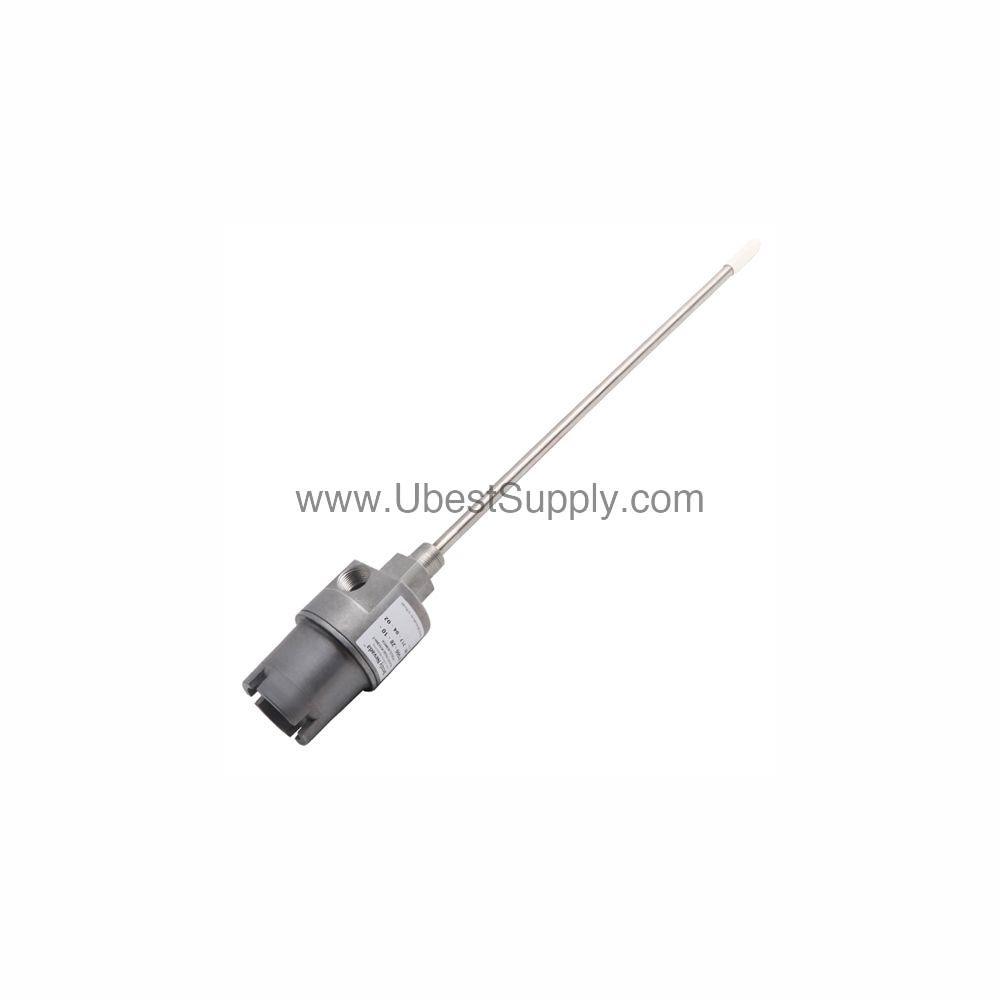 In Stock
  In Stock
  In Stock
  In Stock
  In Stock
  In Stock
  In Stock
 Stay informed with the latest industry insights, product announcements, and technical articles.