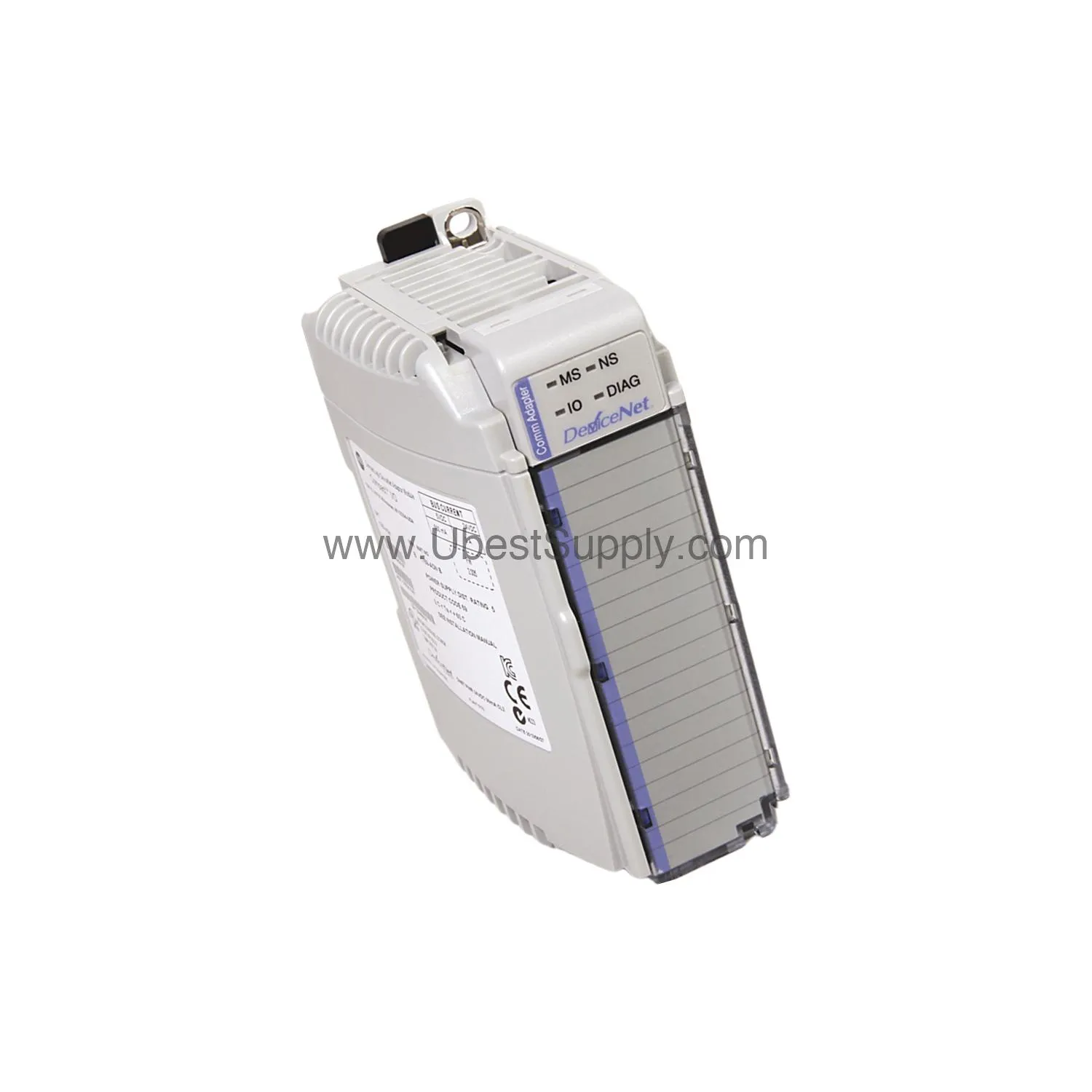
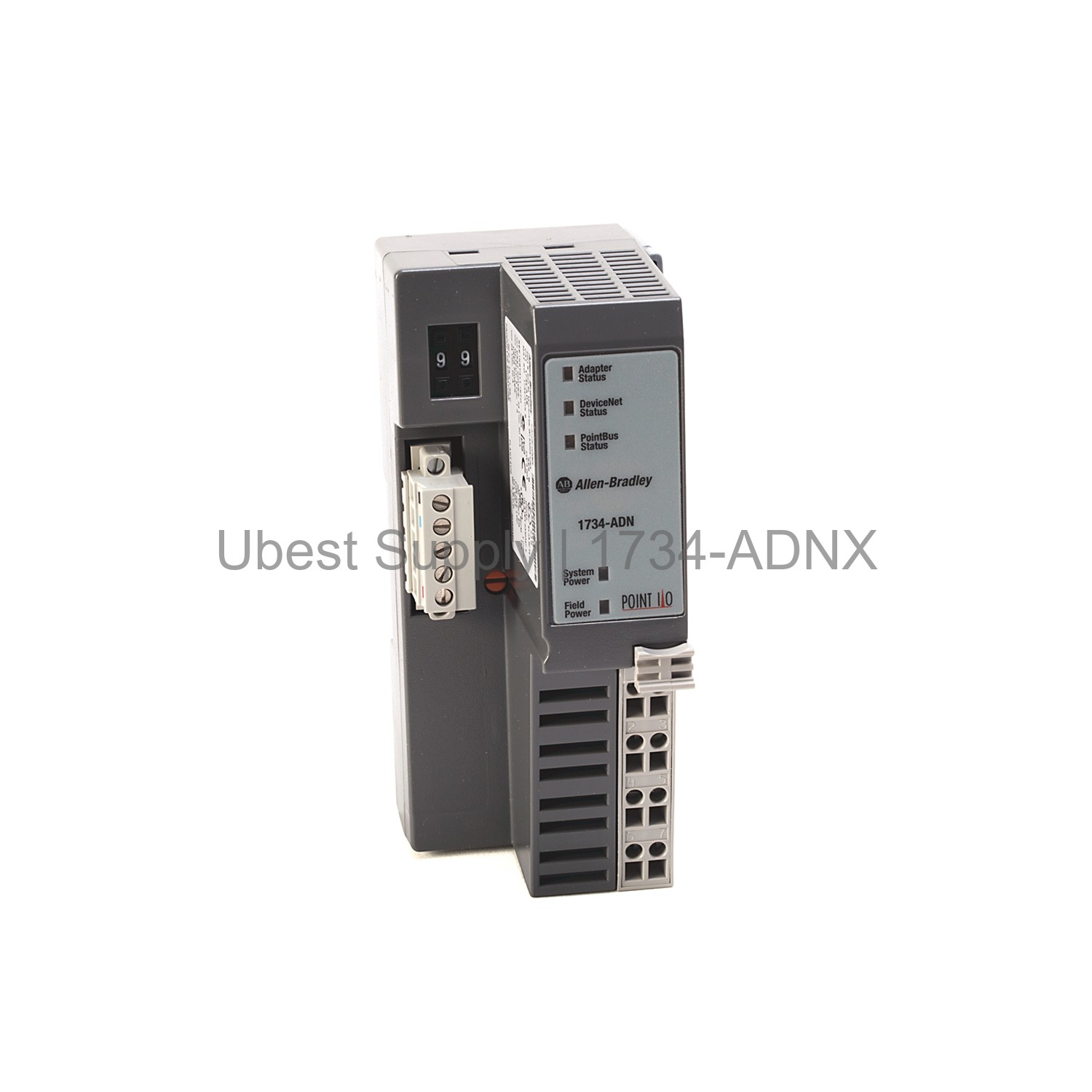
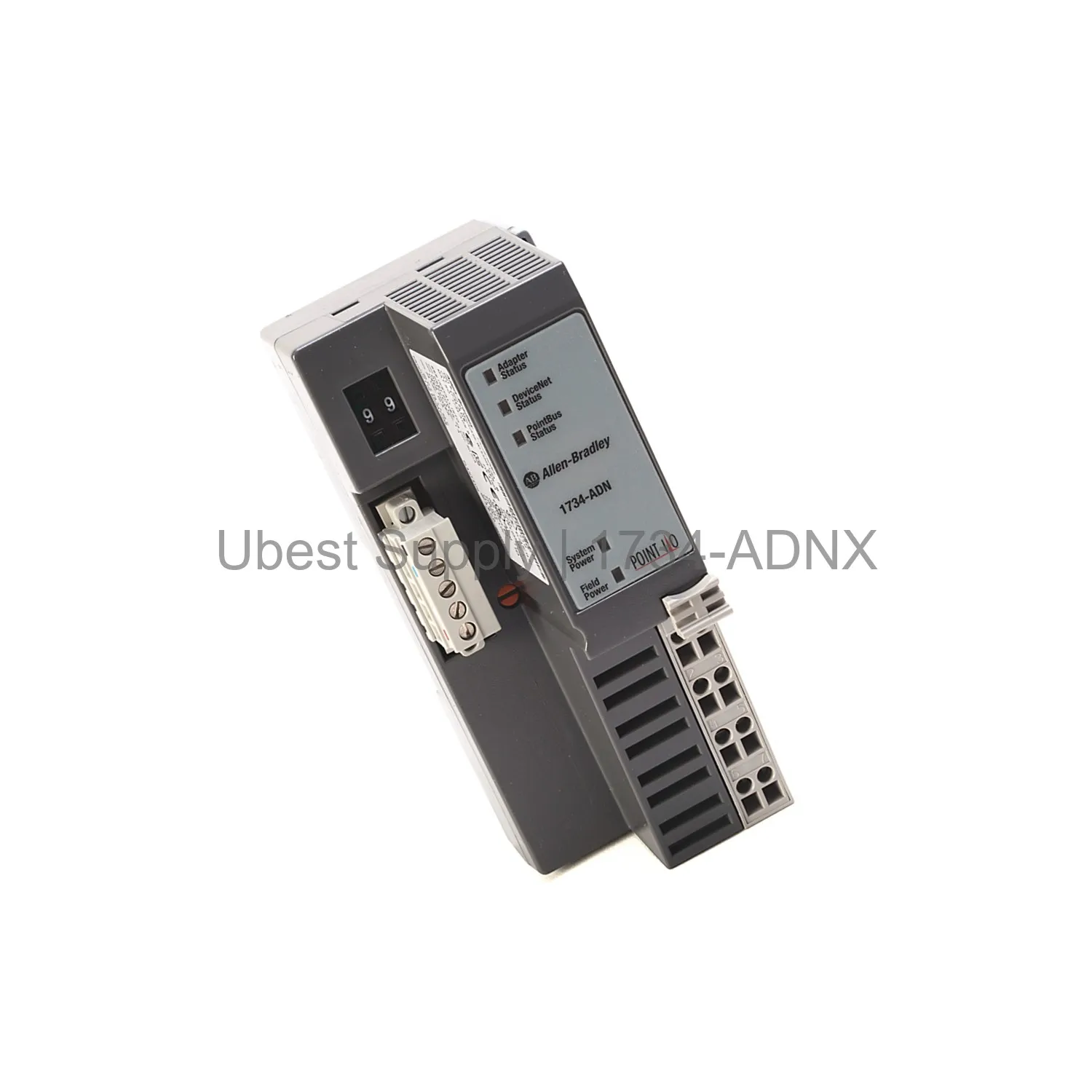
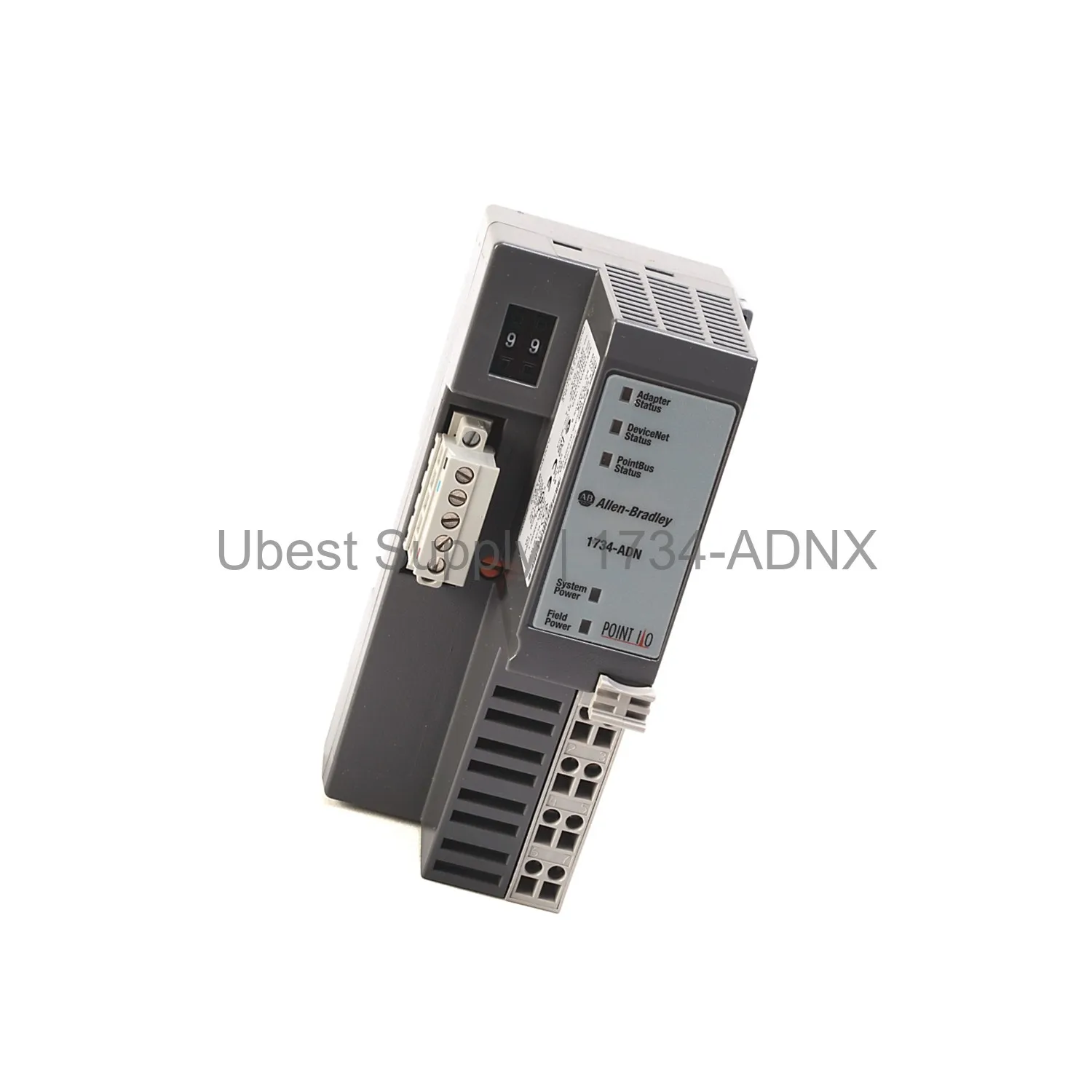
This DeviceNet adapter module links POINT I/O modules to a DeviceNet network. It acts as both a scanner and a slave. It allows easy data exchange. The module supports I/O and explicit connections. Auto Start Mode simplifies setup. Auto Catalog Replace corrects module placement errors. This adapter sits on the left side of a 1734 system. It requires a 24 VDC SELV or PELV power supply. This module is a key part of the Bulletin 1734 POINT I/O series.
Application Scenarios
Use this adapter in factory automation systems. It works well for discrete and process control. It fits applications needing remote I/O control. Use it with DeviceNet master devices. It is ideal for distributed I/O architectures. This module suits both new installations and upgrades. It helps reduce wiring costs. It simplifies network integration.
Technical Specifications
The 1734-ADNX uses 24 Volts DC input. Field side power is 400 milliamps. Inrush current reaches 6 amps. Power consumption is 8.1 Watts. POINTBus current is 1000 milliamps. Power dissipation is 2.8 Watts at 28.8 Volts. The module has three red/green status indicators. Two green power supply indicators help troubleshooting. It supports both I/O and explicit connections. I/O mapping determines data in each connection.
Installation & Maintenance Guide
Install this adapter on a DIN rail. Connect a 24 VDC SELV or PELV power supply. Attach POINT I/O modules to its right. Use the Auto Catalog Replace feature to fix module errors. Check status LEDs for quick diagnosis. Replace the module only when power is off. Use standard DeviceNet cabling. Ensure proper grounding. Follow the manual for exact wiring details. We ship via Fedex, UPS, or DHL only.
Packing List
Each package includes one 1734-ADNX adapter module. It comes with a quick reference guide. No additional accessories are included. The module is packed in an anti-static bag. Ensure you keep the packaging for returns. Remove all packing material before installation.
Share this page
Part Number
1734-ADNX
Condition
In Stock
Stock Status
In Stock (Ready to Ship)
Warranty
12 Month
Shipping
Shipping Port: Xiamen
We ship worldwide via DHL, FedEx, UPS, TNT, and EMS. In-stock items are dispatched within 24 hours of payment confirmation. Tracking number will be provided after shipment.
Payment
Secure payment processing. Contact us for corporate account and bulk order pricing.
Warranty
All products come with a 1-year warranty against manufacturing defects. We guarantee 100% new and original products sourced directly from authorized manufacturers.

 In Stock