 In Stock
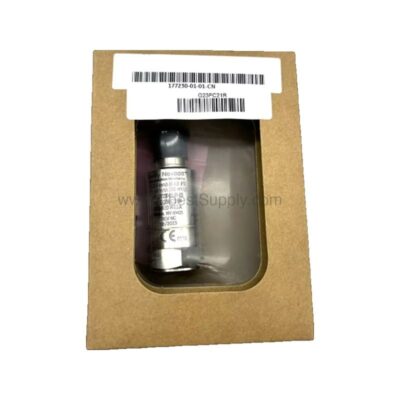
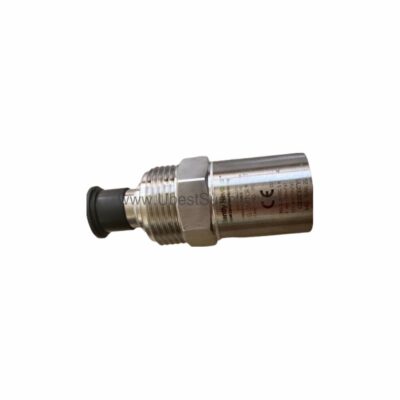
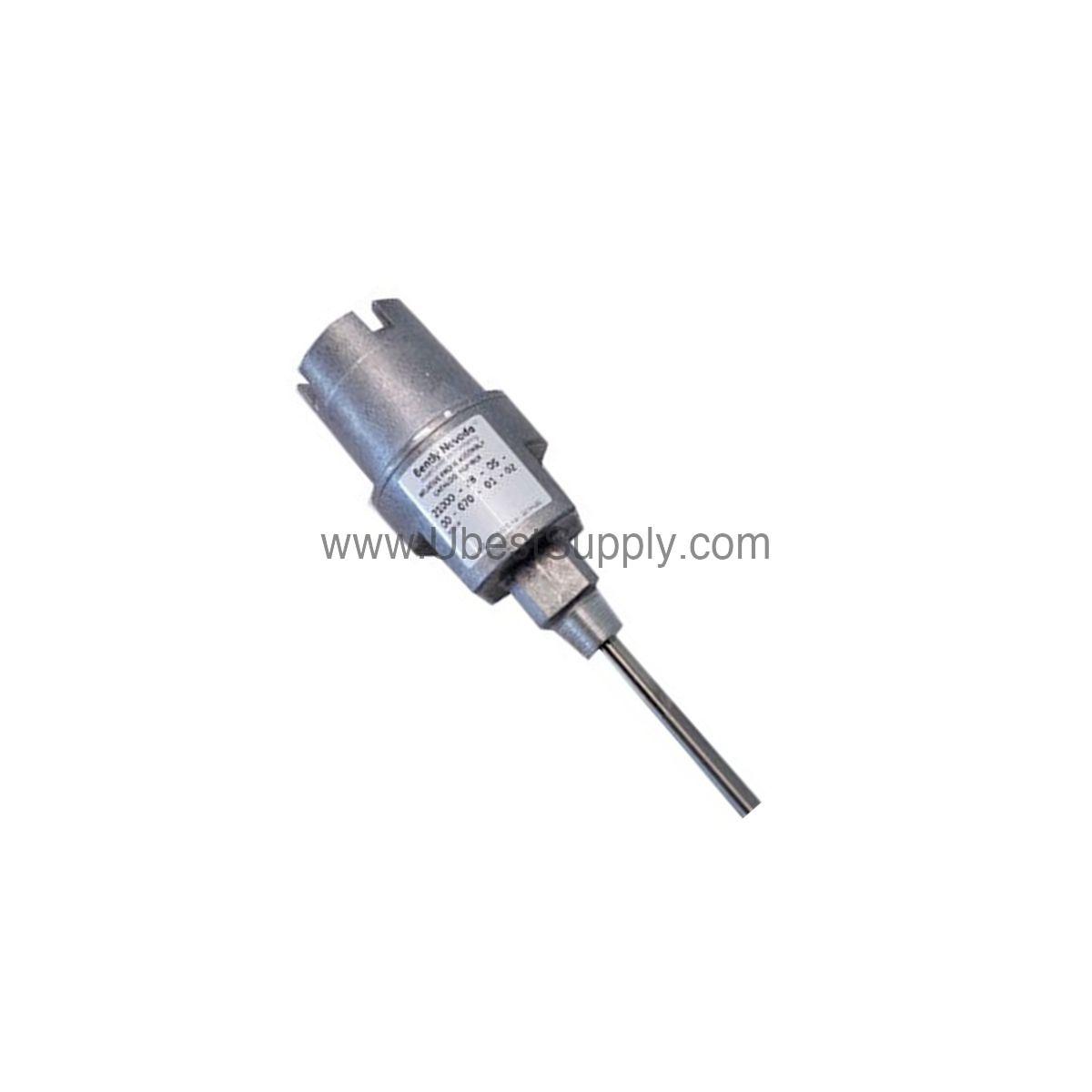
 177230-02-02-05 | Bently Nevada Seismic Transmitter 0-50.8 mm/s
177230-02-02-05
The Bently Nevada 177230-02-02-05 seismic transmitter delivers 4-20 mA output for reliable...

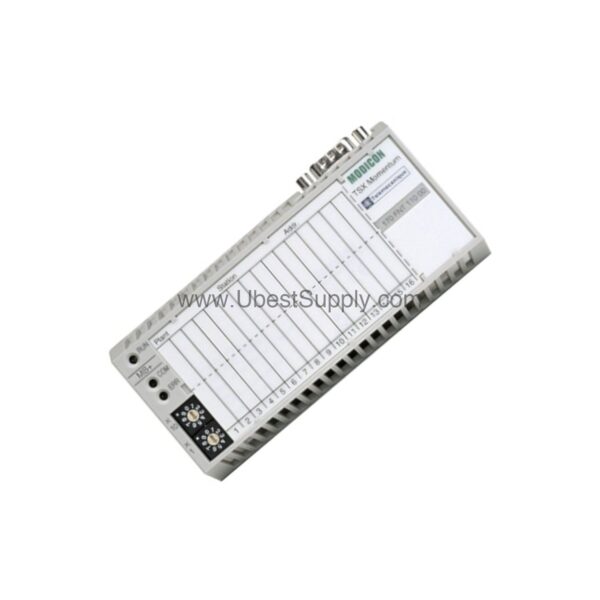
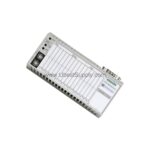
When industrial networks demand reliable communication, the 170FNT11000 from Schneider Electric provides a robust Fipio adapter solution. As part of the Modicon Momentum series, this adapter ensures seamless data exchange in open industrial environments. With a data transmission rate of 1 Mbps, it handles critical process data efficiently.
Engineers appreciate the straightforward design that integrates directly with the I/O base, simplifying installation and reducing potential failure points. The adapter's compact form factor and lightweight construction make it an ideal choice for space-constrained control panels.
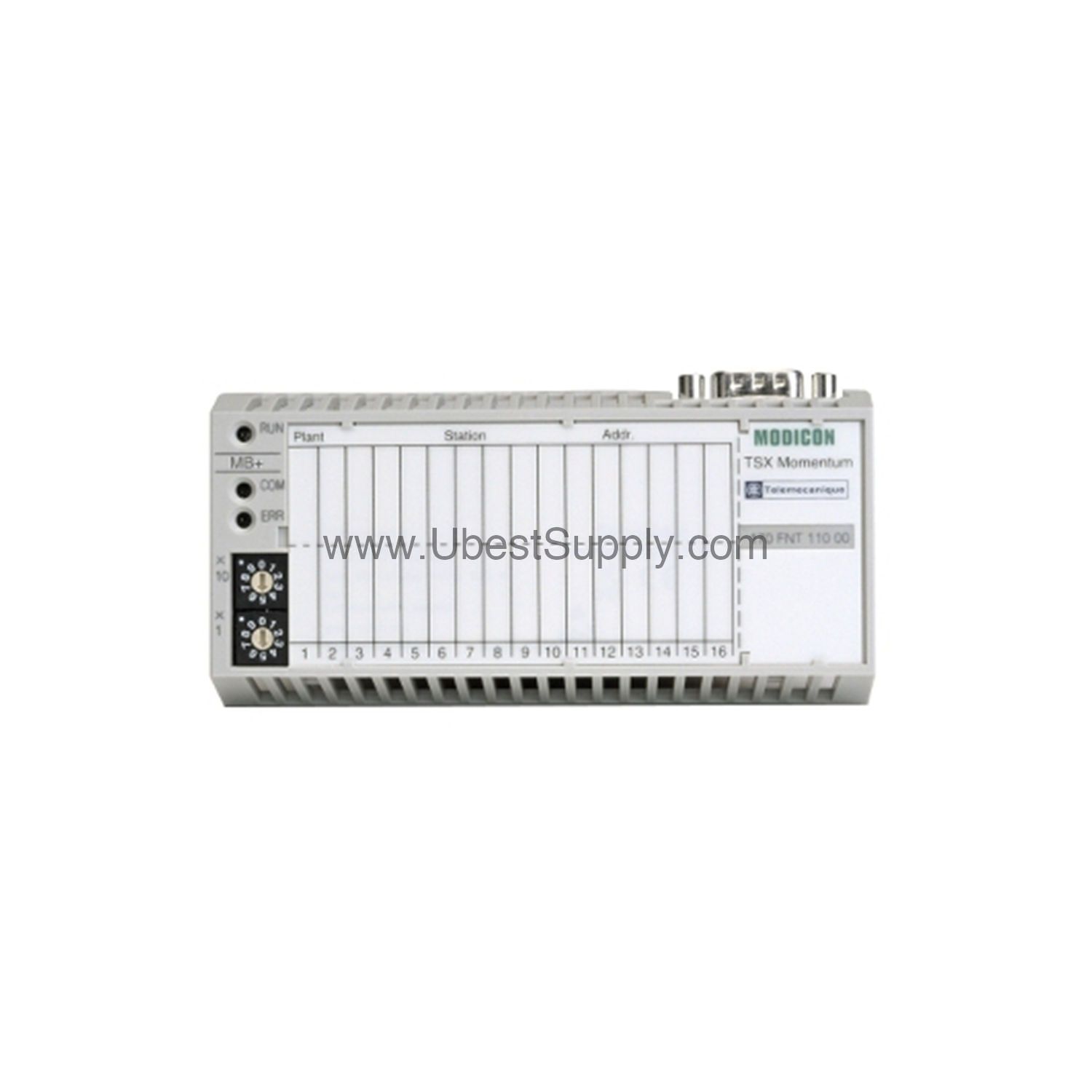
One distinctive feature is the support for two optical fiber types, which allows you to choose the most cost-effective cabling for your installation. This flexibility can significantly reduce material costs without compromising performance.
In manufacturing plants, the 170FNT11000 excels at connecting remote I/O stations to a central controller. For example, a bottling line can use this adapter to link sensors and actuators spread across 2 km, ensuring real-time control. Similarly, in material handling systems, the adapter's ability to handle 31 devices per segment simplifies network architecture. Furthermore, its open industrial structure makes it suitable for both new installations and retrofits.
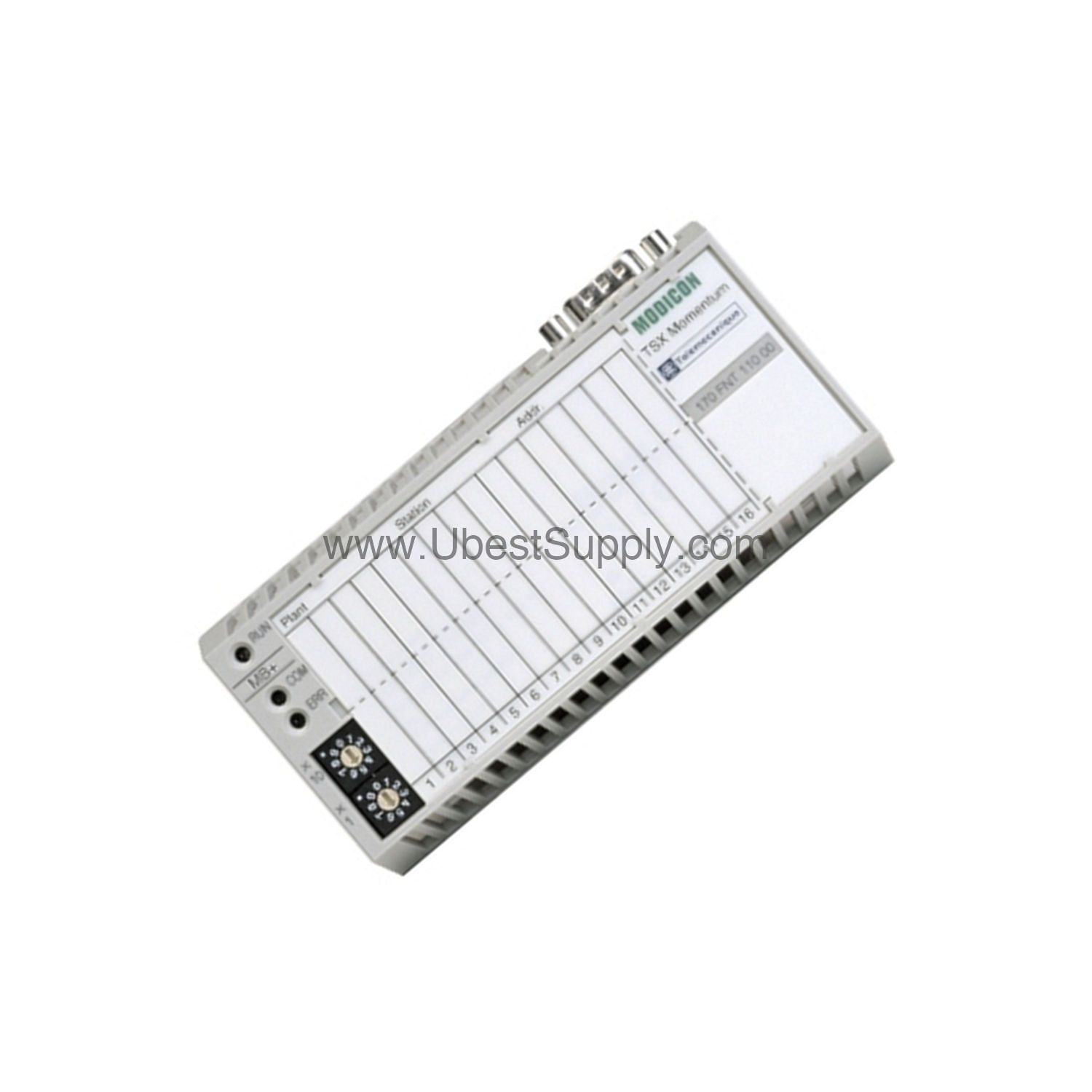
To install the 170FNT11000, first ensure the I/O base is powered down. Then, mount the adapter onto the base, aligning the Male Sub-D 9 connector properly. After securing the adapter, connect the Fipio cable to the Sub-D connector, and if using fiber optics, attach the appropriate 62.5/125 or 50/125 fiber. Finally, power up the system and verify communication status via the module's indicators.
For optimal performance, keep the cable length within the 5 km limit and avoid running cables near high-voltage lines. Also, ensure the ambient temperature stays within the 0 to 60 °C range to prevent overheating.
Regular inspection of the 170FNT11000 is essential for long-term reliability. Periodically check the Sub-D connector for tightness and signs of corrosion. Also, verify that the fiber optic connections are clean and free from dust. Since the adapter draws power from the I/O base, ensure the base's power supply is stable and within specifications. Following these simple steps can prevent unexpected downtime and extend the service life of the adapter.
The 170FNT11000 is designed for the Modicon Momentum series, integrating seamlessly with Momentum I/O bases. It uses the Fipio protocol, which is widely deployed in industrial automation. For systems that already use Fipio, this adapter is a drop-in solution. If you are planning a new installation, verify that your controller supports Fipio or use a gateway for integration.
If communication errors occur, first check the physical connections. Ensure the Sub-D connector is firmly seated and the fiber optic cables are properly terminated. Next, verify that the number of devices per segment does not exceed 31 without a repeater. If you have more devices, add a repeater to maintain signal integrity. Also, confirm that the total cable length is within the 5 km limit. Finally, review the ambient temperature; if it exceeds 60 °C, provide additional cooling.
A: You can connect up to 31 devices per segment without a repeater. With a repeater, the maximum is 61 devices.
A: Yes, the 170FNT11000 supports 62.5/125 and 50/125 optical fibers, allowing flexible cabling options.
A: The maximum inter-device cable length is 5 kilometers, which enables distributed installations.
A: The adapter is powered from the I/O base, eliminating the need for an external power supply.
A: It has UL, CE, and CSA approvals, ensuring compliance with major safety standards.
The 170FNT11000 is available from Petro Auto Tech, a trusted industrial automation parts supplier. We stock this adapter and can ship it promptly to minimize your downtime. For technical assistance or to verify compatibility with your system, contact our knowledgeable team.
| Part Number | 170FNT11000 |
| Condition | In Stock |
| Stock Status | In Stock (Ready to Ship) |
| Weight | 0.5 kg |
| Warranty | 12 Month |
Shipping Port: Xiamen
We ship worldwide via DHL, FedEx, UPS, TNT, and EMS. In-stock items are dispatched within 24 hours of payment confirmation. Tracking number will be provided after shipment.
Secure payment processing. Contact us for corporate account and bulk order pricing.
All products come with a 1-year warranty against manufacturing defects. We guarantee 100% new and original products sourced directly from authorized manufacturers.
In Stock  In Stock
  In Stock
  In Stock
  In Stock
  In Stock
  In Stock
  In Stock
 Stay informed with the latest industry insights, product announcements, and technical articles.