 In Stock
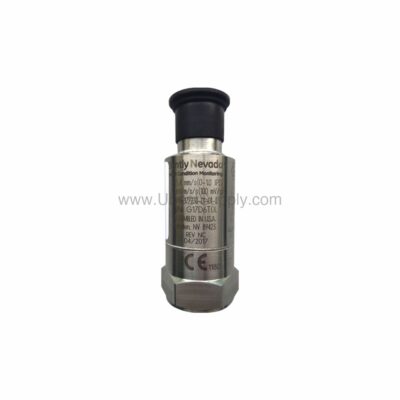
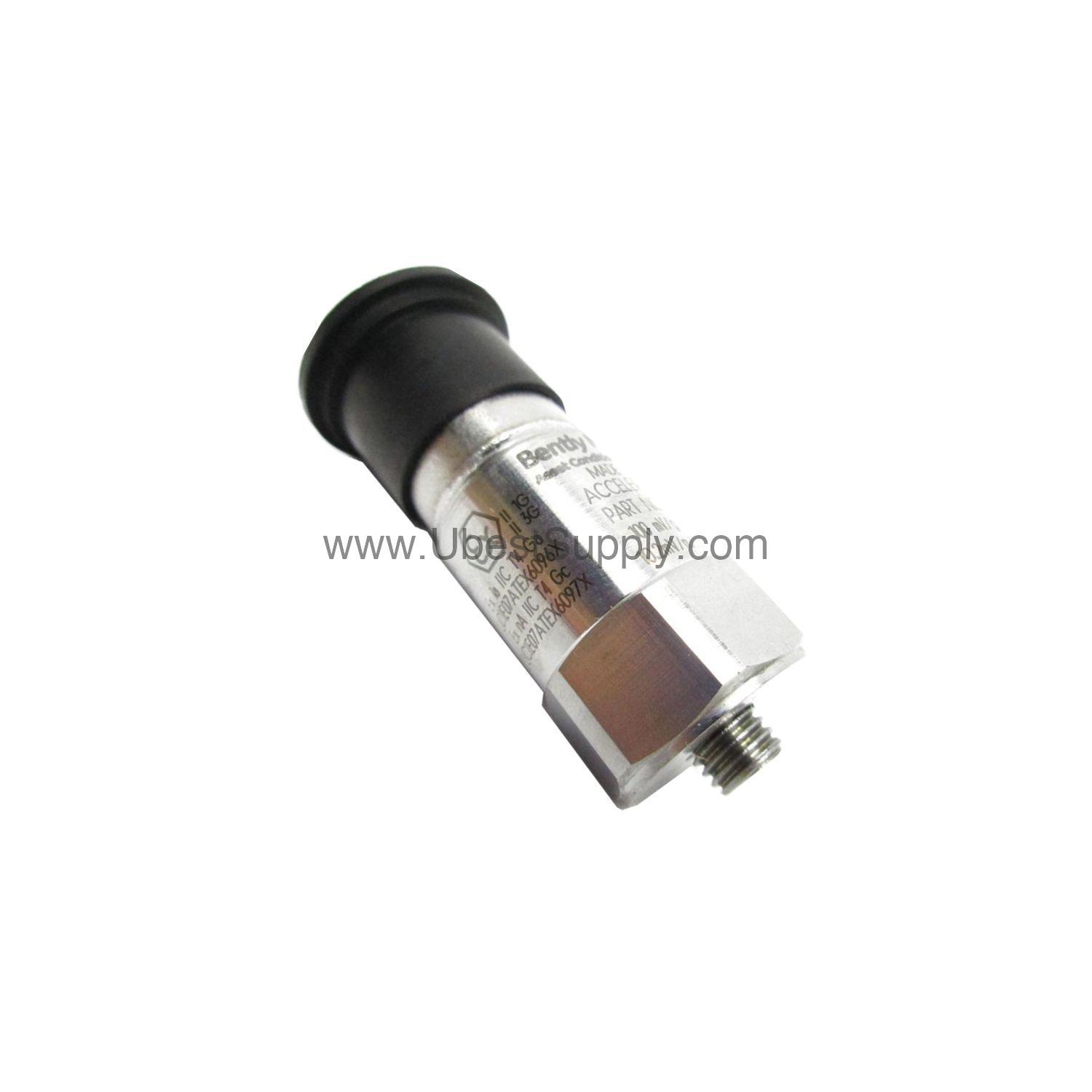
 177230-01-02-05 | Bently Nevada Seismic Transmitter 25.4 mm/s
177230-01-02-05
The Bently Nevada 177230-01-02-05 seismic transmitter delivers a 4-20 mA loop signal...

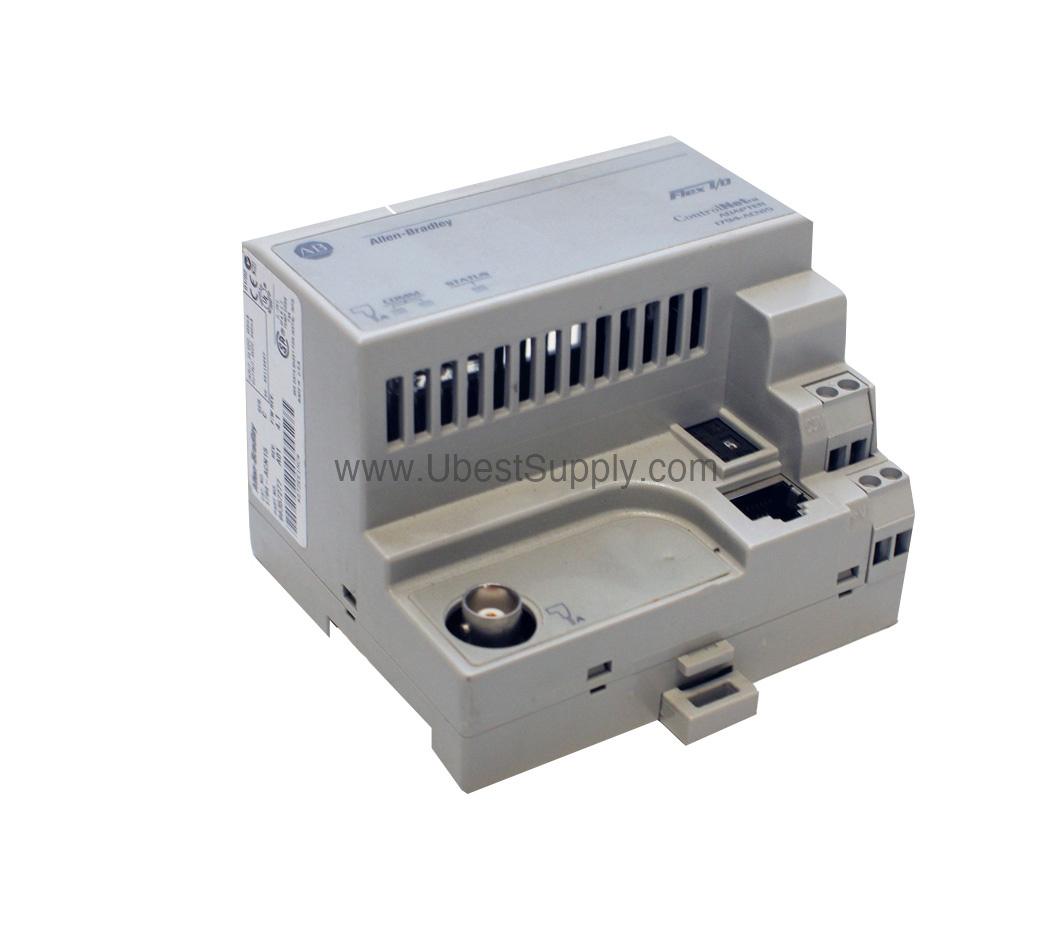
The 1794-APB is a PROFIBUS adapter module from the Allen-Bradley Flex I/O system. It acts as a communication bridge between Flex I/O modules and PROFIBUS DP master devices like PLCs. This module enables distributed I/O architectures with high-speed data exchange.
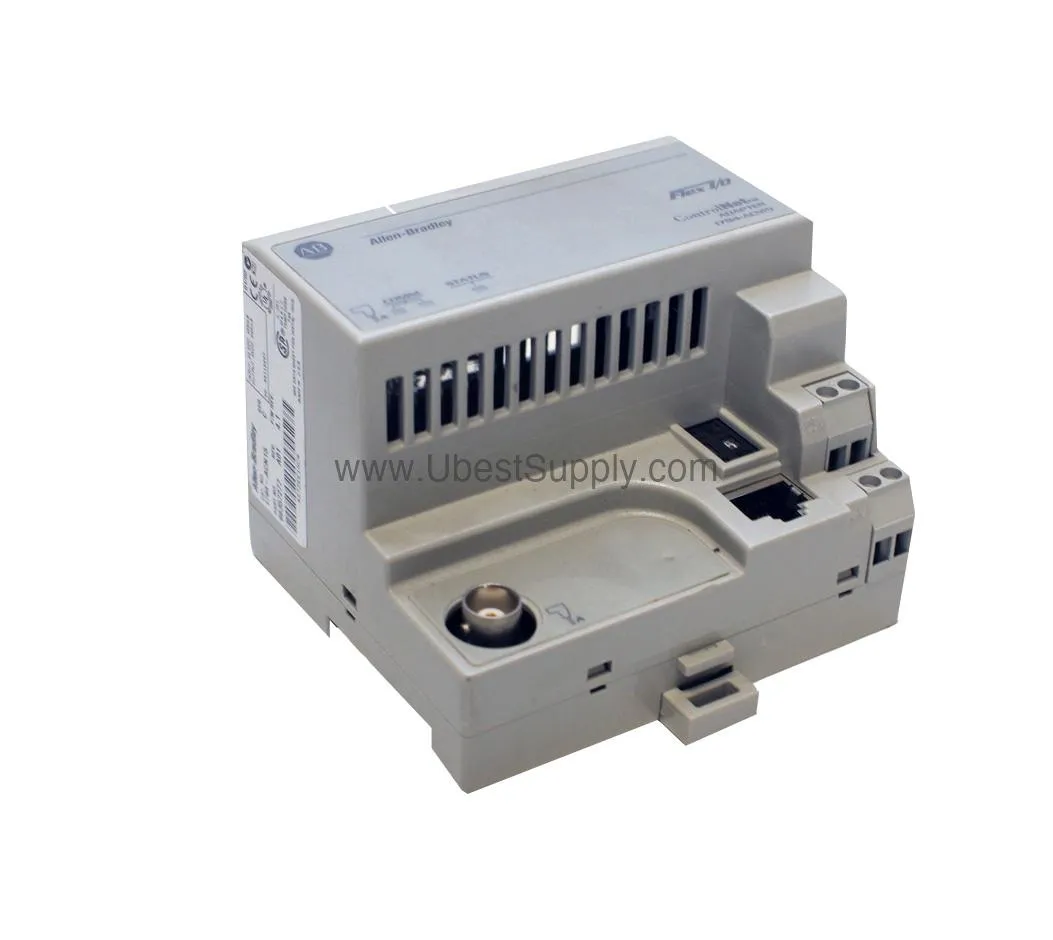
The 1794-APB operates at a nominal input voltage of 24 VDC with an input voltage range of 19.2-31.2 VDC. It supports communication rates up to 12 Mbps via one 9-pin D-shell connector. The module draws a maximum power consumption of 400 mA and has a power dissipation of 7.68 Watts at 19.2 VDC. Thermal dissipation is 26 BTU/hour at 19.2 VDC. It provides a FlexBus output current of 640 mA maximum at 5 Volts DC. The isolation voltage is 850 Volts DC. The module supports up to eight Flex I/O modules and includes two diagnostic LEDs: STATUS and PROFIBUS, both red/green.
Use the 1794-APB in manufacturing plants to connect remote I/O racks to a central PLC via PROFIBUS DP. For example, in a conveyor system, it gathers sensor inputs and controls actuators at high speed. In process control, it links field devices to a DCS or PLC. Install it on a DIN rail or panel using the 1794-NMI kit. Connect a standard PROFIBUS drop cable to the 9-pin D-shell port. Configure the communication rate up to 12 Mbps to match the network.
Mount the 1794-APB on a conductive DIN rail for proper grounding. Avoid poor conductors or corrosion-prone materials. Alternatively, use the panel mounting kit 1794-NMI. Connect the PROFIBUS cable to the 9-pin D-shell connector. The packing list typically includes the adapter module and documentation. Mounting kit sold separately.
Buy the 1794-APB if you need a reliable PROFIBUS adapter for Flex I/O systems. Verify your network speed requirements up to 12 Mbps. Ensure your power supply provides 24 VDC within the 19.2-31.2 VDC range. Petro Auto Tech offers genuine Allen-Bradley parts with fast delivery.
Inspect the 9-pin D-shell connector for damage or corrosion. Clean with isopropyl alcohol if needed. Check the STATUS and PROFIBUS LEDs: green indicates normal operation, red signals a fault. Store the module in a dry environment between -40 and 85 degrees Celsius. Ensure the DIN rail connection is secure and conductive.
A: The input voltage range is 19.2-31.2 VDC, with a nominal voltage of 24 VDC.
A: It supports up to eight Flex I/O modules.
A: It supports all rates up to 12 Mbps.
A: It uses one 9-pin D-shell connector.
A: The STATUS LED shows module status, and the PROFIBUS LED shows network activity. Green indicates normal operation; red indicates a fault.
| Part Number | 1794-APB |
| Condition | In Stock |
| Stock Status | In Stock (Ready to Ship) |
| Weight | 0.5 kg |
| Warranty | 12 Month |
Shipping Port: Xiamen
We ship worldwide via DHL, FedEx, UPS, TNT, and EMS. In-stock items are dispatched within 24 hours of payment confirmation. Tracking number will be provided after shipment.
Secure payment processing. Contact us for corporate account and bulk order pricing.
All products come with a 1-year warranty against manufacturing defects. We guarantee 100% new and original products sourced directly from authorized manufacturers.
In Stock  In Stock
  In Stock
  In Stock
  In Stock
  In Stock
  In Stock
  In Stock
 Stay informed with the latest industry insights, product announcements, and technical articles.