 In Stock
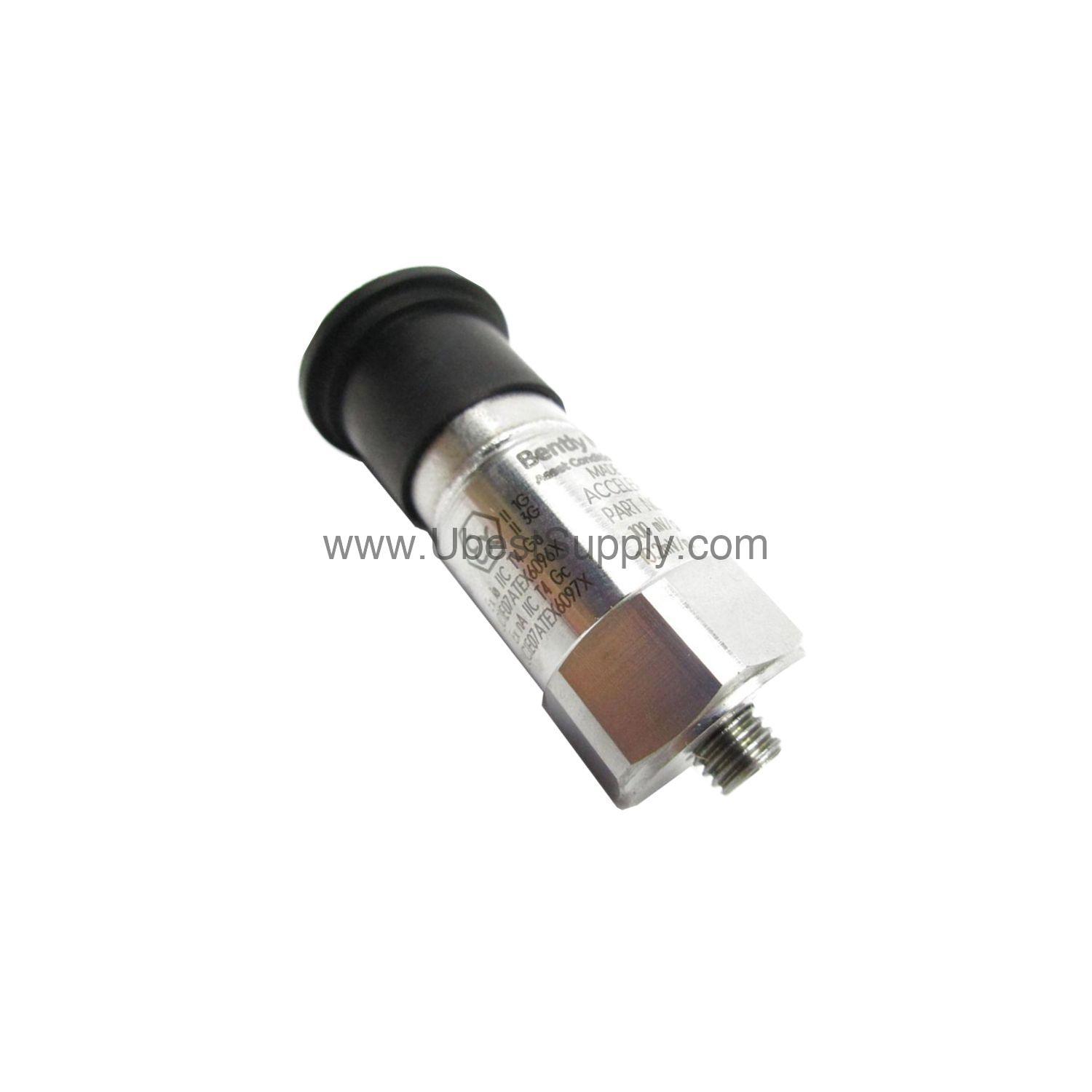
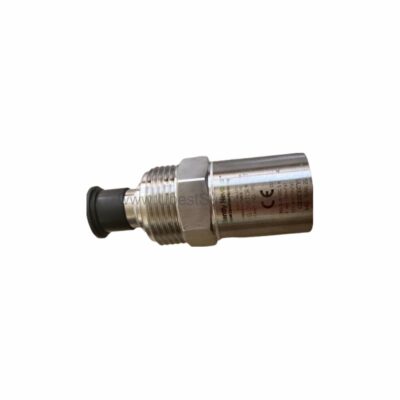
 200350-00-00-01 | Bently Nevada 100 mV/g Accelerometer IP68
200350-00-00-01
The 200350-00-00-01 Bently Nevada accelerometer delivers reliable vibration monitoring with 100 mV/g...

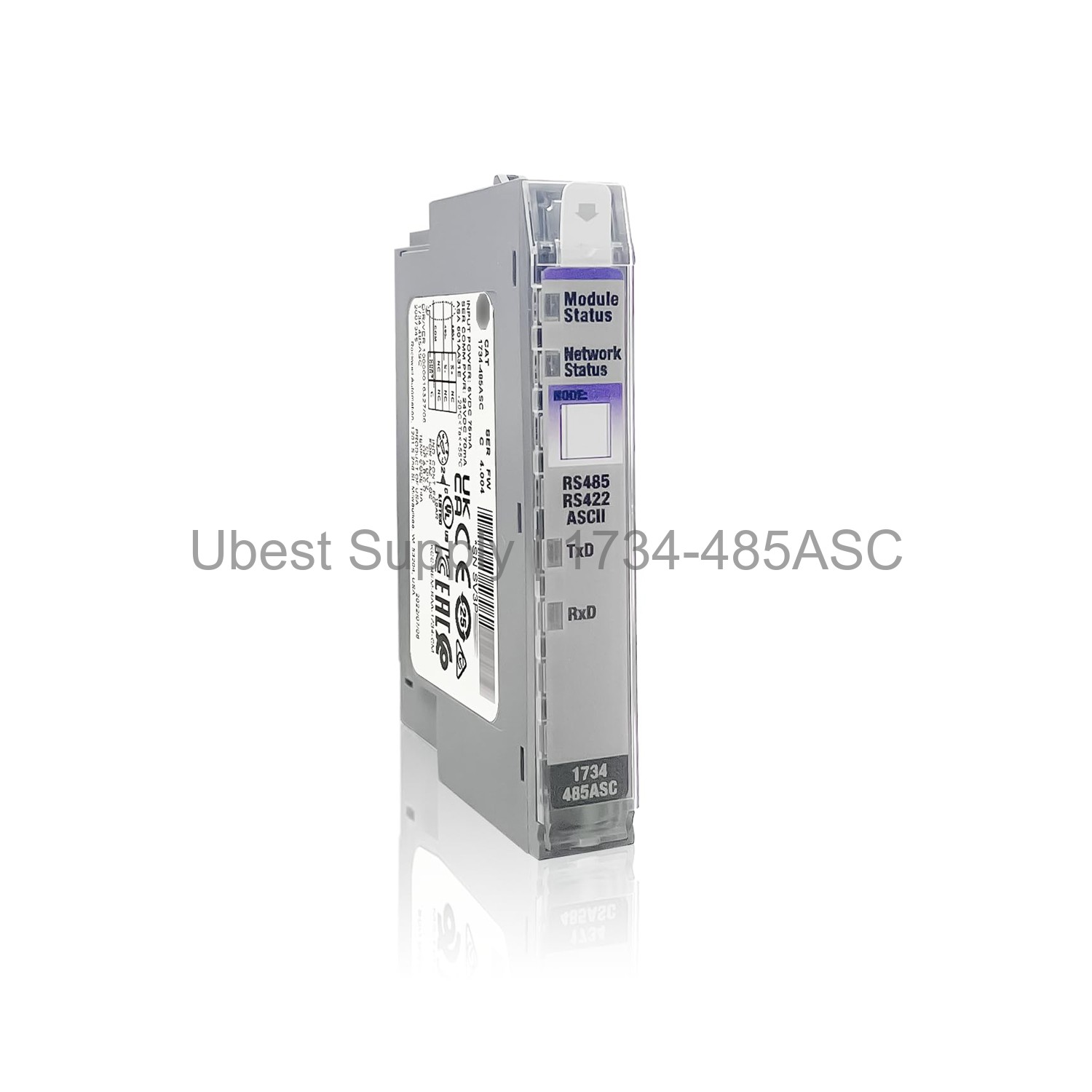
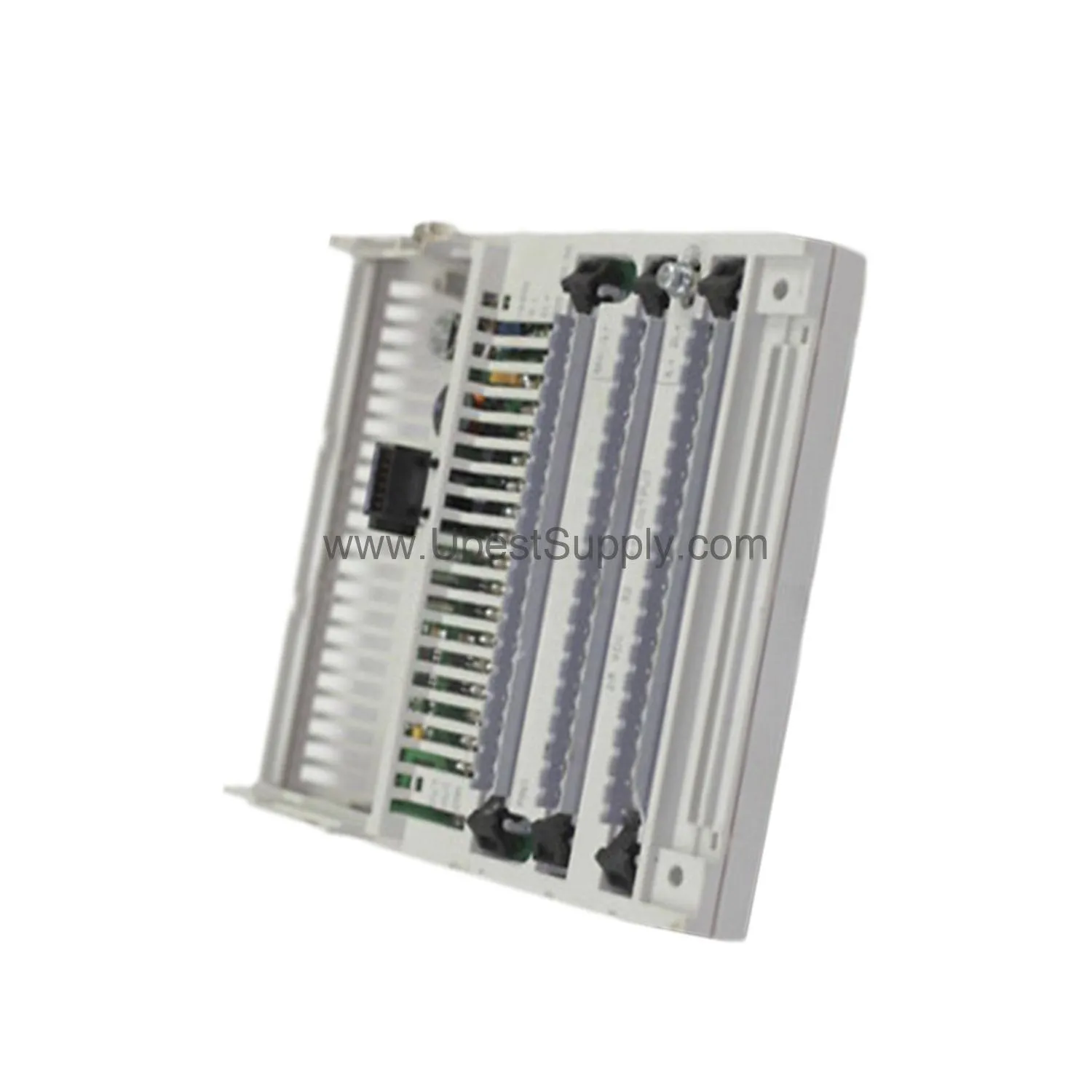
The 1734-485ASC is a serial interface module. It belongs to the POINT I/O series. This module connects to RS-422 or RS-485 networks. It uses shielded cables to reduce electrical noise. Only one side of the shield is grounded. The module does not support chassis ground on the terminal block. The connection is made through the DIN rail. It works with ASCII devices like barcode scanners and printers. The module communicates with a DeviceNet master. It provides reliable data transmission in industrial environments.
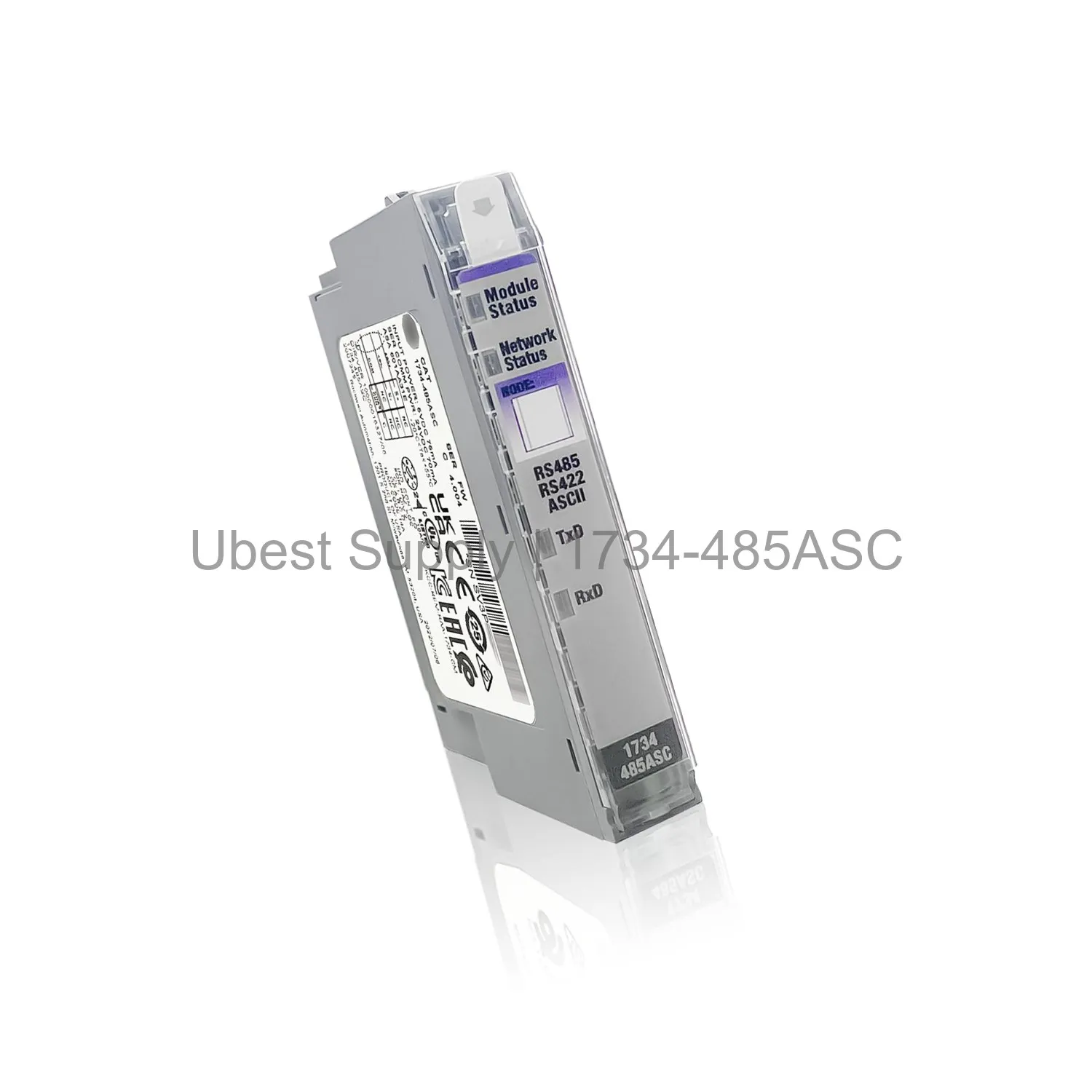
This module is used in factory automation systems. It bridges a DeviceNet master to serial ASCII devices. Typical applications include data collection and printing. It supports RS-232, RS-485, and RS-422 interfaces. The module is ideal for remote monitoring and control. It is common in packaging and material handling lines. The module also works in process control applications. It ensures stable communication in noisy industrial settings.
Manufacturer is Rockwell Automation. Brand is Allen-Bradley. Part number is 1734-485ASC. Series is POINT I/O. Module type is Serial Interface Module. Key switch position is 2. Voltage range is 10 to 28.8 volts DC. Supply voltage is 24 volts DC nominal. Supply current is 15mA at 24 volts DC. The module supports 2-wire RS-485 or 4-wire RS-422 networks. It has a removable terminal block. The buffer size defaults to 20 bytes for transmit and receive. Users can modify the buffer size up to 255 bytes. The module operates with a DeviceNet master. It can send and receive ASCII strings.
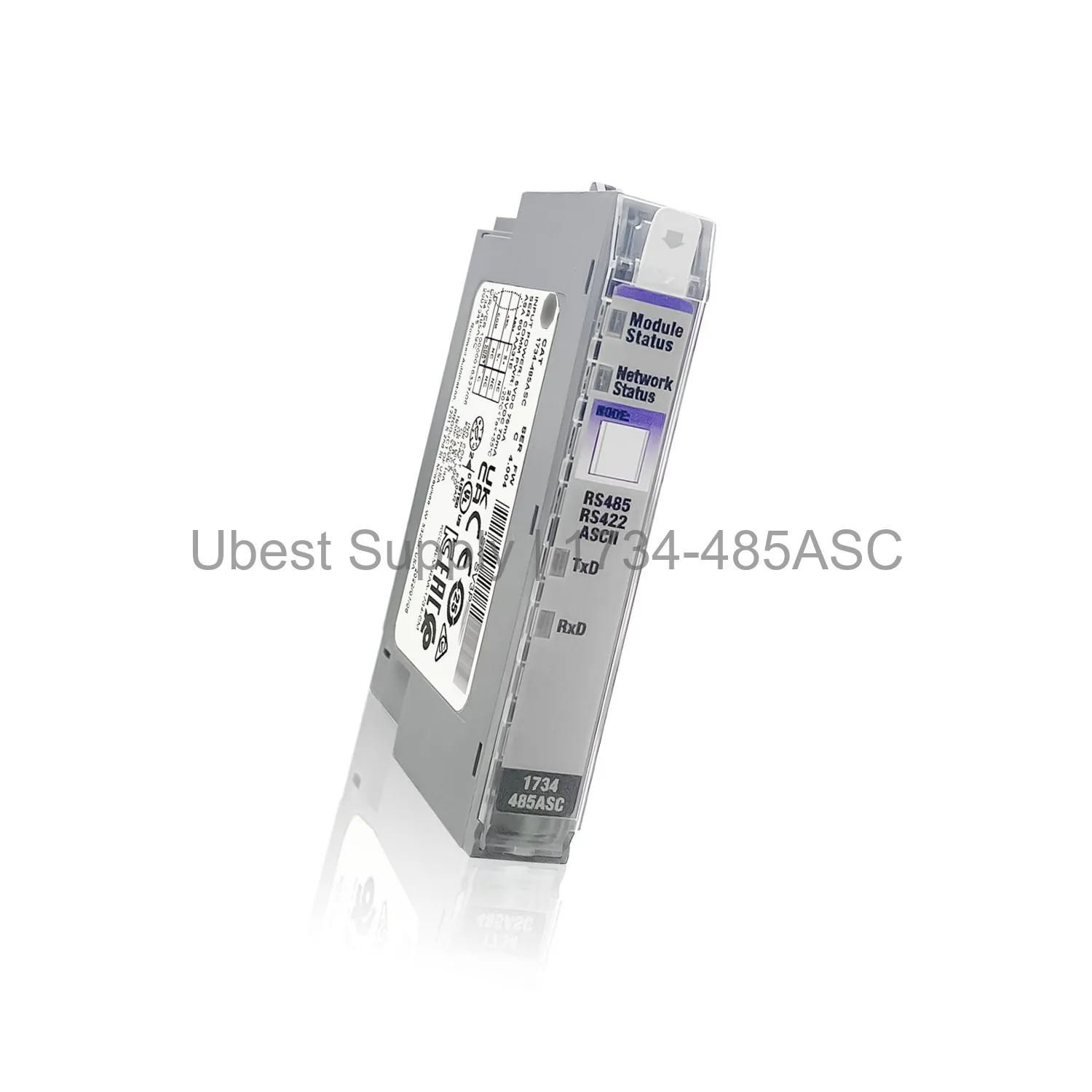
Mount the module on a DIN rail. Connect shielded cables to the terminal block. Ground only one end of the shield. Do not ground both ends to avoid ground loops. Set the power supply to 24 volts DC. Configure the module using the DeviceNet master. Default buffer sizes are 20 bytes. Adjust buffer sizes in the configuration file if needed. Ensure the correct wiring for RS-485 or RS-422. Use the 1734-TB terminal block for connections. Verify the key switch position is set to 2. Test communication after installation. Regular inspection of cables is recommended. Keep the module clean and dry.
The package includes one 1734-485ASC serial interface module. It also includes a user manual. No additional accessories are included. The module is packed in an anti-static bag. Ensure all items are present upon delivery.
| Part Number | 1734-485ASC |
| Condition | In Stock |
| Stock Status | In Stock (Ready to Ship) |
| Warranty | 12 Month |
Shipping Port: Xiamen
We ship worldwide via DHL, FedEx, UPS, TNT, and EMS. In-stock items are dispatched within 24 hours of payment confirmation. Tracking number will be provided after shipment.
Secure payment processing. Contact us for corporate account and bulk order pricing.
All products come with a 1-year warranty against manufacturing defects. We guarantee 100% new and original products sourced directly from authorized manufacturers.
In Stock  In Stock
  In Stock
  In Stock
  In Stock
  In Stock
  In Stock
  In Stock
 Stay informed with the latest industry insights, product announcements, and technical articles.