 In Stock
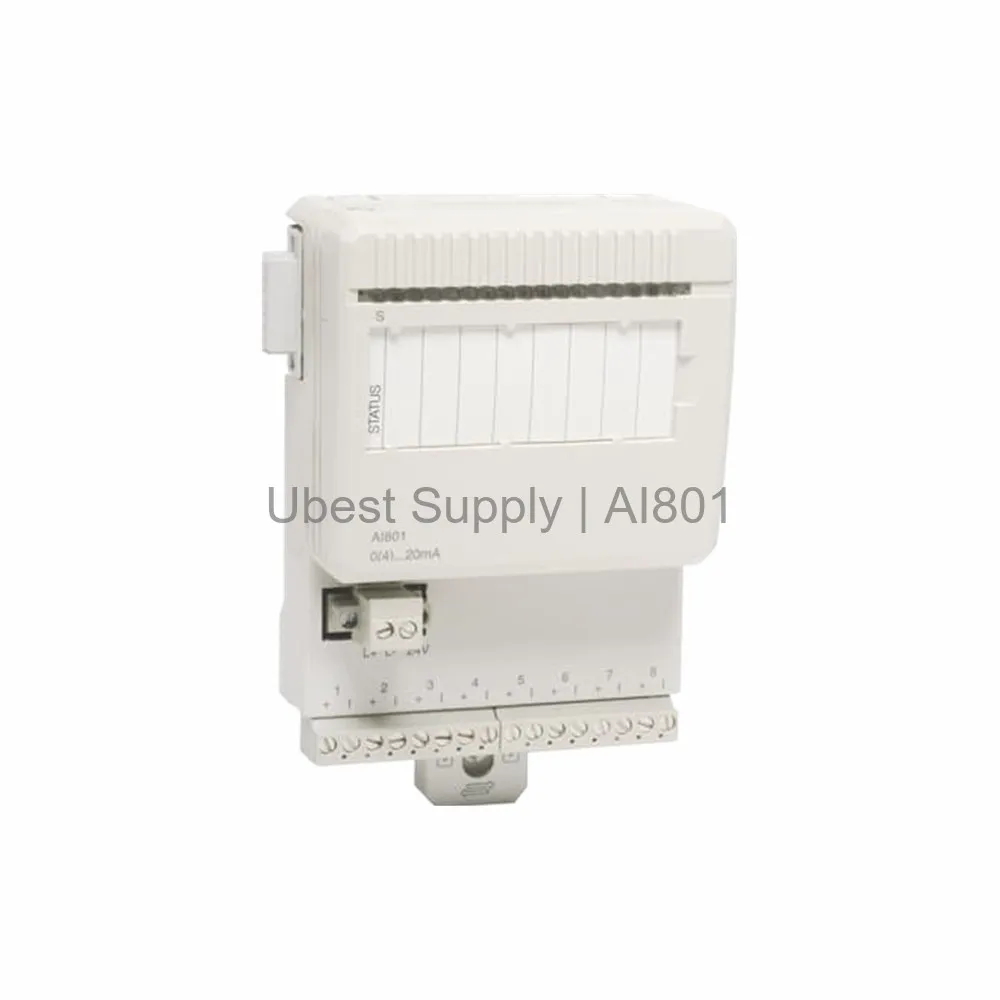
 ABB AI801 Analog Input Module 8-Channel 12 Bit 3BSE020512R1
AI801
The ABB AI801 is an 8-channel analog input module for 0-20 mA...

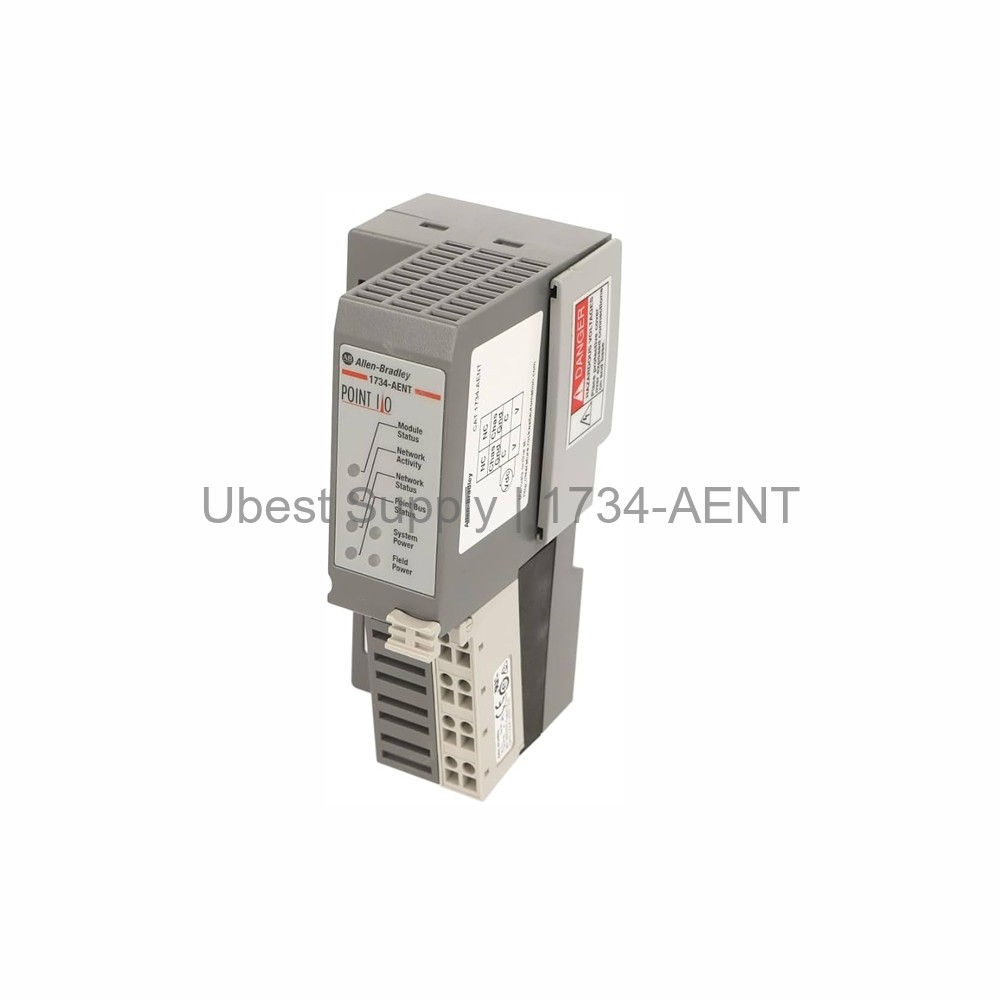
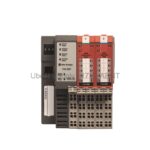
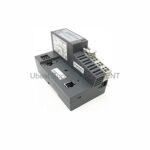
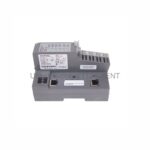
The Allen-Bradley 1734-AENT is a POINT I/O Ethernet/IP communication adapter. It links POINT I/O modules to a master controller. This module sends and receives real-time I/O data. It also transfers diagnostic information. The 1734-AENT has one RJ45 port. It supports 10/100 Mbps speeds. It can use half or full-duplex modes. Auto-negotiation sets the speed automatically. This adapter works with Star and Tree topologies. It uses Category 5 cables. The module runs on 24 VDC power. It has reverse polarity protection. You can mount it on a DIN rail.
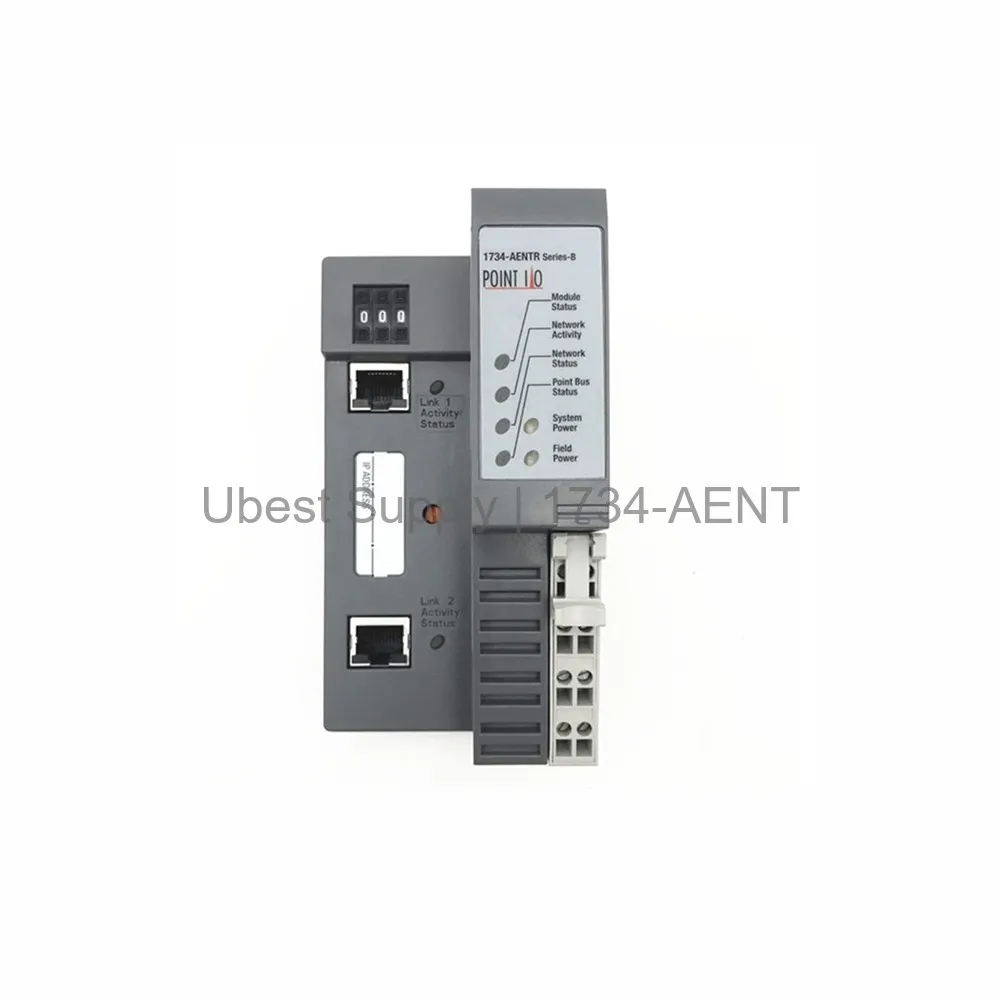
Factory automation systems use this adapter. It works in material handling lines. It fits packaging machines. It suits conveyor control systems. The 1734-AENT connects remote I/O racks. It works in process control plants. It supports machine tool applications. It is ideal for discrete manufacturing. You can use it in building automation. It works with robotic cells.
Manufacturer: Rockwell Automation. Inrush Current: 6 Amps. Module Type: Ethernet Adapter. Number of Ports: 1. I/O Module Capacity: 63 modules. I/O Points Max: 504. Communication Rate: 10/100 Mbits/s, half or full-duplex. Supported Topologies: Star, Tree. Indicators: 3 red/green status LEDs (Module, Network, POINTBus). One green LED for network activity. Two green LEDs for power supply status. Field Side Power: 400 milliamps. Power Consumption: 10.4 W at 28.8 VDC. POINTBus Current: 1000 milliamps. Power Dissipation: 5.2 W at 28.8 VDC. Input Voltage Rating: 24 Volts DC. Dimensions: 30 x 2.16 x 5.25 inches. Enclosure: Open. Ethernet Connector: RJ45, Category 5. Wire Size: 3/64 inches insulation max. Chassis Size: 4. Input Overvoltage Protection: Reverse Polarity Protected.
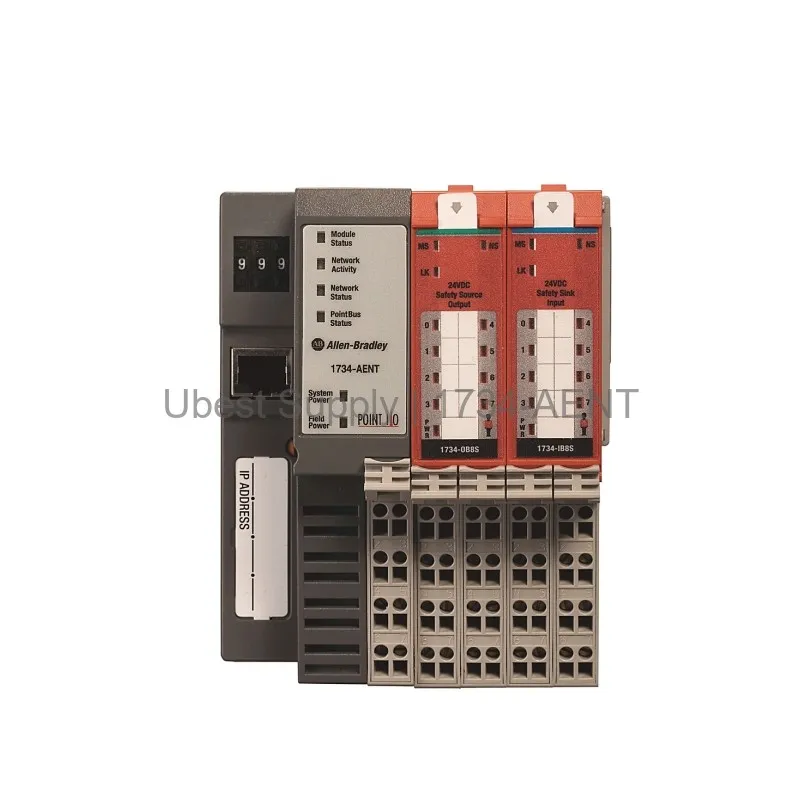
Mount the 1734-AENT on a DIN rail. Connect 24 VDC power to the supply terminals. Use an RJ45 cable with Category 5 wire. Connect to an Ethernet switch or controller. Set the IP address via BootP or DHCP. Do not exceed 63 modules per adapter. Use expansion power supplies for more current. Check LED indicators for status. A green module status LED means normal operation. A red LED indicates a fault. Keep the enclosure open for proper airflow.
One (1) Allen-Bradley 1734-AENT Ethernet/IP adapter. One (1) removable terminal block. One (1) user manual. One (1) RJ45 dust cover.
| Part Number | 1734-AENT |
| Condition | In Stock |
| Stock Status | In Stock (Ready to Ship) |
| Warranty | 12 Month |
Shipping Port: Xiamen
We ship worldwide via DHL, FedEx, UPS, TNT, and EMS. In-stock items are dispatched within 24 hours of payment confirmation. Tracking number will be provided after shipment.
Secure payment processing. Contact us for corporate account and bulk order pricing.
All products come with a 1-year warranty against manufacturing defects. We guarantee 100% new and original products sourced directly from authorized manufacturers.
In Stock  In Stock
  In Stock
  In Stock
  In Stock
  In Stock
  In Stock
  In Stock
 Stay informed with the latest industry insights, product announcements, and technical articles.