 In Stock
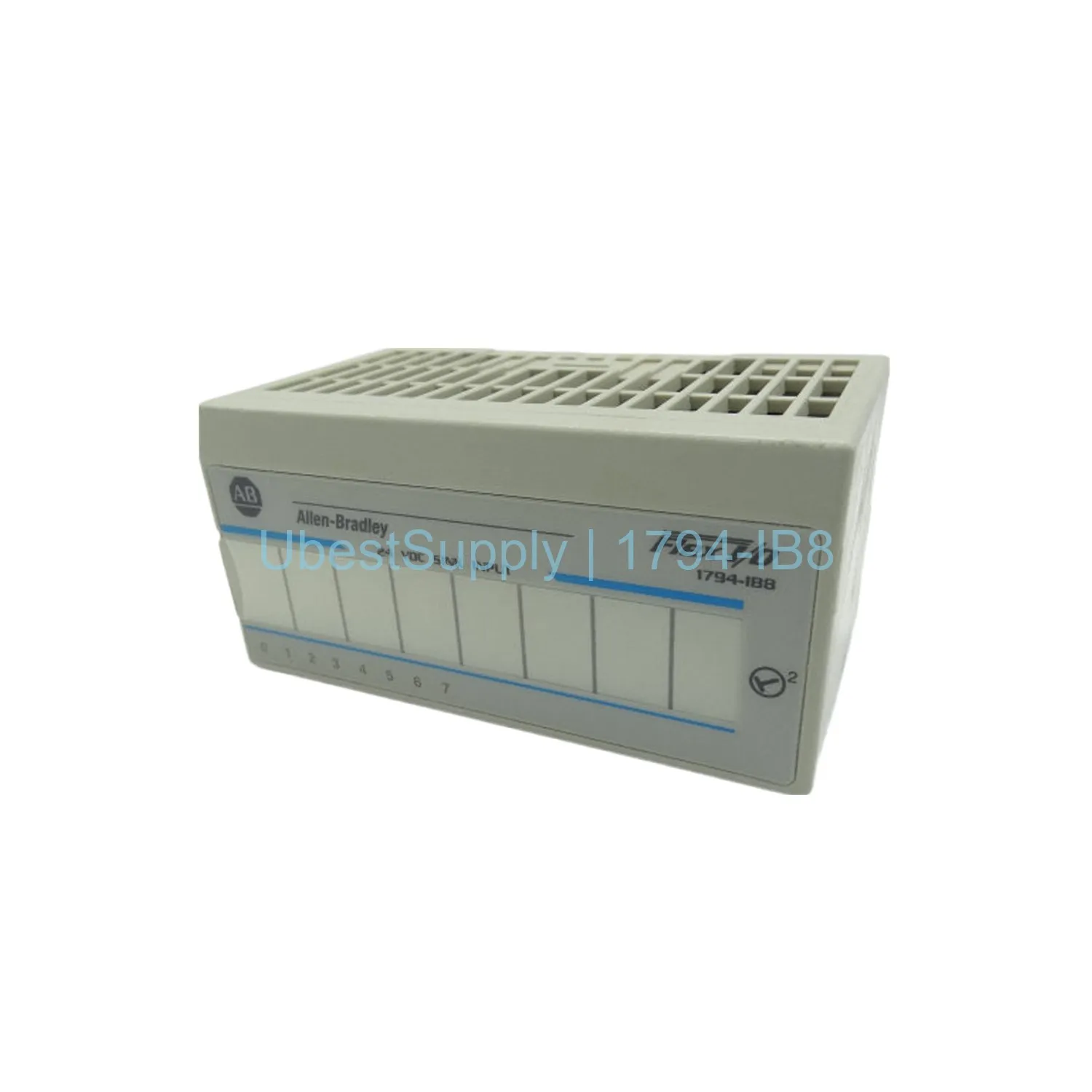
 Allen-Bradley 1794-IB8 Flex I/O Digital Input Module - 8 Sinking Inputs
1794-IB8
The 1794-IB8 is a Flex I/O digital input module with 8 current...

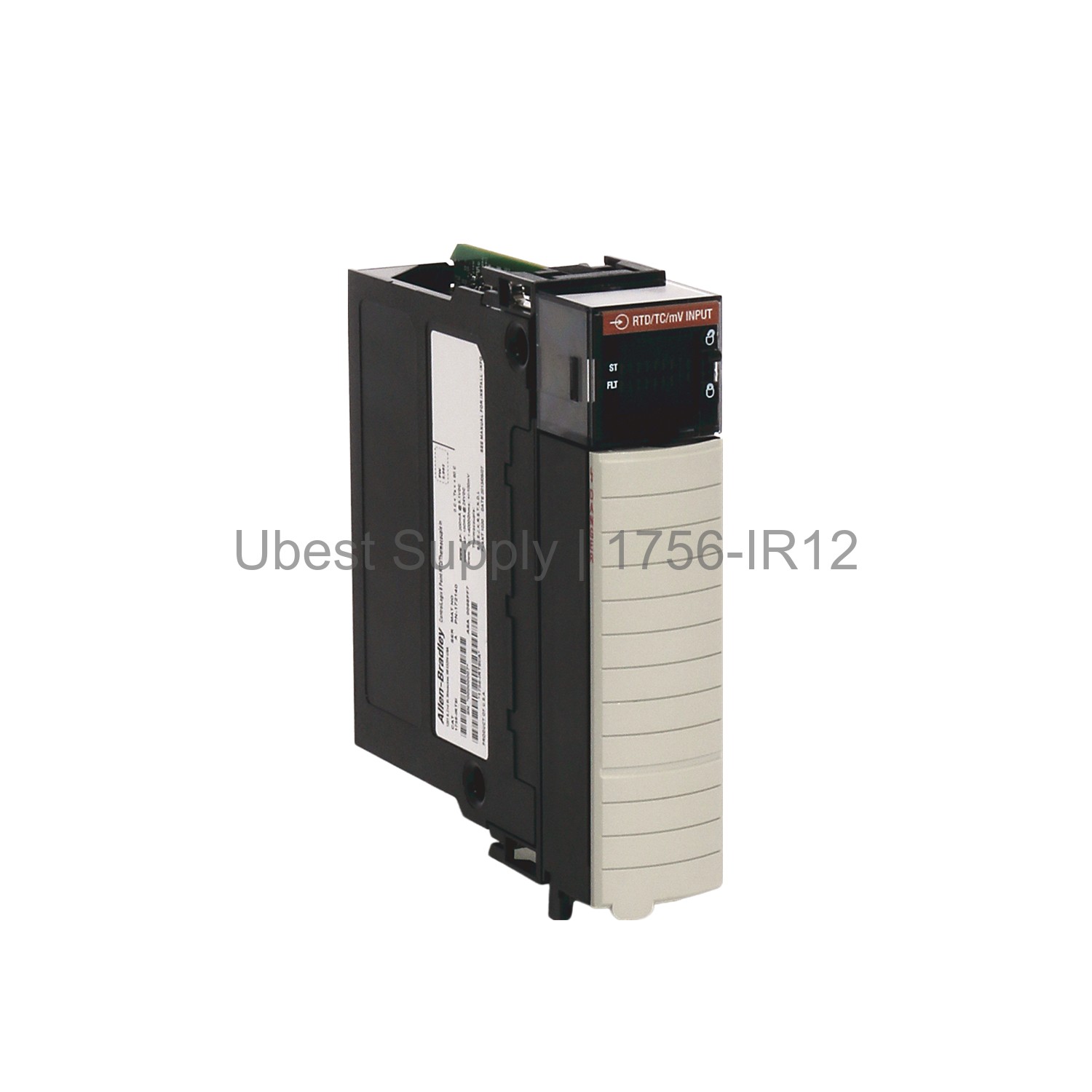
The Allen-Bradley 1756-IR12 is an analog input module. It belongs to the ControlLogix series. This module provides 12 non-isolated channels. It connects 3-wire RTD sensors. The module uses a 24-bit Sigma-Delta converter. This design ensures high accuracy. It supports platinum, nickel, and copper RTD types. Engineers use it for precise temperature measurements. The module fits into a standard ControlLogix chassis. It features software-configurable electronic keying. This prevents incorrect module installation.
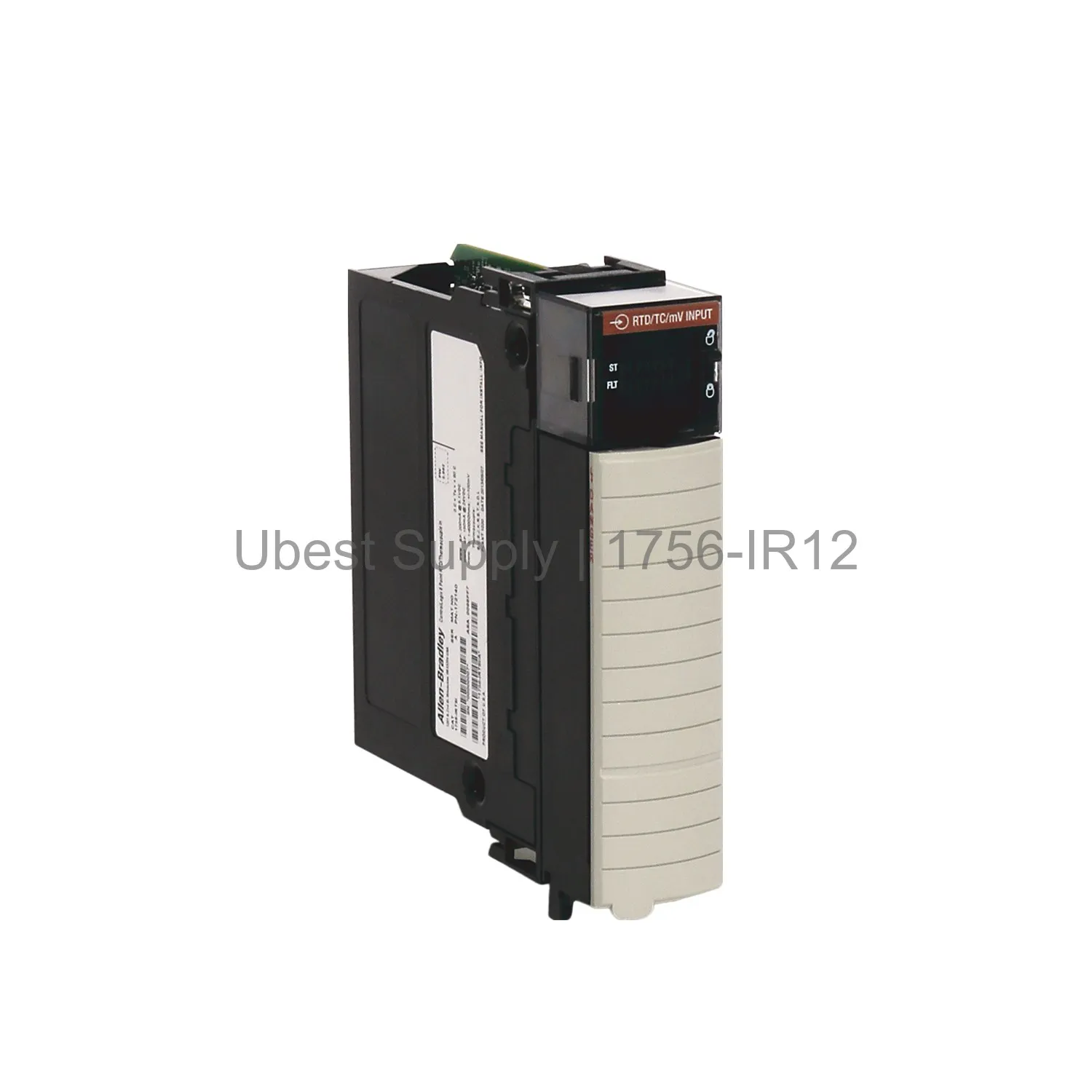
This module works in many industrial settings. Use it for temperature monitoring in process plants. It is ideal for oil and gas applications. The 1756-IR12 also suits power generation facilities. It handles chemical processing environments well. Food and beverage industries use it for quality control. The module monitors heating and cooling systems. It tracks temperatures in storage tanks. Use it for environmental control in buildings.
The module has a 24-bit data resolution. It supports input ranges from 1 to 500 Ohms. It also handles 2 to 1000 Ohms. Other ranges include 4 to 2000 Ohms and 8 to 4000 Ohms. The module draws 200 mA at 5.1 Volts DC for Series A. Series B draws 210 mA. Both series draw 70 mA at 24 Volts DC. The total backplane power is 2.7 W for Series A. Series B uses 2.75 W. Thermal dissipation is 9.2 BTU per hour. The operating temperature range is 0 to 60 degrees Celsius. The module offers overvoltage protection up to 30 Volts DC. It uses IEEE 32-bit floating point data format. The minimum input scan time is 50 ms.
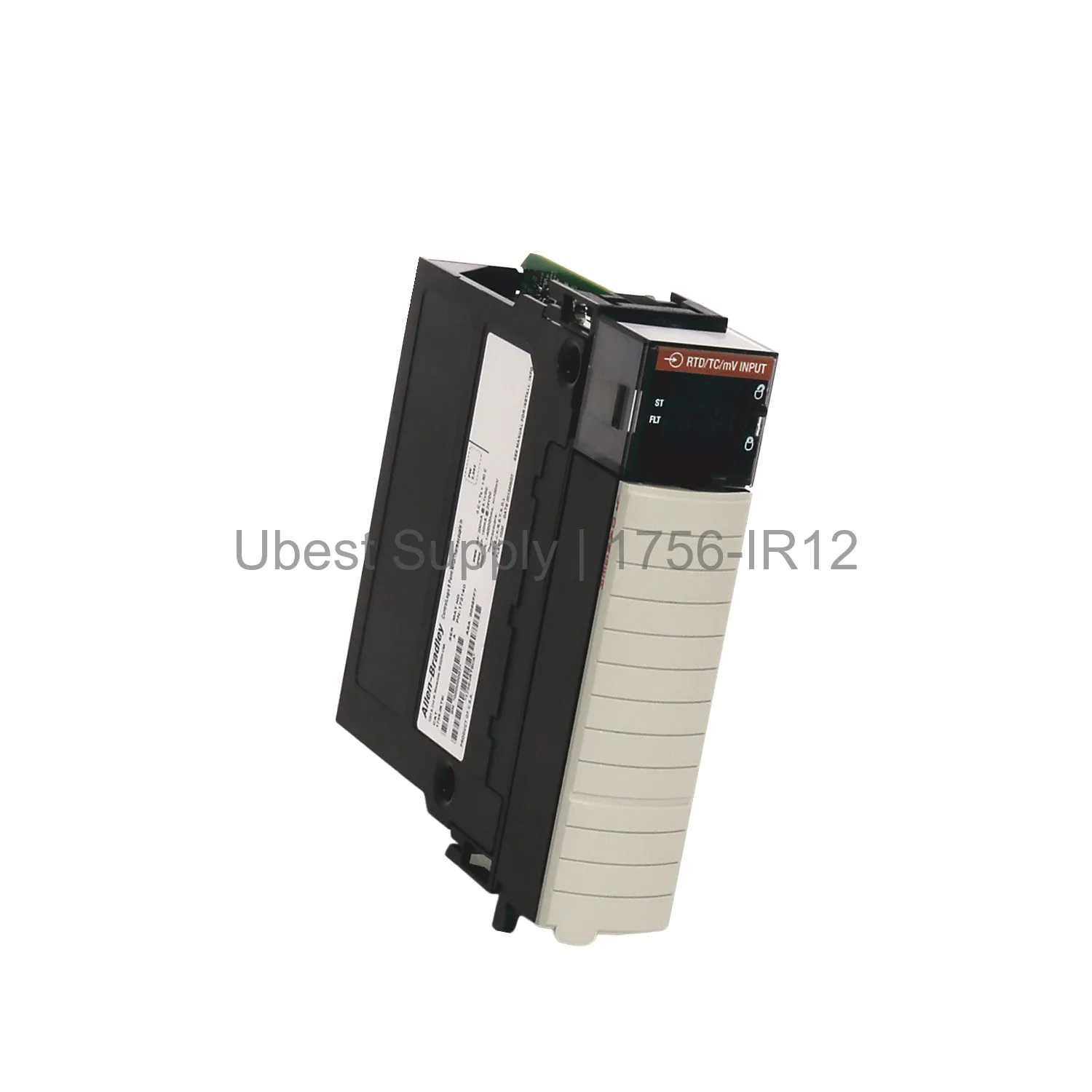
Install the module into an empty chassis slot. Ensure the chassis power is off. Align the module with the guide rails. Push firmly until it locks into place. Connect the 1756-TBCH or 1756-TBS6H terminal block. Wire the RTD sensors to the correct terminals. Use 3-wire connections for best accuracy. Configure the module using RSLogix 5000 software. Set the input range and sensor type. Enable the notch filter if needed. Perform regular inspections for loose connections. Keep the module free from dust and debris. Monitor the status LEDs for faults.
1 x Allen-Bradley 1756-IR12 Analog Input Module
1 x Installation Guide
1 x Product Documentation
| Part Number | 1756-IR12 |
| Condition | In Stock |
| Stock Status | In Stock (Ready to Ship) |
| Weight | 0.45 kg |
| Warranty | 12 Month |
Shipping Port: Xiamen
We ship worldwide via DHL, FedEx, UPS, TNT, and EMS. In-stock items are dispatched within 24 hours of payment confirmation. Tracking number will be provided after shipment.
Secure payment processing. Contact us for corporate account and bulk order pricing.
All products come with a 1-year warranty against manufacturing defects. We guarantee 100% new and original products sourced directly from authorized manufacturers.
In Stock  In Stock
  In Stock
  In Stock
  In Stock
  In Stock
  In Stock
  In Stock
 Stay informed with the latest industry insights, product announcements, and technical articles.